
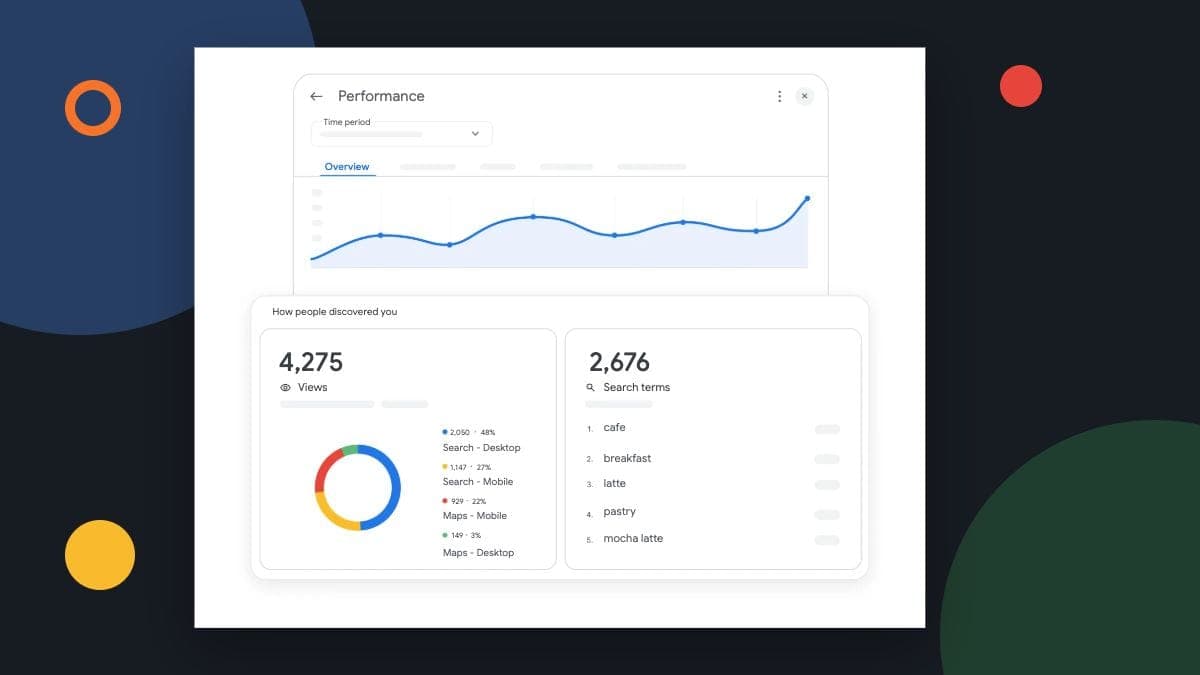
Measure AI search in stages: whether your business appeared, whether someone reached your website or contacted you, and whether that enquiry became useful work. A mention is worth recording, but it is not a lead or a booked job.
For a Canadian local business, the best starting point is a small report you can maintain alongside your existing Google and enquiry records. It should help you choose the next improvement, rather than turn an uncertain answer into a revenue forecast.
Keep the test scope beside the visibility result
An answer to “Who repairs furnaces in Surrey?” tells you what one product showed for that question at that time. Save the question, date, location context and result. Changing several of those at once makes later comparisons harder to interpret.
Our earlier article used a vendor's 1.2% figure to claim that 98.8% of local businesses were invisible. That conclusion was too broad. A result from a particular study is not a Canadian market census or proof of the calls your business has lost.
If you buy a visibility report, ask which questions it tests, which locations it uses and how it counts a mention. Check whether the report distinguishes a named recommendation, a citation to your page and an inaccurate reference to your business.
A vendor sample and your own business record answer different questions. Keep the test scope beside the number.
Use the right source for each stage
| Stage | What to record | What it does not establish |
|---|---|---|
| Observed visibility | Question, product, date, location context and the answer shown | How every customer sees your business |
| Website activity | Landing page and reported session source, where available | A qualified enquiry or a complete history of every referral |
| Confirmed enquiry | A received call or successfully submitted form, with a deduplicated internal record | That the job fits your service or has been booked |
| Qualified or booked work | Service fit, area, outcome and the agreed booking status | That the first recorded channel caused the decision alone |
Give the stages plain definitions. If a report says “lead,” everyone should know whether that means a click, a received form or an enquiry someone has checked. Use the same definition next month.
Check Google visibility in Search Console
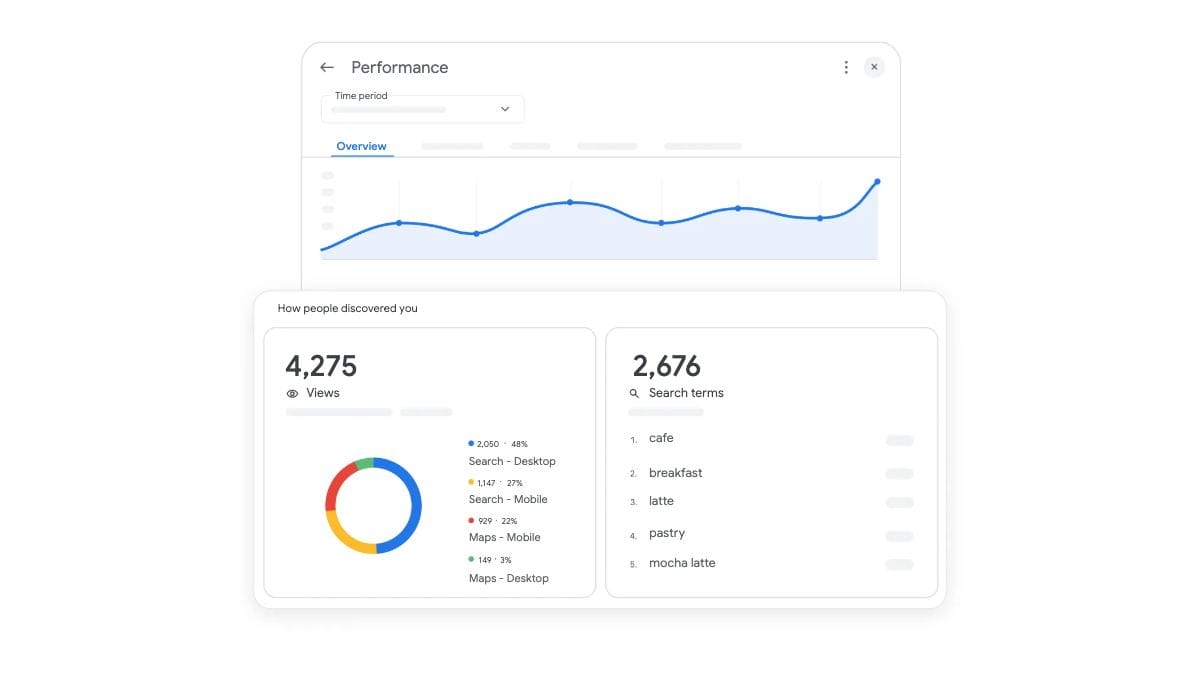
Google now documents a generative AI performance report covering its AI Overviews and AI Mode. It includes dimensions such as page, country and device. Review the Canadian country data and the pages that matter to your services.
This is Google Search data. It does not measure every assistant, a customer's phone conversation or a job booked offline. Keep the report's scope clear when you compare it with your own enquiry records.
Read referral data without filling the gaps with guesses
In GA4, the Traffic acquisition report lets you examine Session source / medium. Review the actual values reported for visits to your service pages. Record the date range and use the same scope when comparing periods.
A visit attributed to an assistant is useful evidence of a website visit. It is not proof that every person who saw your business in an answer clicked through. Likewise, someone may read an answer and call from a different device.
Google explains that direct / none traffic lacks a clear referral source. Do not relabel all of it as AI traffic. Some source information is missing; leaving it unknown is more honest than improving the chart with a guess.
Keep an unknown source separate from a confirmed referral. A cleaner-looking total is not a better explanation.
Verify the enquiry before counting it
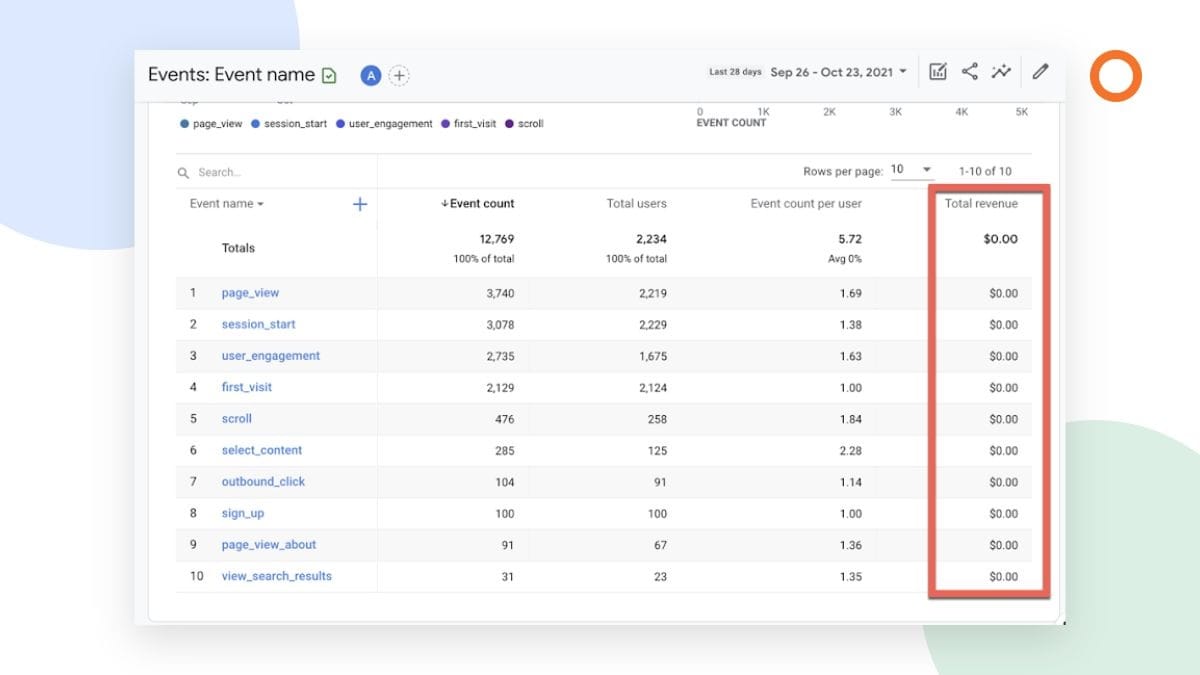
Test your contact route using clearly labelled internal details. A form should show success only after the server accepts it, and the message should actually reach the intended inbox. A button click or a page view does not verify either outcome.
Keep one internal enquiry record when someone refreshes a page or retries. If an integration fails, investigate the delivery record before sending another notification. This prevents duplicate alerts from looking like extra demand.
Then record whether the enquiry fits your service and location, whether you could reach the person and what happened next. A roofer can receive several genuine enquiries that concern work the business does not take on. That is useful information for improving the page and the marketing message.
Check the visible success response and actual receipt together before trusting a form-completion count.
Keep customer details in your authorised business system. Google's Analytics privacy guidance prohibits sending personally identifiable information such as email addresses or personal phone numbers. Event names, page URLs and campaign parameters need the same care.
Review what changed and choose one action
A short monthly review can cover the questions you checked, any wrong business details found, reported visits from identifiable sources, confirmed enquiries and booked outcomes. Keep the underlying records available so a surprising number can be investigated.
Suppose a hypothetical heat-pump business receives an enquiry that mentions an old service page. The practical action is to check that page and clarify the systems the business repairs. It is too early to declare an entire channel successful or unsuccessful from that one enquiry.
If people reach a useful service page but struggle to contact you, fix that route. If answers show the wrong hours, correct the public information you control. If the evidence is simply thin, keep collecting it without promising a three-month improvement deadline.
Keep the observed result, verified source and correction together so the next review can check what changed.
Frequently asked questions
Can we measure every lead that starts with an AI answer?
No. Referral information can be missing, and customers move between devices and channels. Combine the evidence you have with an optional “How did you hear about us?” question, while keeping unknown sources visible.
Should we stop monitoring Google Maps?
No. Maintain the channels that help customers find and contact you. AI-answer checks add another view; they do not make your profile, website or existing enquiry records irrelevant.
Does a 90+ website audit score mean we will be recommended?
No. A technical audit can identify page problems. It does not certify the usefulness of the writing, guarantee indexing or establish that an AI product will recommend your business.
Make the report useful for the next decision
Start with a clear definition of a confirmed enquiry and one tested contact route. Add visibility observations and referral data around that foundation. The result should help you decide what to fix, what to keep and what still needs evidence.
Learn more about Google Business Profile management if you want help keeping your profile information and customer-facing activity organised. Tell us which services you offer and where customers are getting stuck.