
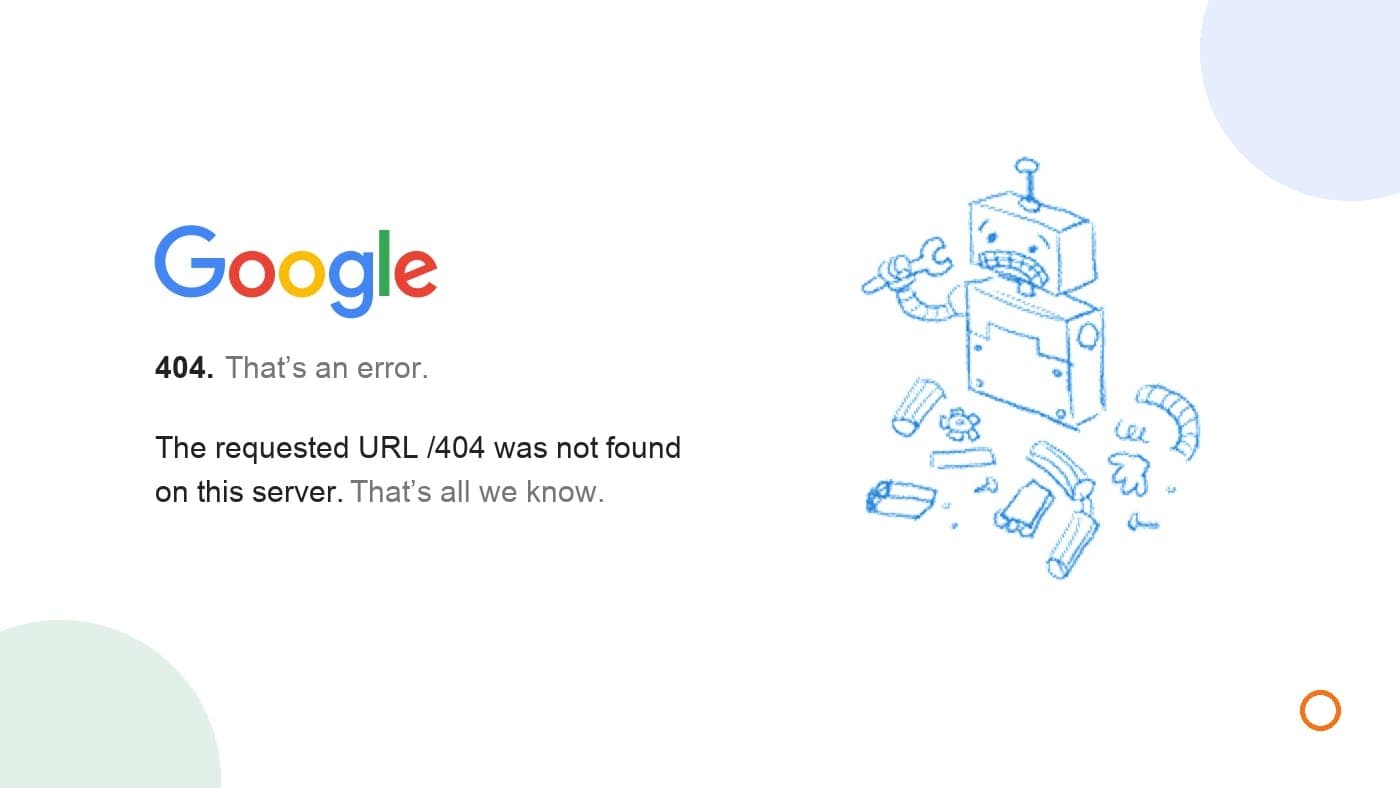
A missing service page needs one of three decisions. Restore it if it disappeared by mistake. Use a permanent 301 or 308 redirect if the service has moved to a genuine replacement page. Keep a 404 or 410 response if you've stopped offering the service and there isn't an equivalent page.
Choose the destination around the service the customer expected to find. A homepage redirect can make someone search for it again.
For a Canadian plumbing, electrical or other local business, we'd start with the pages people still use to enquire. A broken link in a current ad deserves attention before an old URL for work you no longer offer.
Start with the page customers still need
Search Engine Roundtable's October 28 coverage of Google's 404 explanation is a useful reason to review missing pages without treating every entry as an emergency. It explains established behaviour, rather than announcing a new ranking rule.
A 404 is the server saying it couldn't find the requested page. Google doesn't index pages returning 404 or 410, and previously indexed URLs returning those responses are removed over time.
That can be exactly what you intended. Google's 404 guidance says a deleted page with no replacement can correctly return 404. The useful distinction is whether the URL should still serve a purpose.
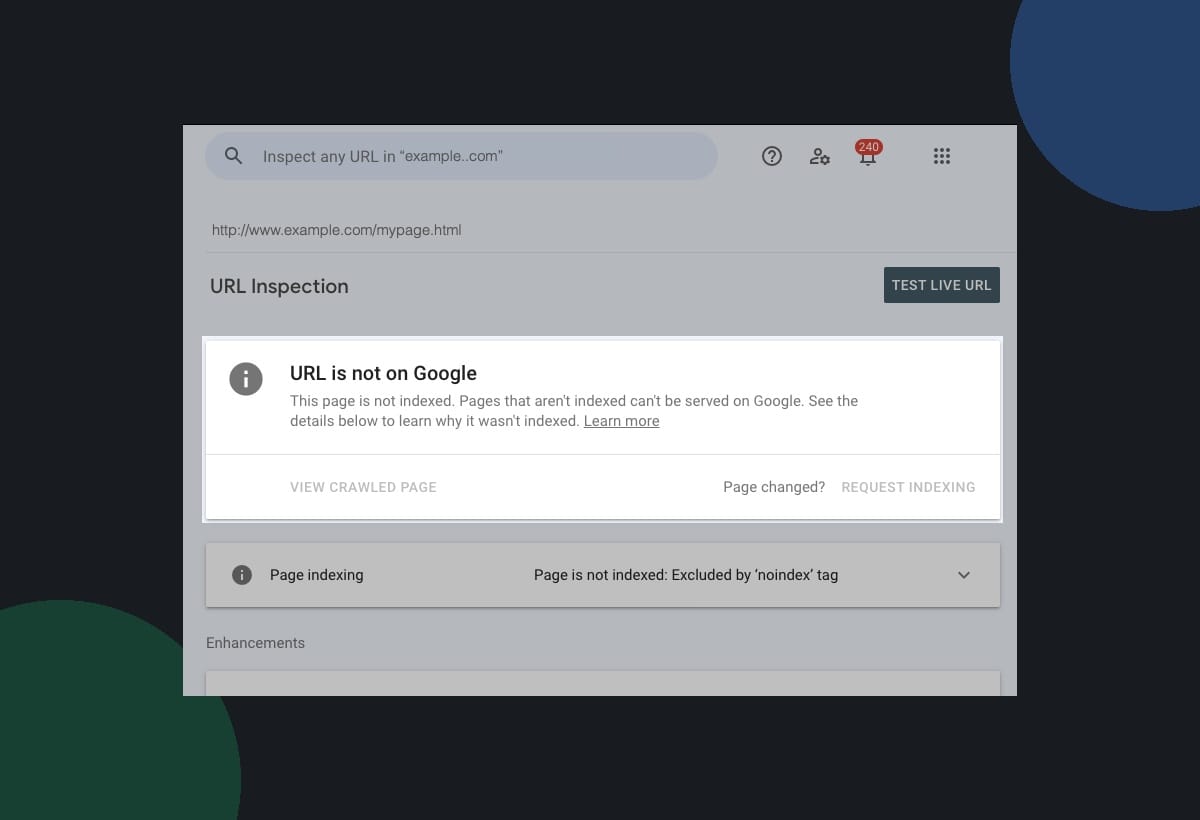
If Search Console has flagged a URL, check the address and reason. Its Page indexing report groups issues; URL Inspection provides information about a specific page. "Not indexed" can have several causes. It doesn't automatically mean the page is missing.
Choose between restoring, redirecting and retiring
Use this decision table before asking someone to add redirects.
| What happened? | Recommended action | Check before approving it |
|---|---|---|
| A useful page disappeared accidentally | Restore the intended page at its existing URL | The service is still offered and the enquiry route works |
| A service moved to a new URL | Permanently redirect the old URL to the matching page | The new page answers the same customer need |
| Several overlapping pages became one useful page | Redirect each relevant old URL to that consolidated page | The combined page actually covers the old information |
| A service ended with no equivalent replacement | Return 404 or 410 and remove current links to it | You aren't still advertising or promising that service |
| A random address never belonged to the site | Usually leave 404 in place | It isn't a recurring typo in a link customers use |
For example, imagine an electrician renames an existing EV-charger installation page. The same service still exists. A permanent redirect to its new address makes sense.
Now imagine a plumber stops offering bathroom renovations. Redirecting that old page to emergency drain repairs doesn't resolve the original request. Retiring the page may be the more accurate choice. These are hypothetical examples, not client results.
Google recommends permanent server-side redirects when a page has permanently moved. Both 301 and 308 can serve that purpose. Your web person should use the appropriate implementation for your platform.
Why a homepage redirect can be the wrong fix
Ask whether the destination would satisfy someone who clicked the old link. A useful replacement should explain the relevant service, where it's available and how to enquire.
Google's site-move guidance warns against redirecting many old URLs to one irrelevant page, including the homepage. That can confuse visitors and may be treated as a soft 404. A genuine consolidation into a relevant page is a different case.
A soft 404 can also occur when the page displays an error or empty content but the server returns a success response. Changing the visible message alone doesn't establish the correct HTTP response.
You can make a real 404 page helpful with navigation and a contact route while keeping its 404 status. You don't need to pretend an unavailable service still exists to make the report look tidier.
Check paid links before you call the job finished
A deliberately retired page can be fine for organic indexing and still be the wrong destination for an active ad.
Google's Destination not working policy requires a functioning destination and specifically includes HTTP errors such as 404 among the problems that can lead to disapproval. A page loading for you doesn't establish that Google AdsBot can reach it in all the conditions Google checks.
Review the actual final URLs in affected ads and sitelinks. If tracking templates apply, check the expanded URL too. Google's URL guidance distinguishes the final destination from the address displayed in the ad.
Then follow the route as a customer on your phone. Does it reach the right service? Can you read the page, open the enquiry form and understand what happens next? Also update current website navigation, relevant Business Profile website links and any posts that still send people to the old address.
Keep redirects for visitors using old links, and update links you control to the intended destination. That avoids making every visitor take the extra step.

Give your web person a decision they can act on
"Fix the 404s" leaves room for someone to redirect everything. Send a short change register instead. Record the old URL, the service it described, whether that service still exists, your approved action and the replacement URL when there is one. Add the links that need updating, who owns the change and when it was checked.
After the change, ask for two separate checks.
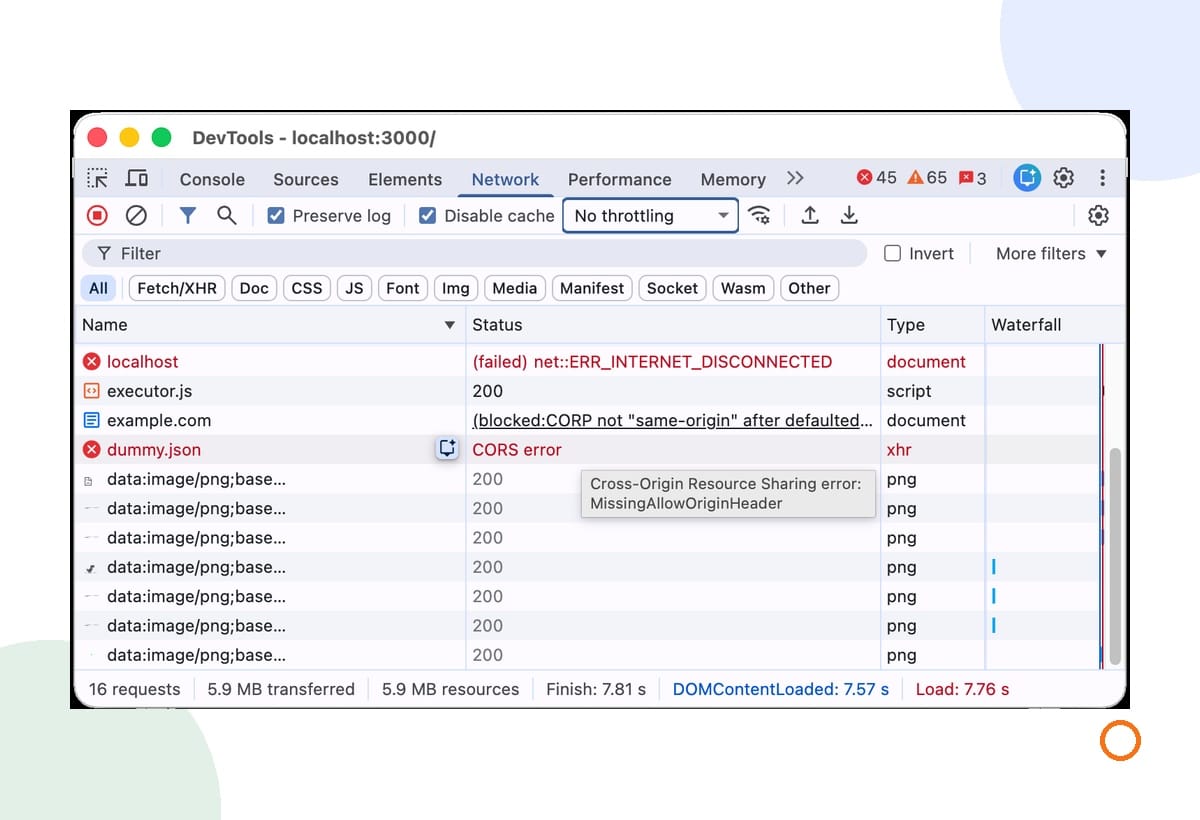
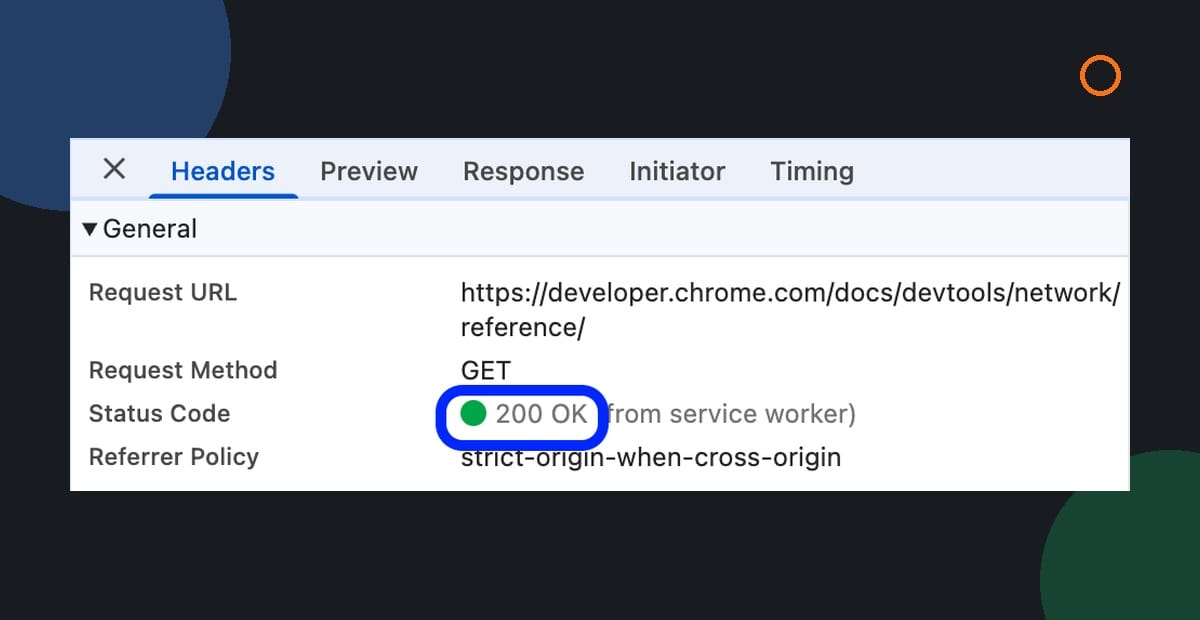
- Confirm the old URL's response and destination. Chrome's Network panel shows request status, and its Headers tab includes the request URL and status code. Check the page request, rather than an unrelated image or script.
- Inspect the intended destination in Search Console. Use Test live URL to assess current accessibility, and compare that with Google's stored indexed information. The live test has limits: it can follow a redirect without showing which final URL it tested, and a successful result doesn't guarantee indexing.
Keep the browser response check and the Search Console check together. Neither replaces checking that the customer reaches a useful page and a working enquiry route.
Two questions before you close the report
Is 410 better than 404?
Google's current status-code guidance treats 404 and 410 the same for this purpose. Choose an appropriate response for the page's actual state. Don't choose 410 on the promise of a guaranteed faster ranking or cleanup result.
Why is the old error still in Search Console?
The indexed information may reflect an earlier crawl. Google's recrawl guidance explains that processing takes time and repeated requests won't make the same URL get crawled faster. Verify the fix first, then monitor the relevant page. A temporarily unchanged report isn't a reason to keep altering a correct redirect.
Start with one currently used service URL and follow it through to an enquiry. If you'd like help connecting that review with your campaigns, our Google Ads management service is a useful next step. Tell Joseph which service you advertise and where the current link sends customers.