
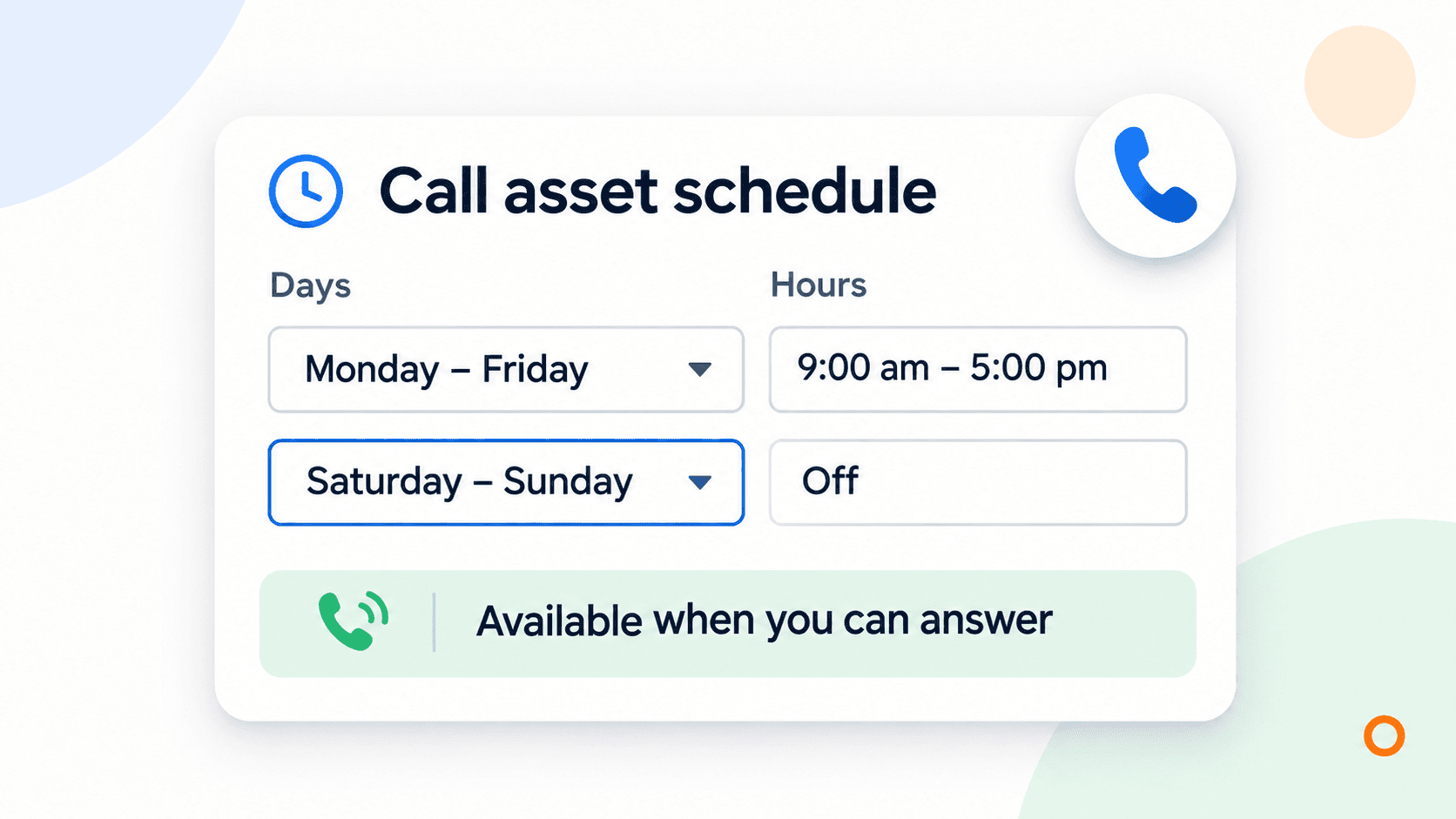
Schedule your Google Ads call asset for the hours someone can answer the phone. Then decide separately whether your campaign should keep sending people to your website outside those hours. A call asset controls one phone invitation in an ad. It does not switch off the campaign or stop every way a customer might call you.
For a Canadian plumbing, electrical, HVAC or cleaning business, the useful starting point is your actual coverage. The office might close at five while an on-call person handles emergencies. Or the phone might ring in the owner's pocket while both hands are occupied on a job. Those situations need different schedules.
Search Engine Roundtable reported weekday and weekend grouping in asset scheduling on November 3. The cover is a cropped detail from Bia Camargo's screenshot in that report. It shows an Australian account time zone in the full source, not a Canadian account or a schedule to copy. The report does not establish that every Canadian account has the new grouping menu. The underlying day-and-hour controls are already documented by Google.
Choose the hours you can actually answer
Start with whoever handles enquiries, before changing the advertising. Write down when someone answers, who covers breaks and what happens on weekends. Opening hours alone won't tell you that.
We'd use a short coverage note like this:
| Situation | Call invitation | Website enquiries |
|---|---|---|
| Office answers weekdays, with no evening cover | Use the staffed weekday hours | Consider keeping the campaign active if the form works and someone owns the next reply |
| A real on-call person handles emergency jobs | Include the hours that person can reliably cover | Make the emergency service and next step clear |
| The owner answers between jobs | Choose realistic coverage windows or arrange cover first | Give requests a named owner rather than leaving them until someone notices |
These are planning examples, not recommended hours for every trade. A cleaning company taking requests for next week may have a useful evening enquiry path. A customer with a burst pipe needs to know whether anyone can help now.
Google's call asset guidance allows numbers to appear during the hours a business accepts calls. Use that control to reflect what you can offer.
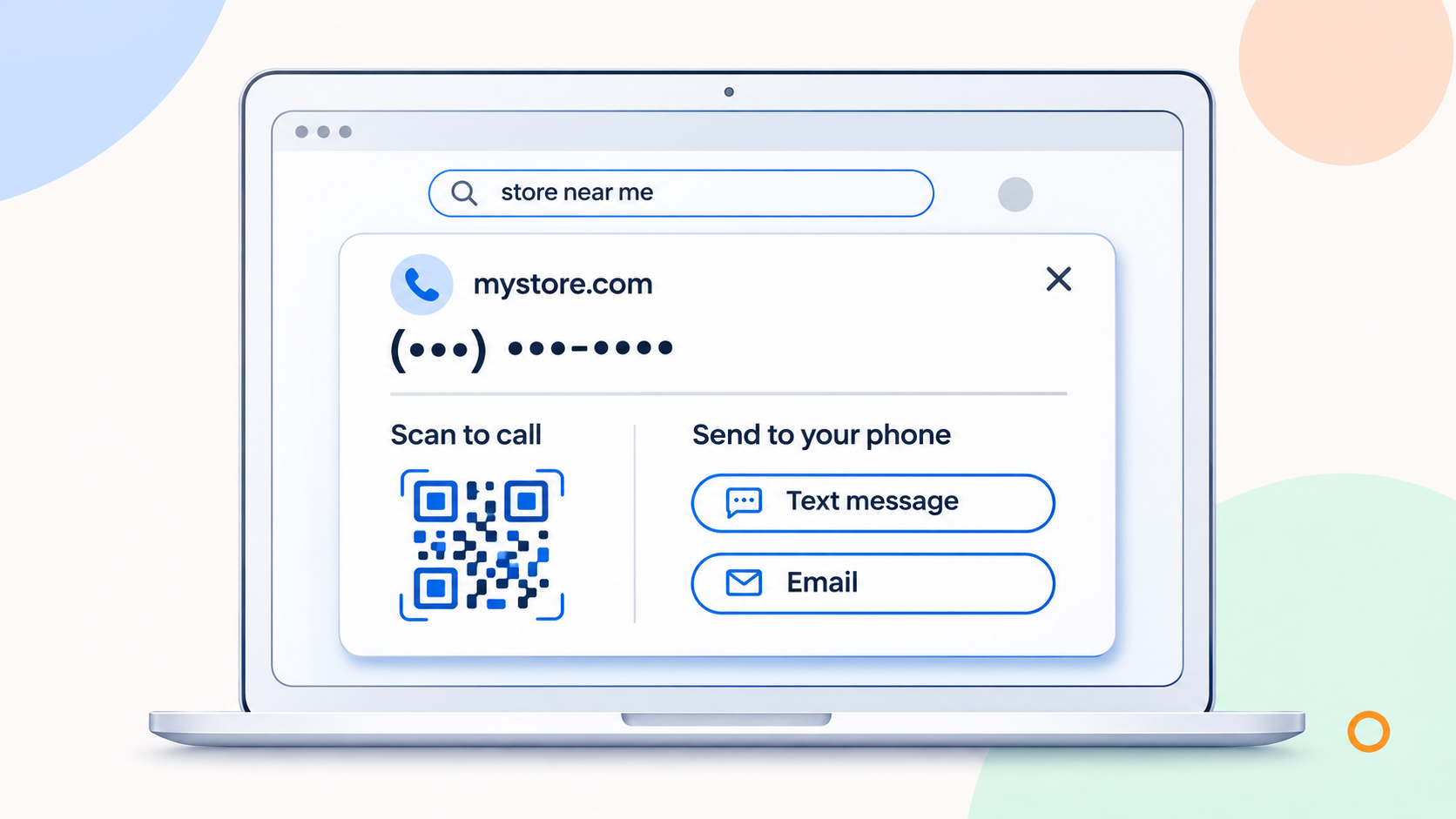
A call-asset schedule and an ad schedule do different jobs
Check which setting you're editing. Similar names can hide a consequential difference.
| Setting | What it controls | What it doesn't establish |
|---|---|---|
| Call asset schedule | When that phone asset is eligible to appear | Whether the whole campaign stops outside those hours |
| Campaign ad schedule | When the campaign's ads are eligible to run | Whether someone will answer or follow up |
| Business Profile hours | The hours shown on the business listing | The separately configured Search campaign and call-asset schedules |
Google documents campaign scheduling separately. If you only need to remove an unanswered call invitation in the evening, check the call asset before restricting the whole campaign.
Keeping the campaign active can still make sense when customers can submit a request and receive a clear explanation of when you'll reply. Test that route first. An evening form that never reaches anyone is not a useful alternative to an unanswered phone.
Also check other places your number appears. Your website remains available, and an ad using a location asset may direct calls to the number associated with that location. Scheduling one call asset is not a block on all calls to the business.\
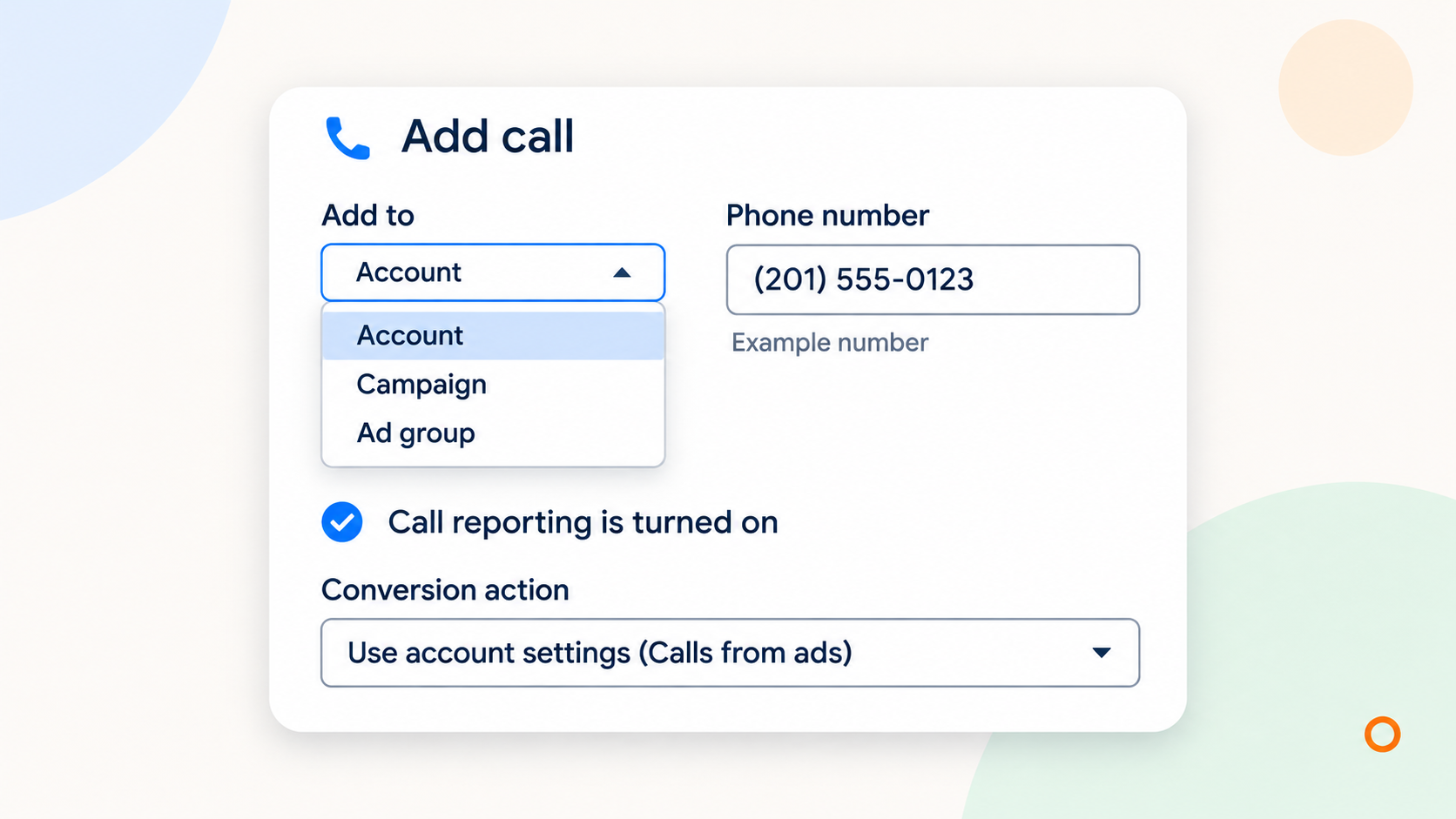
Set the call-asset hours in Google Ads
Open the asset list in the campaign area, choose the association view and filter for call assets. Find the relevant number, use its edit control and expand the advanced options. Google's asset-scheduling instructions describe the date range and days-and-times controls. Labels can differ slightly between account views.
Before saving, check the scope. Call assets can sit at account, campaign or ad group level. Google uses the most specific applicable call asset, so an ad group number can override the campaign or account number. Editing the broad account asset may leave the number used by a particular campaign unchanged.
Set the coverage windows you agreed on. Use grouped weekdays or weekends if your account offers them; otherwise use the available day selections. Add another interval when coverage differs. Check any start and end dates too, especially if you're reusing an asset from a temporary offer.
Save, reopen the asset and read the hours back. Record which number and association you changed. Keep unrelated conversion, bidding and budget changes out of this edit so you can assess what the schedule did.
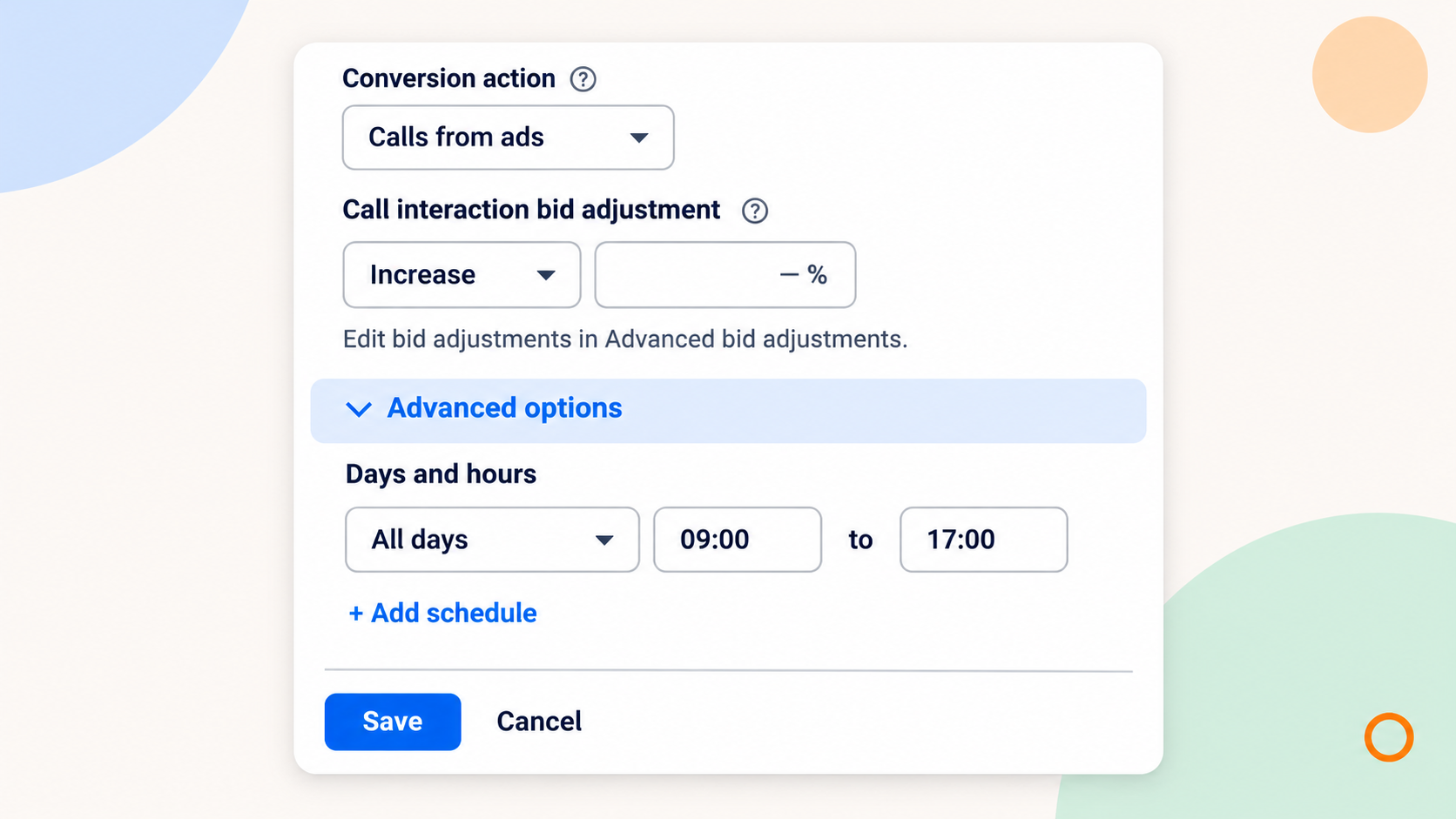
Check the account time zone before you save
An eight o'clock start in the account is not necessarily eight o'clock where your receptionist works. Google bases campaign schedules and time-segmented reporting on the account time zone. The reported asset-scheduling screen also displays the account time zone below its controls.
Record both the local answering hours and their equivalent in the account's time zone. Check the actual dates rather than assuming a fixed offset between Canadian locations. Revisit that conversion when clocks or staffing arrangements change.
Google's account-settings guidance explains that a serving account's time zone cannot simply be changed. Read the setting and translate your coverage into it; a schedule correction is not a reason to recreate the account.
If you're also changing a campaign schedule that crosses midnight, Google requires separate intervals for the two calendar days. Check both halves so the early-morning part isn't left out.
Review calls and enquiries before narrowing the campaign
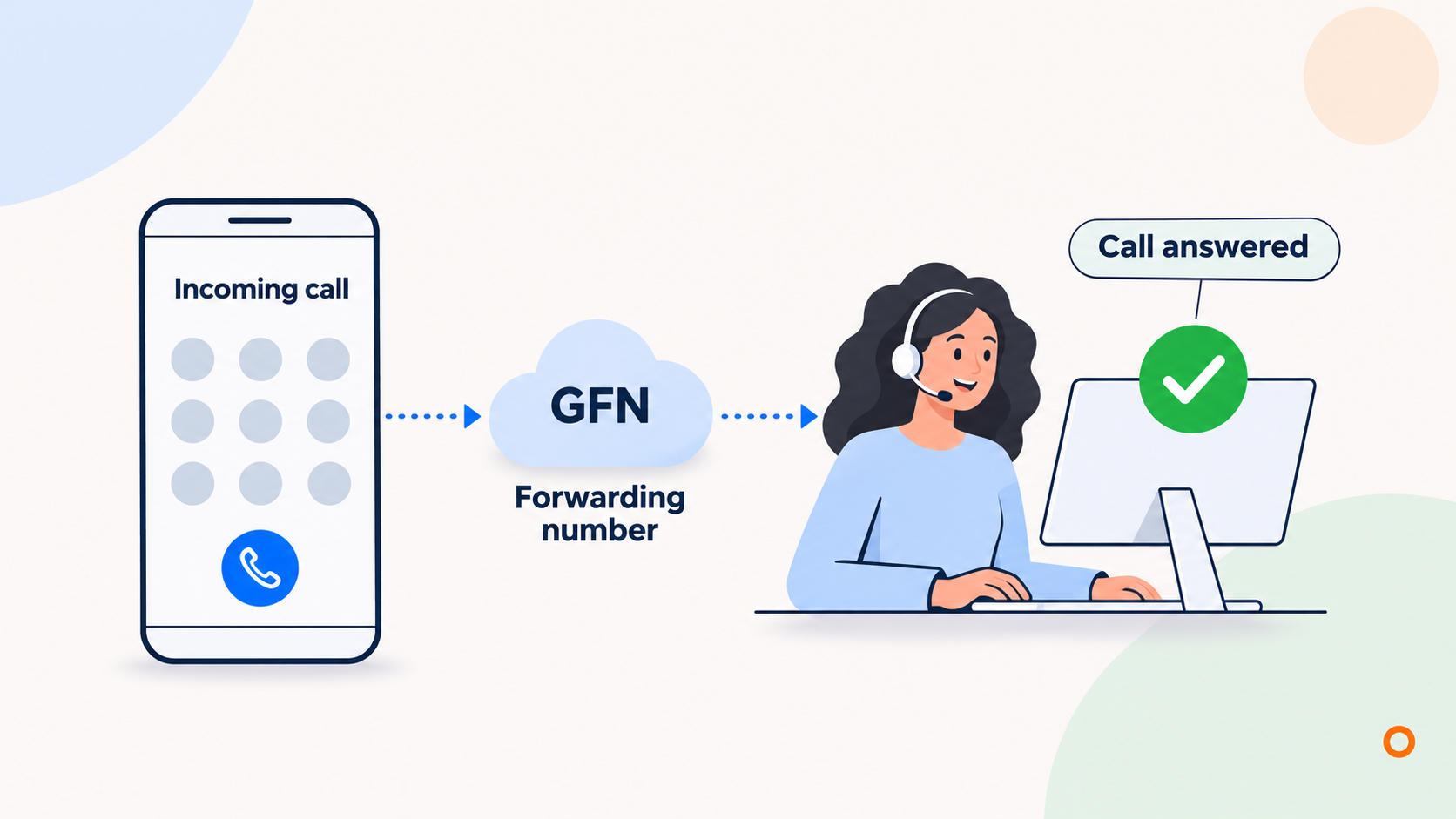
Use the campaign's day-and-hour report alongside your enquiry records. If call reporting is already enabled, Google's reporting documentation describes details such as call start time, duration and whether a call connected. Google lists Canada among the countries supporting forwarding numbers.
A connected call or a duration-based conversion still doesn't confirm a suitable job. Check whether the caller needed your service, was within reach and received a useful next step. Keep booked work separate from those earlier stages.
Compare similar periods with enough calls to make a sensible decision. A quiet Tuesday evening on its own is weak evidence for switching off every evening. If requests arrive after hours but get booked the next morning, include that later outcome in the review.
Treat the spending decision separately too. Google's current budget-pacing guidance says reducing the active days of a standard Search campaign does not proportionally reduce its monthly spending potential. For an illustrative unchanged CAD30 average daily budget running at least 16 days in the month, the documented monthly limit is CAD912, calculated as 30 multiplied by 30.4. That is a limit, not a spend forecast. Review the budget rather than assuming removing weekends will deliver a particular saving.
Make one coverage decision, then check it
Give the person managing your ads a clear instruction: which number, which campaigns, which answering windows and who handles requests outside them. Ask them to confirm the account time zone and the saved asset hours.
Keep a dated note of the change, then review answered calls, suitable enquiries and bookings together. A schedule is useful when it matches the service customers can actually reach.
If you'd like help connecting those decisions, tell us how your calls and website enquiries are handled. Our Google Ads management service covers campaign setup, tracking and ongoing review, so we can look at the advertising and the enquiry path together.