
If your Google Search campaign brings in calls but you are unsure where the clicks came from, check the network report before changing your budget. Google is introducing channel prioritization and budget allocation controls that can help guide spending across Google Search, search partners and the Display Network. The controls are rolling out globally, so they may not appear in every Canadian account yet.
For a local business, the useful question is whether each source produces enquiries that turn into work. A cheaper click is not much help if the customer is outside your service area or is looking for a service you do not provide.
What do the new channel controls change?
Google lets eligible advertisers assign a high or low priority to available channels. Higher-priority channels receive preference before remaining budget is directed to lower-priority channels, subject to the campaign's bidding targets and other settings.
For a low-priority channel, you can also set an optional percentage of the average daily budget. Google treats this as a best-effort allocation, so actual daily spending can exceed the indicated amount. Setting a low-priority channel's allocation to 0% prevents spending on that channel.
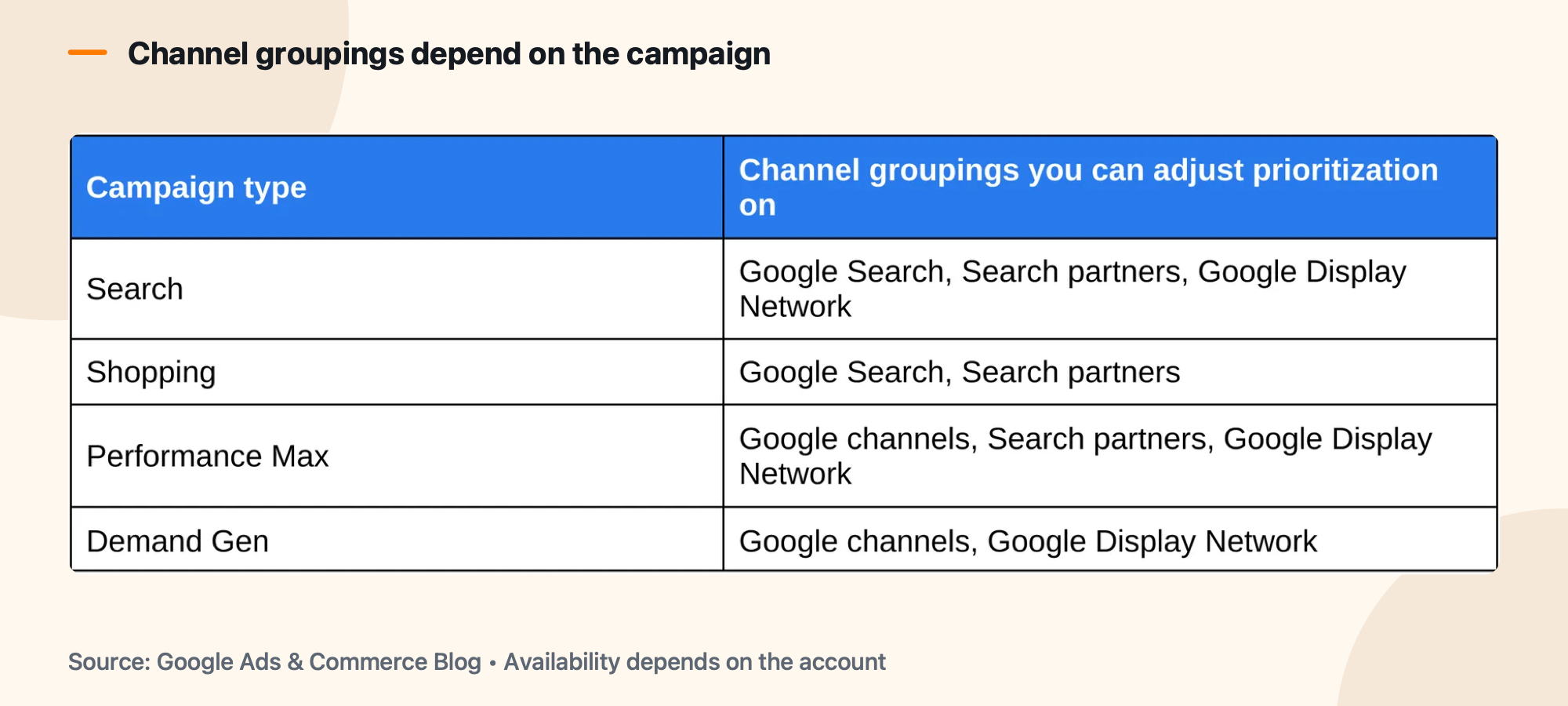
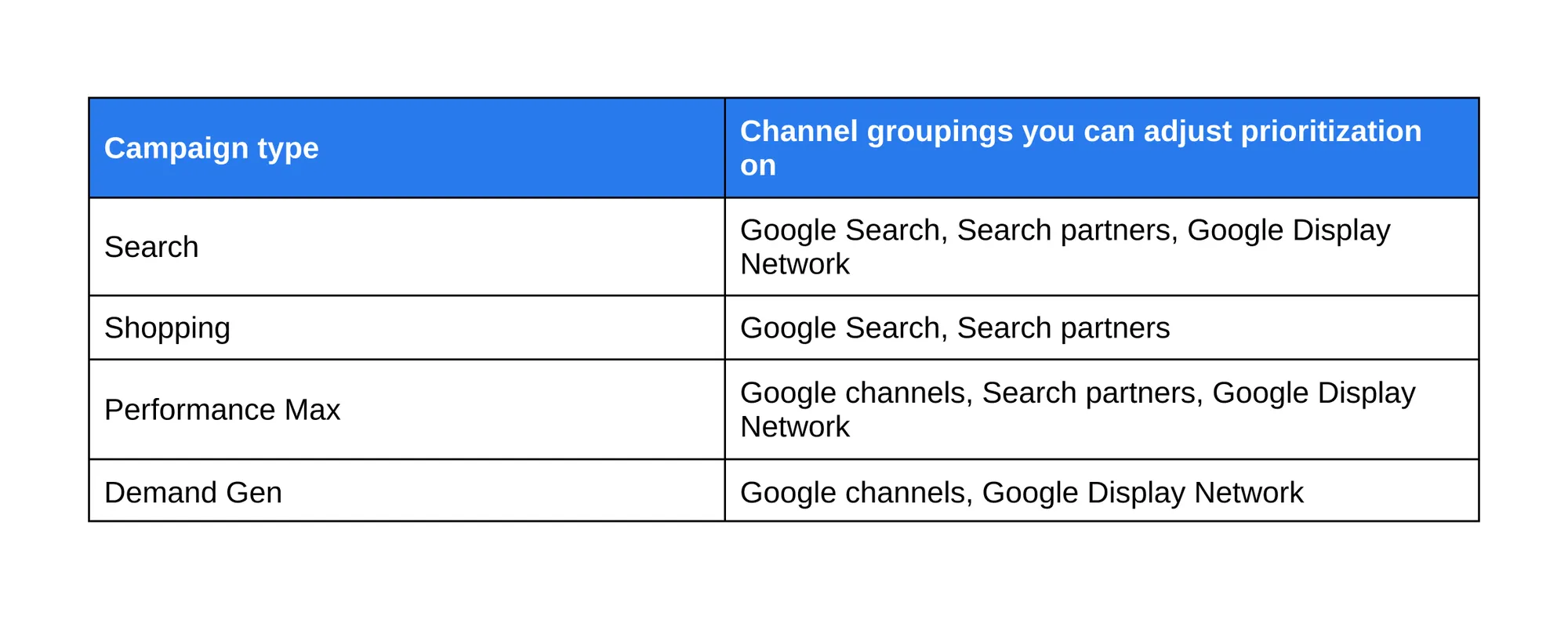
The available channels depend on the campaign type. In a Search campaign, Google lists Search, search partners and the Display Network separately. Google's help page explains the settings and rollout limitations. If you do not see them, continue using the options available in your account rather than assuming the feature has been enabled.
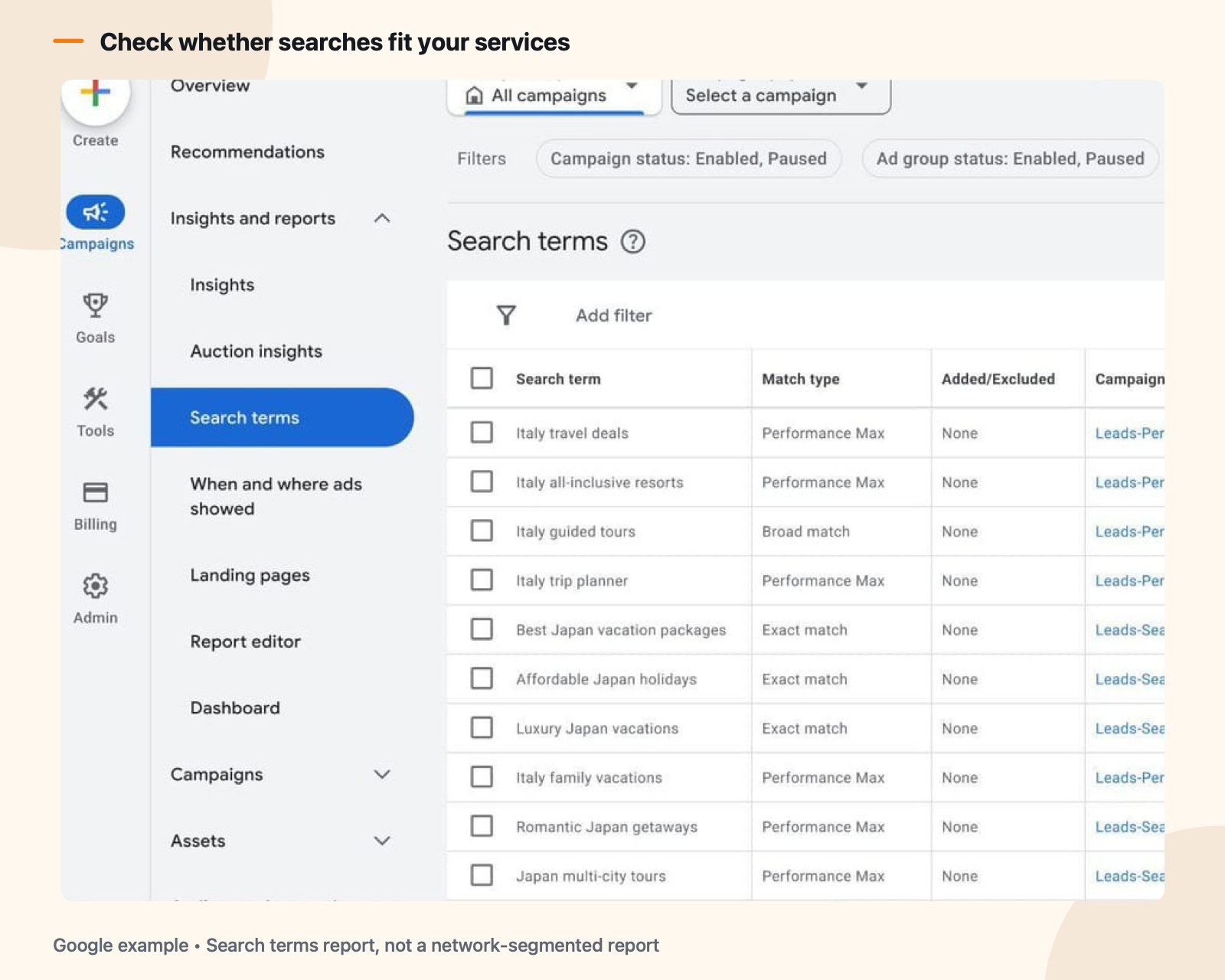
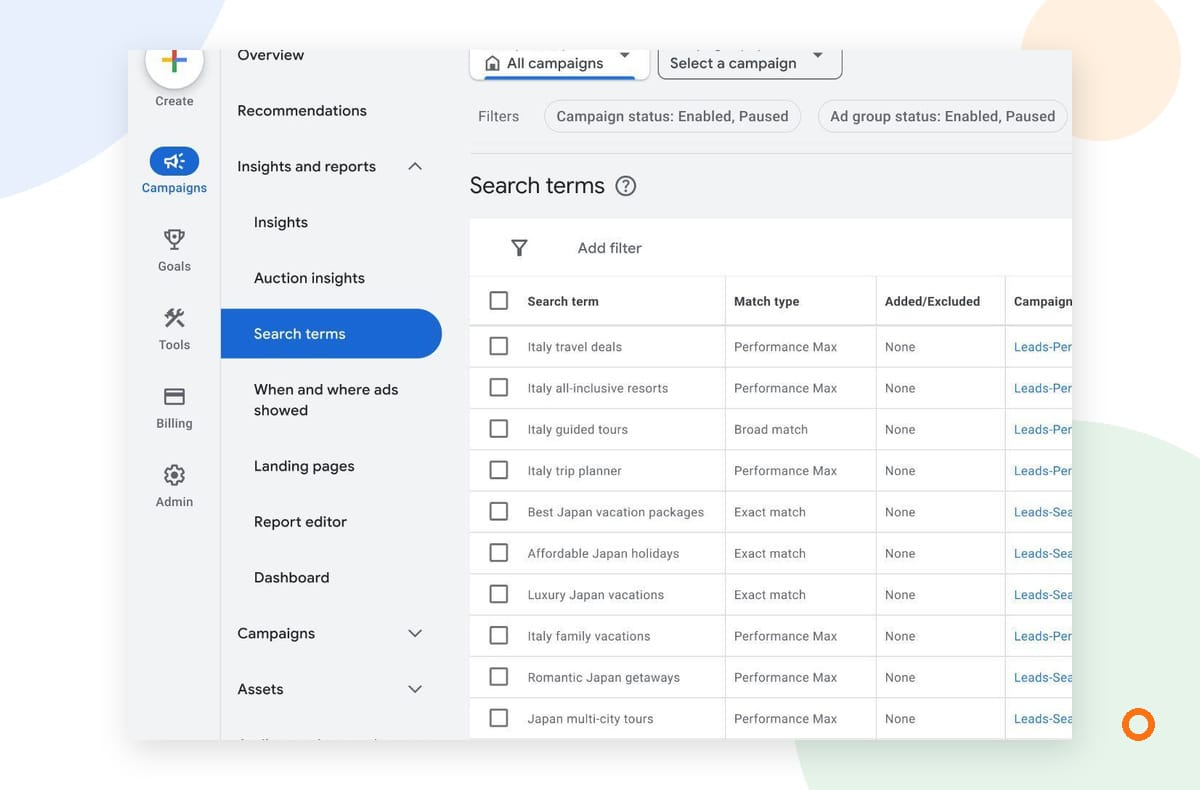
Start by checking where enquiries and spending came from
Open the relevant campaign's performance table and look for the Network (with search partners) segment. Google says this can separate Google Search, search partners and Display Network performance where the segment is available. The exact rows and metrics depend on the table and campaign.
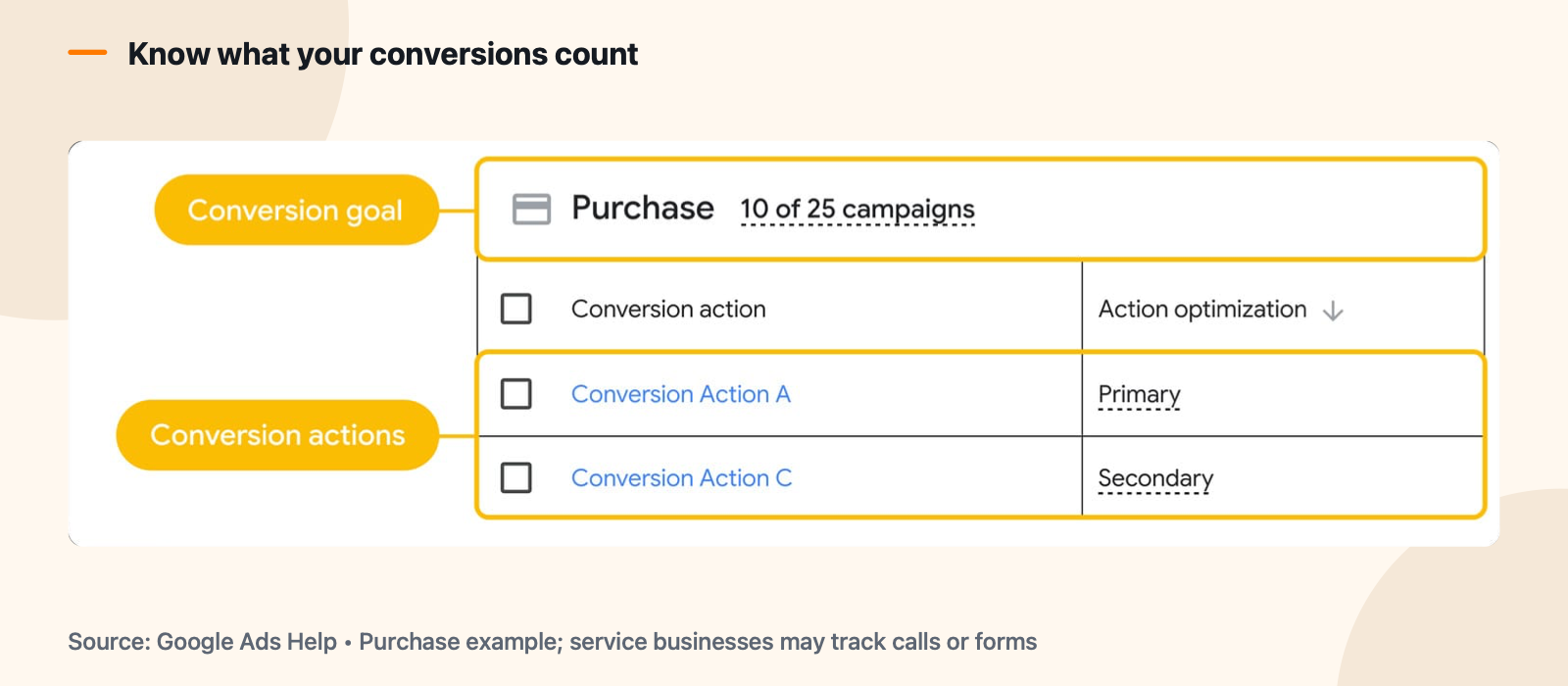
Compare spend and conversions over the same useful period. Then look beyond the ad account: which calls and forms became qualified enquiries or booked jobs? Keep your own records of lead quality, because a conversion count alone does not tell you whether a customer booked.
If a network produced only a handful of enquiries, treat its cost per conversion carefully. Check that calls and forms are tracked properly before deciding that a network is underperforming. You can also review the service areas and search terms that are available for the campaign; they may reveal a different problem to solve first.
Choose a priority and test a budget allocation
Imagine a plumbing company running a Search campaign with an average daily budget of $100 CAD. Its owner wants Google Search to receive preference but also wants to test search partners. If the new control is available, the owner could keep Google Search at high priority, set search partners to low priority and enter a 20% allocation for the low-priority channel.
That 20% is an illustrative setting, not a recommendation for every account. It represents $20 of the $100 average daily budget as a best-effort allocation; it is not a guaranteed daily spending ceiling. Actual spending and results will vary. A 0% setting is a different decision: Google says it prevents spend on that low-priority channel.
Before saving a change, record the existing settings and confirm whether the campaign uses a shared budget. Google treats an eligible shared budget as a single pool across its linked campaigns, so a change can affect more than the campaign you happened to open.
If a campaign using Target CPA or Target ROAS is not limited by budget, Google says priority levels generally do not change its spending distribution. An allocation can still apply. That is another reason to check the campaign's actual budget and bidding setup before expecting a visible shift.
What does this control in Performance Max?
Performance Max groups Google Search, YouTube, Maps, Gmail and Discover together as Google channels for these settings. You cannot use channel prioritization to give Search one priority and YouTube another within that group. Search partners and the Display Network have separate priority levels where the controls are available.
This distinction matters when reading an example online. A Search campaign and a Performance Max campaign can show different options. The Local Services Ads transition uses a specialised pay-per-lead campaign, so follow the guidance and settings shown for that account rather than assuming standard Performance Max instructions apply.
Review changes before acting
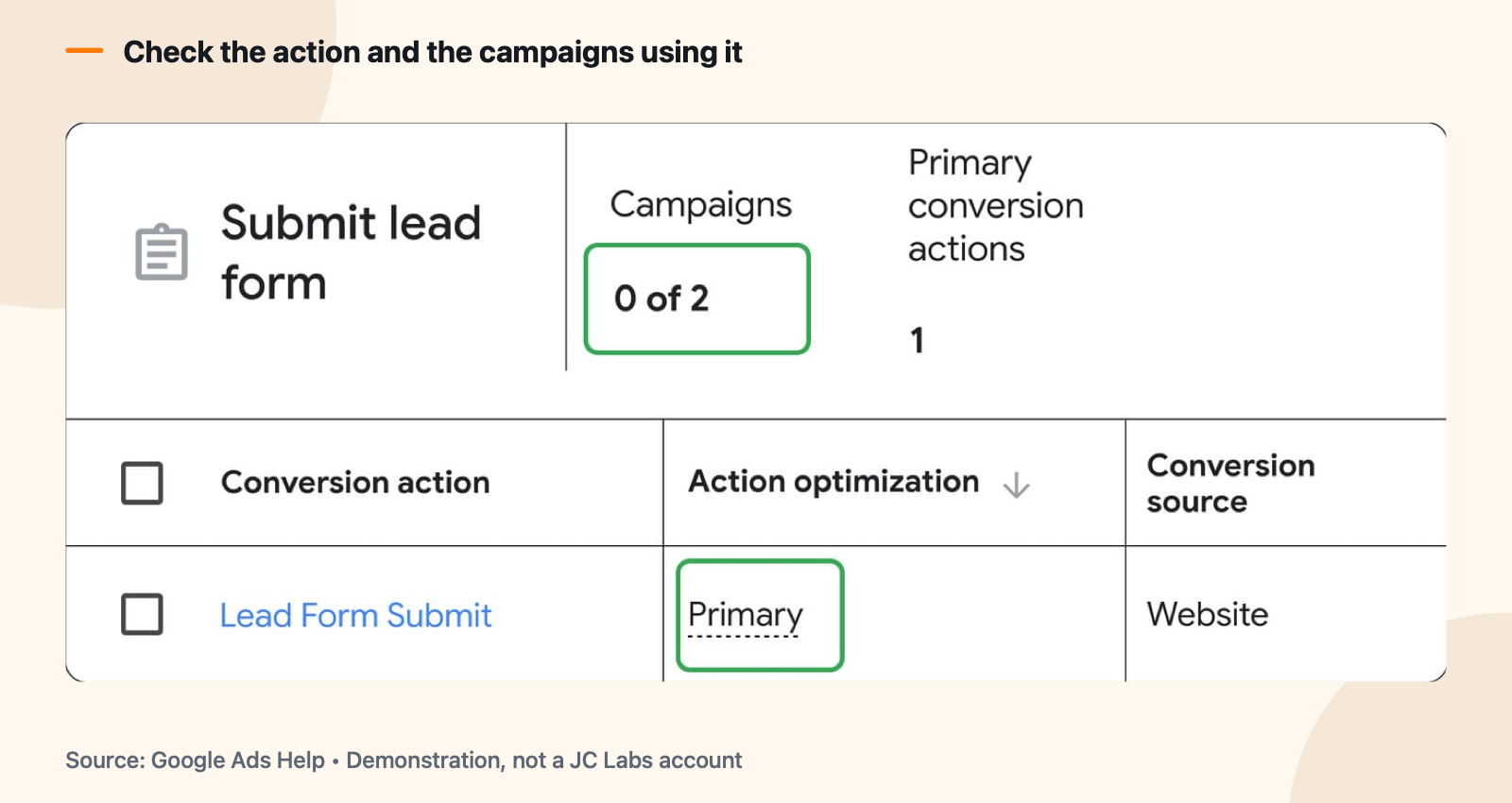
Keep a record of the date, previous settings, reporting period and reason for the change. After a useful comparison period, review spend, tracked conversions and the enquiries your team considered relevant. Seasonality, demand and other changes can affect the comparison, so a difference alone does not prove the setting caused it.
At JC Labs, we can help review your Google Ads campaign settings and conversion tracking, compare the available network data with your lead outcomes, and discuss a sensible test. If you would like a second look, talk with us about Google Ads management and tell us what your campaign is currently showing.