
If your Google Ads report shows form submissions or calls, it is worth knowing how those enquiries get counted before anyone changes your website tracking. A tag change can affect the information you use to judge a campaign, even when the ads themselves look fine.
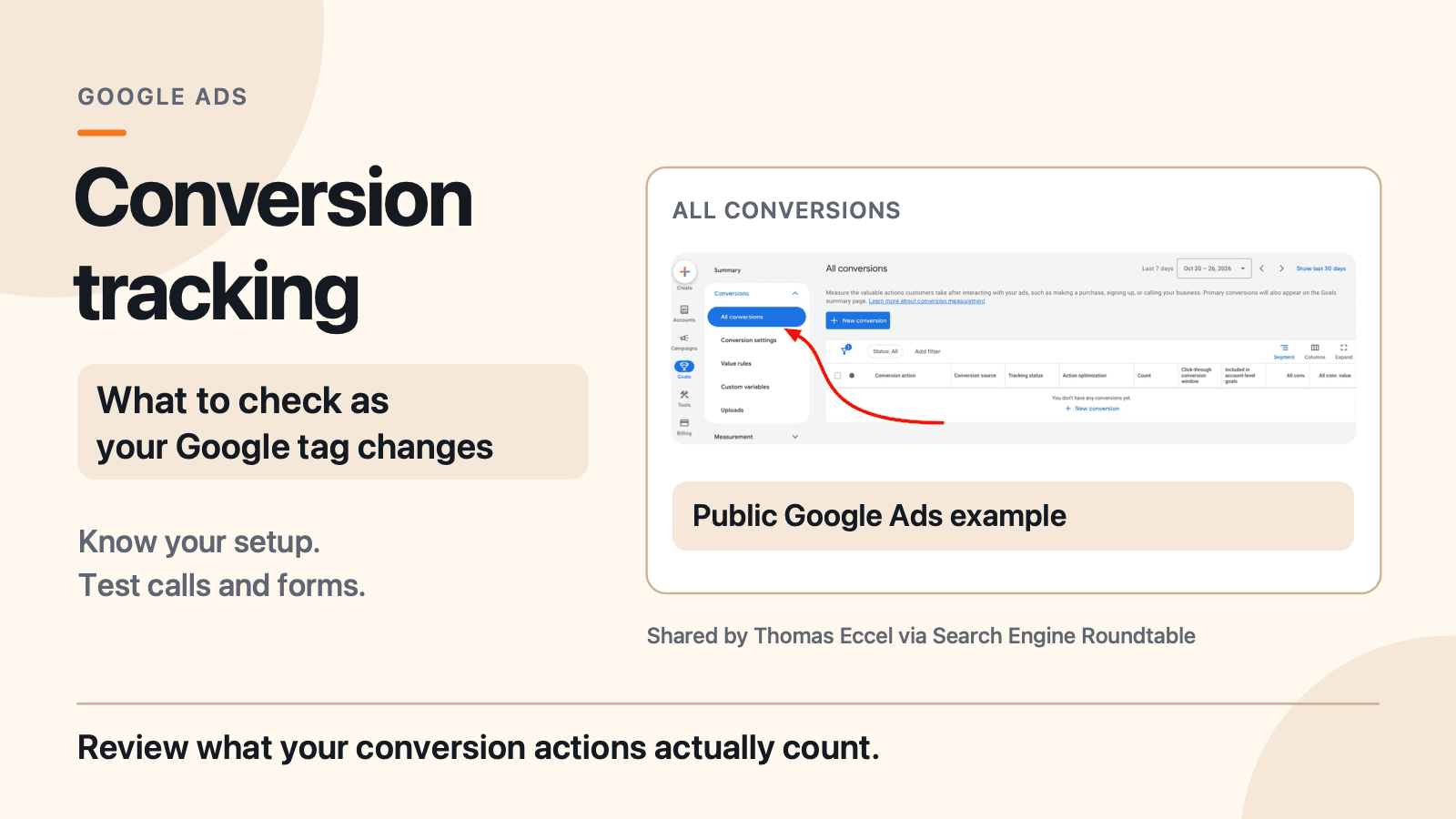
The cover shows an empty Google Ads example shared by Thomas Eccel and reported by Search Engine Roundtable. It is not a JC Labs account or proof that a particular Canadian account has the same view.
Google is bringing Google tag and Google Tag Manager closer together. For a local business, the practical first step is to identify the existing setup and test the enquiry routes you rely on. You do not need to delete your current code just because the tools are changing.
What changed with the Google tag?
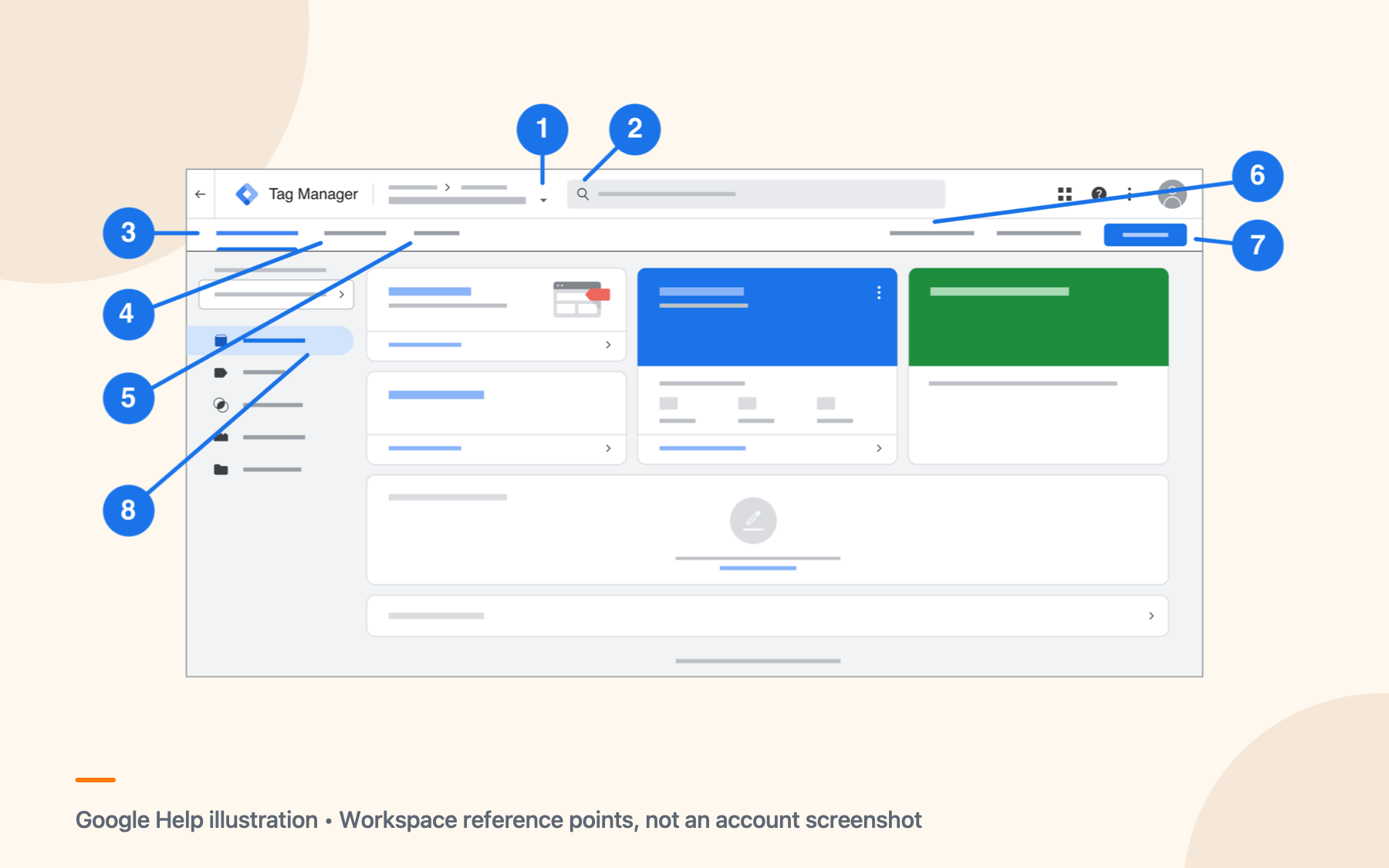
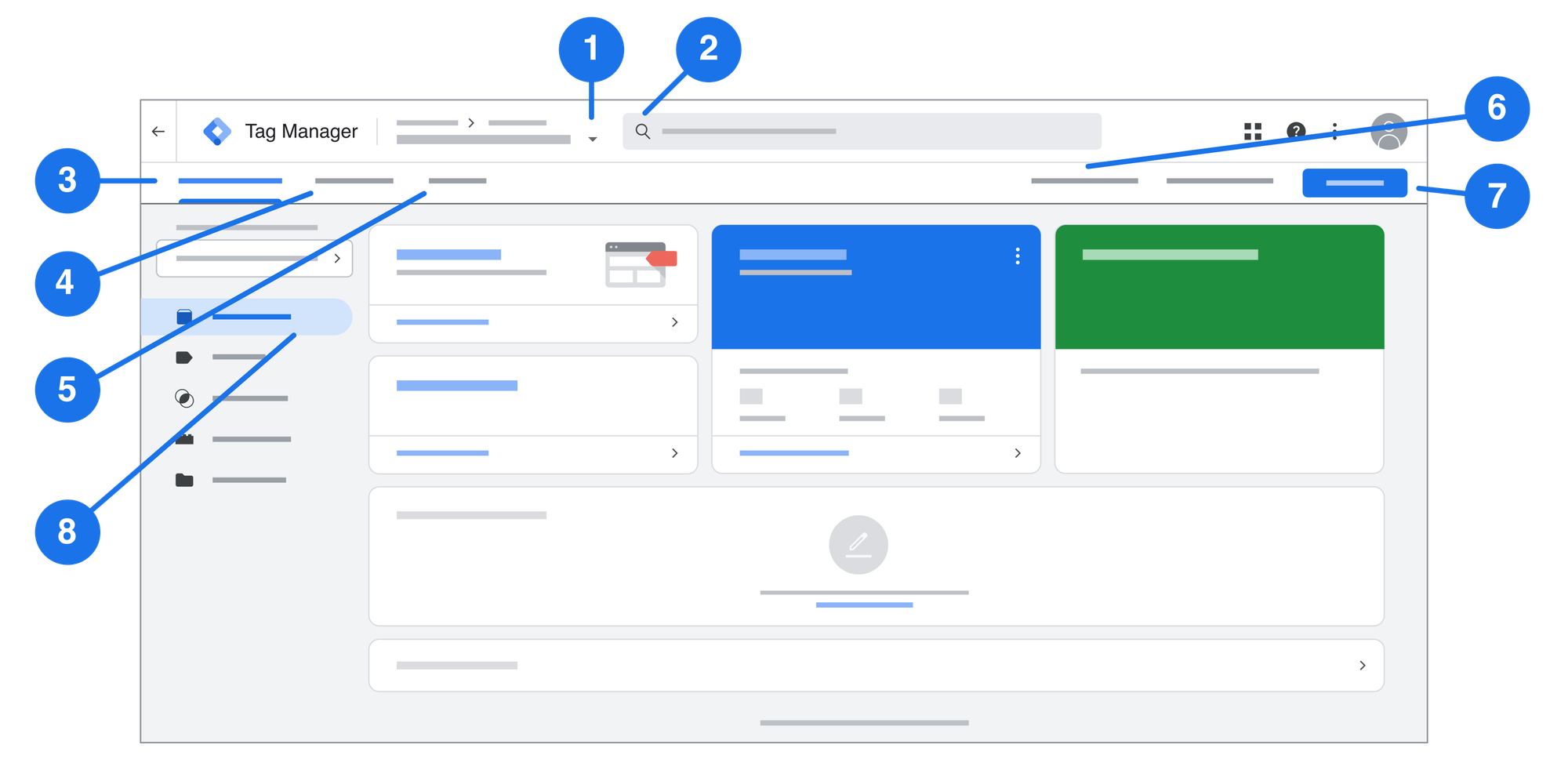
The Google tag helps send information from a website to Google products such as Google Ads. Google Tag Manager is a place to manage tags and the conditions that make them fire.
In its November 17 release notes, Google says each Google tag becomes a Tag Manager container, giving tag users access to features such as debugging and version control. Google says the upgrade does not change how existing Google tags behave on the page and that existing destination setups and automatic event triggers are preserved.
That does not tell you the state of your particular account. Check what you see with the person who manages your website or advertising. Google also describes a separate, optional container optimization flow. Preview the proposed changes with your specialist before deciding whether to use it.
What should a local business check first?
Start with a short inventory. Ask your website provider or advertising manager to help you identify:
- Where the Google tag or Tag Manager container is installed, including any integration supplied by your website platform.
- Which Google Ads and Analytics destinations receive information, and who has access to manage them.
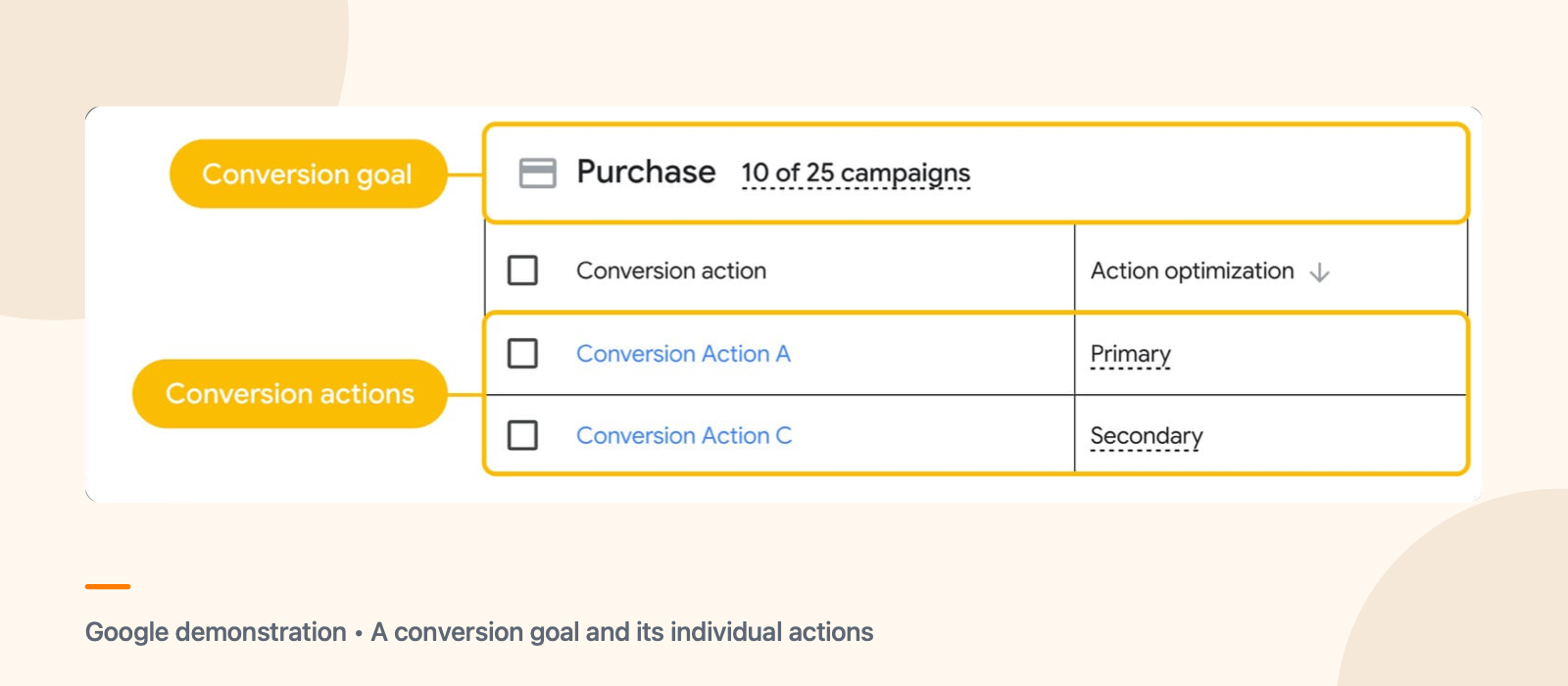
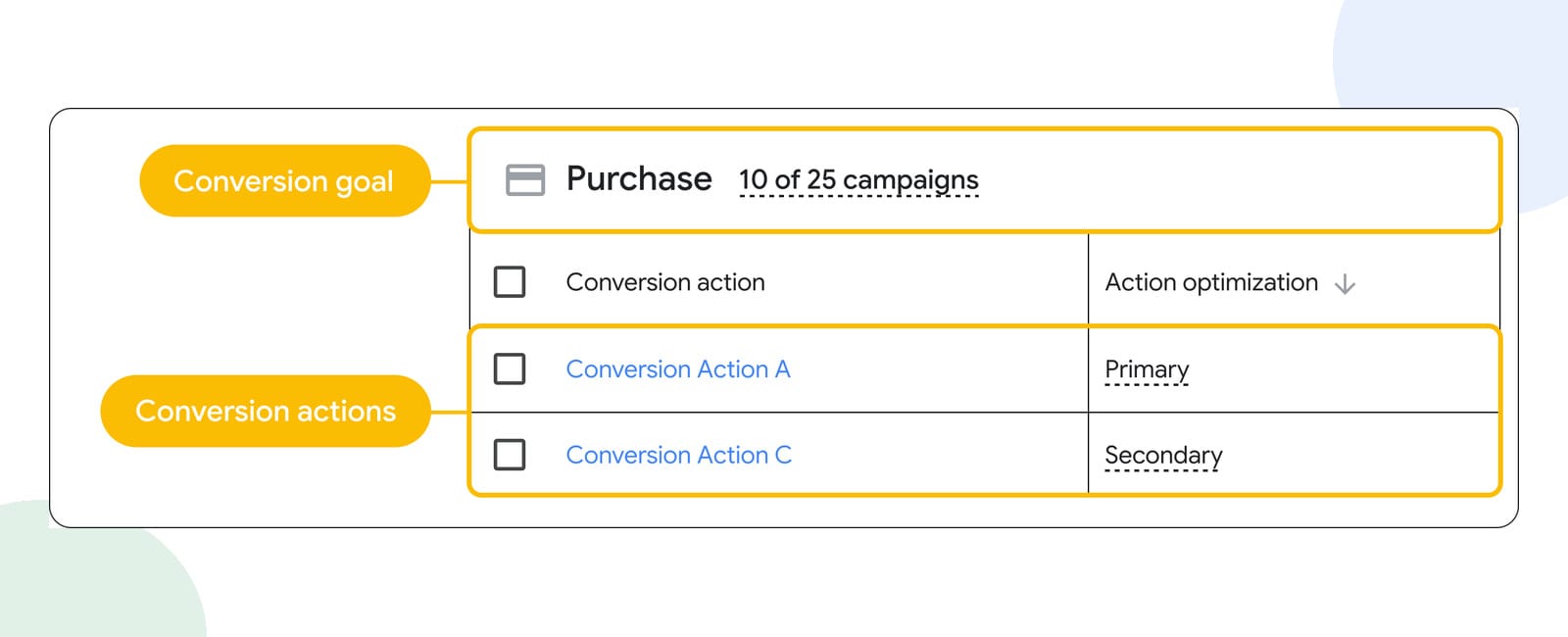
- Which Ads conversion actions represent calls, form submissions or other enquiries, and which actions your campaigns use for bidding.
- Who receives a completed form or call, and what happens if that person is unavailable.
For example, an HVAC business may have a contact form and a click-to-call button. Those actions can be useful signals, but a button click is not proof that a customer spoke with the team or booked a job. This is a hypothetical example.
Write down what is already there before adding another tag or changing access. That gives you and your provider a starting point if the reports change later.
How can you test a form or phone conversion?
Begin with the customer experience. Submit a clearly identified test enquiry using a method agreed with the person who receives leads. Confirm that it reaches the right inbox and can be handled. For calls, check the number and whether the intended call route connects.
Then ask your tracking specialist to inspect the website event and its destination. Tag Manager preview and Tag Assistant can show which tags fired and what triggered them during a test. Check the relevant Google Ads conversion action and its diagnostics as well. A tag firing in a test does not, by itself, prove that an attributed Google Ads conversion will appear in a report.
Consent choices, browser behaviour, the implementation and reporting delays can all affect what you see. Give the report the time appropriate to the action and investigate the actual setup before declaring a failure. Keep test enquiries identifiable so your team can separate them from customer leads.
How do you avoid counting the same enquiry twice?
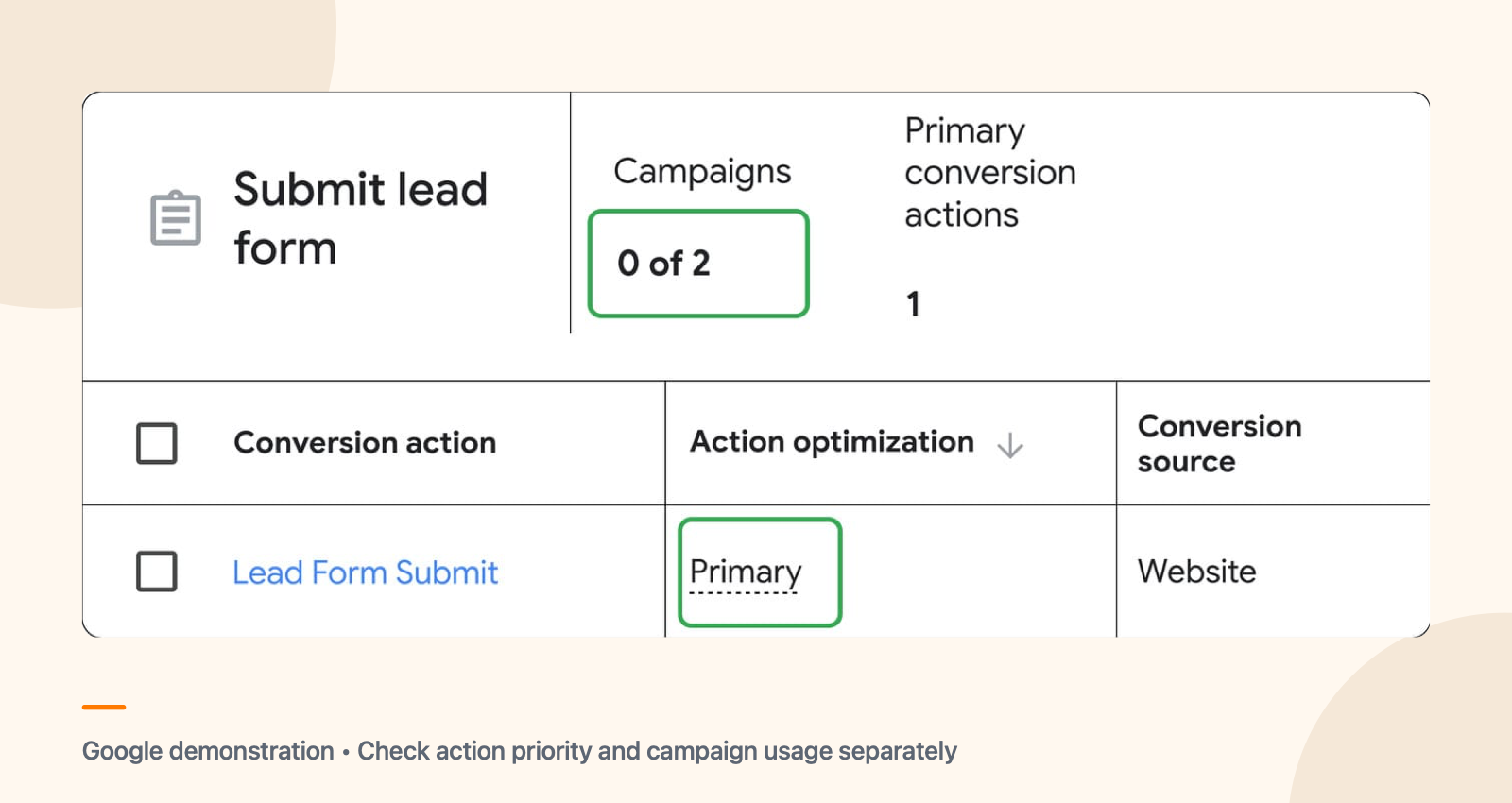
First, look at the conversion actions used by the campaign. The same form event may be measured through more than one path, such as a direct Google Ads action and an Analytics import. Ask your specialist which actions report the event and which are used for bidding. Do not assume that having 2 tags automatically means the reports contain a duplicate.
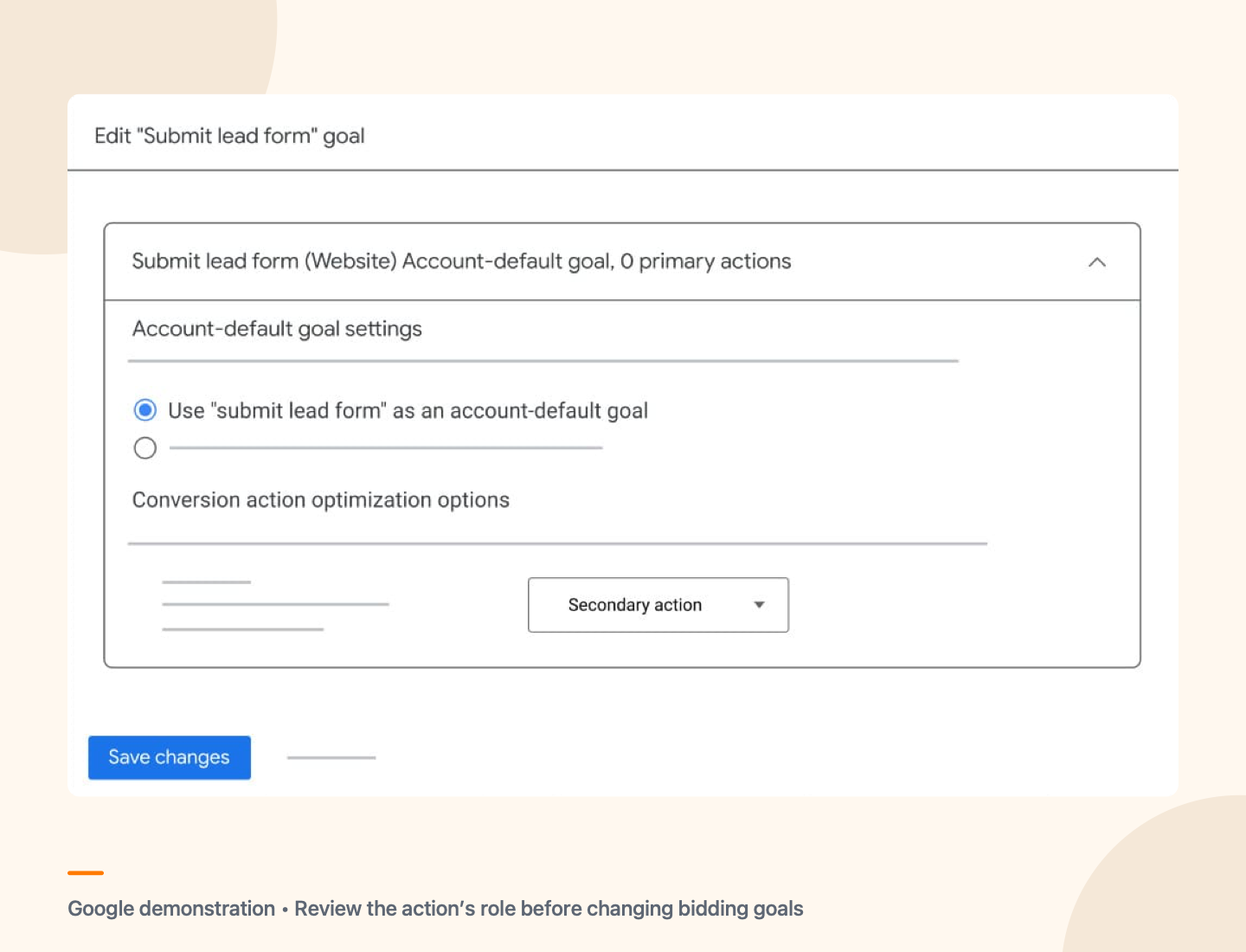
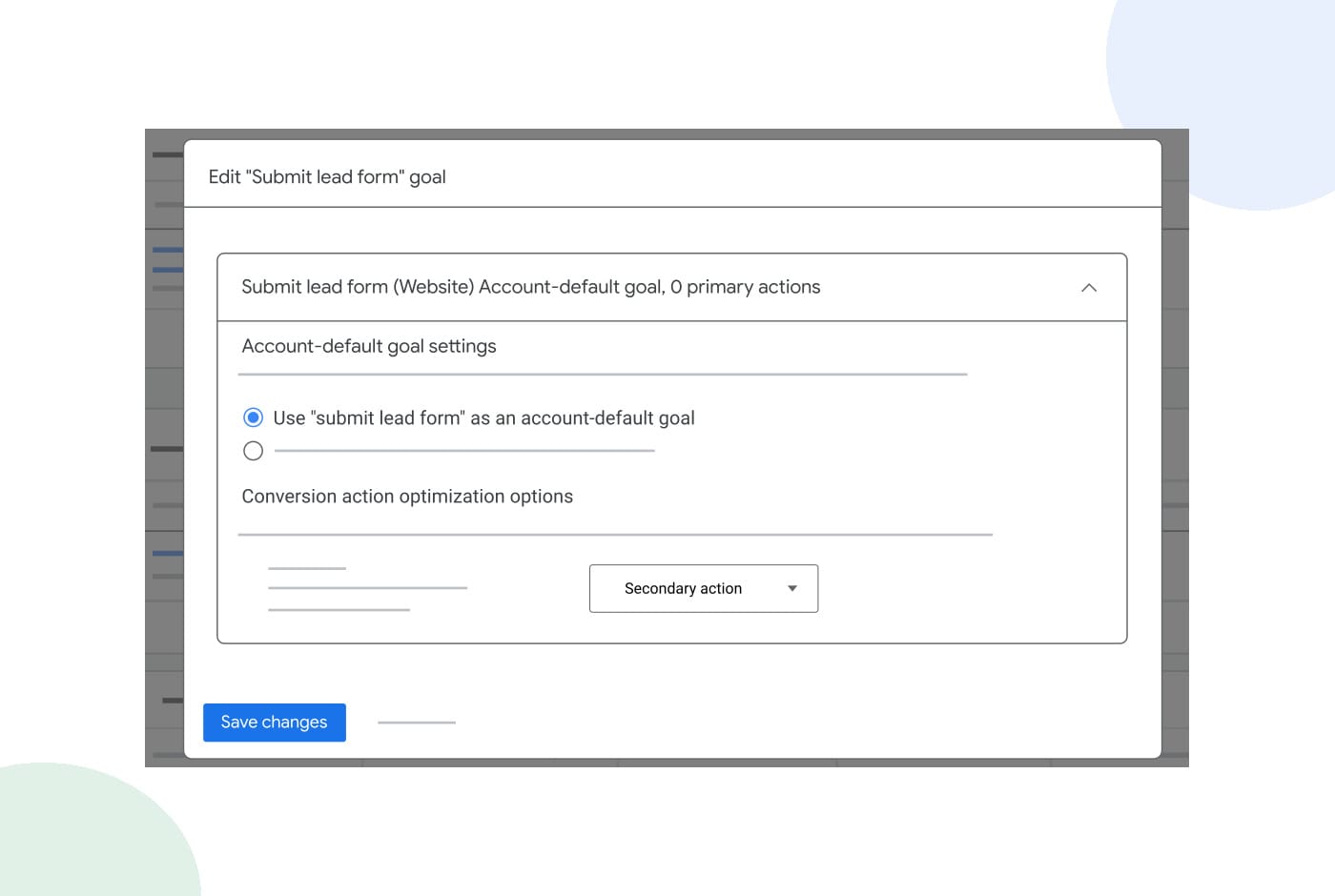
Also check the count setting for each action. Google Ads lets you count one or every conversion after an ad interaction. Google's example describes counting one conversion for some lead actions, but the right choice depends on the action and your business. The setting applies per conversion action, so it is not a universal fix for overlapping actions.
If an event fires twice, find the cause before removing a script or changing a goal. An existing campaign may depend on that setup. Google says the tag upgrade preserves existing page behaviour; it does not say the upgrade automatically creates duplicate leads.
When should you get help?
Bring your current Ads conversion actions, website access contacts and a few examples of the enquiries you want to measure. If your forms or calls are not reaching the right person, fix that customer-facing route as part of the review.
Talk with JC Labs about Google Ads management. We can review your campaign's measurement and enquiry routes with you, then agree on any changes with the people who manage your website. This account review is separate from the free local rank audit. Google controls its product rollout and reporting; no agency can guarantee that every enquiry is recorded or becomes a job.