
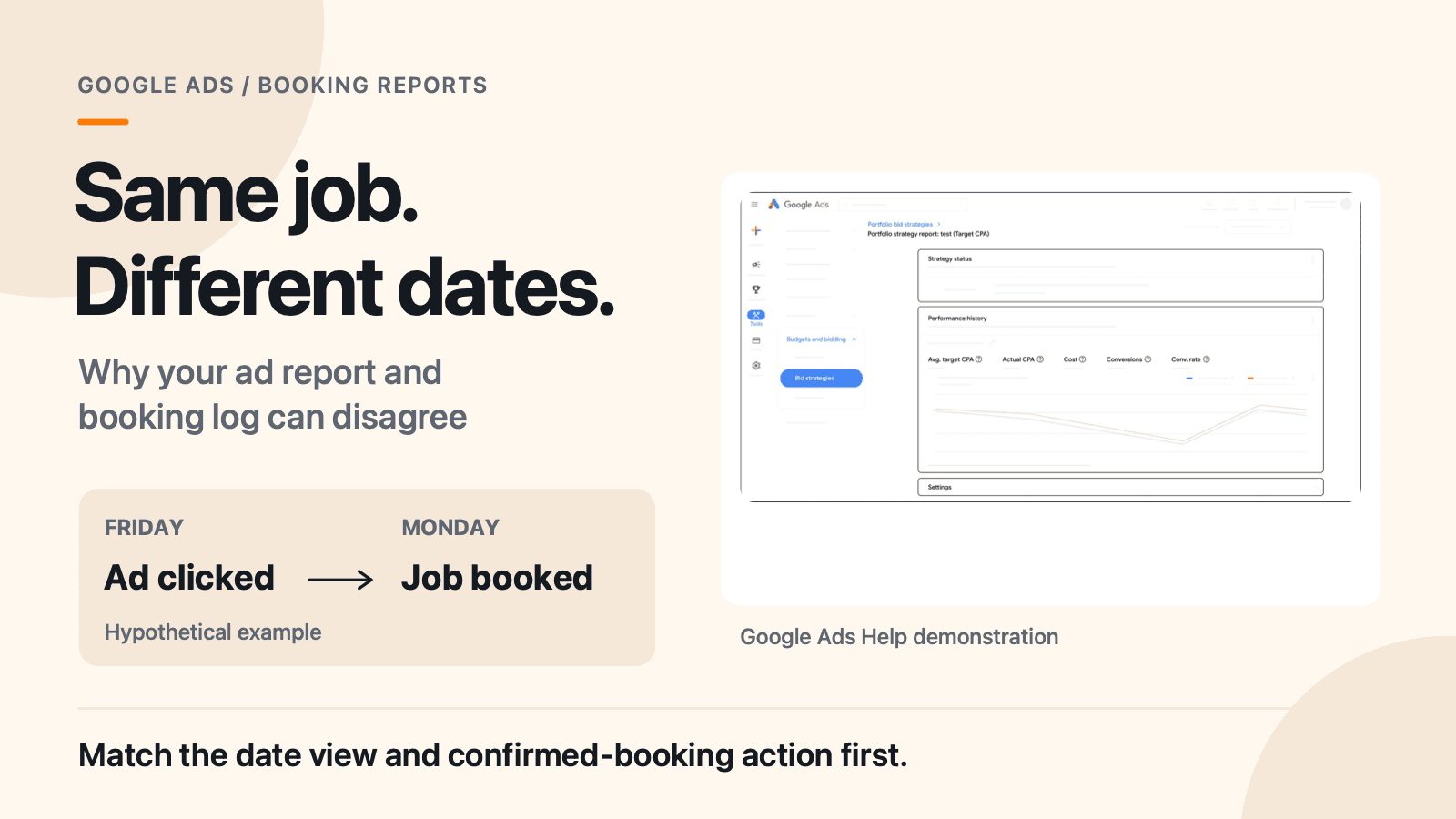
If Google Ads and your office disagree about how many jobs you booked last week, check which date each report uses. In a Search campaign, the usual conversion columns give credit to the date of the ad click. Your office probably counts the booking on the day someone confirmed it. Look for All conv. (by conv. time) and isolate the action that records confirmed bookings before comparing the two totals. Google explains both date views in its conversion reporting guide.
How the same job lands in 2 weeks
Say a homeowner in Surrey clicks an ad for a heat pump installation on Friday. They accept the quote and confirm the job on Monday. The office logs the booking on Monday and the business sends it to Google Ads that evening. This is a hypothetical example.
Standard Google Ads conversion reporting for that Search click
Friday, when the customer clicked the ad
Google Ads reporting by conversion time
Monday, when the customer confirmed the job, if that’s the event time sent and Google credits the conversion
Office booking log
Monday, when the office confirmed the booking
Those reports can describe the same job correctly. They answer different questions. For your conversation with the office, use the date the customer accepted the quote. The day the crew is scheduled to do the installation is a separate date.
Match the date and the booking action before comparing totals
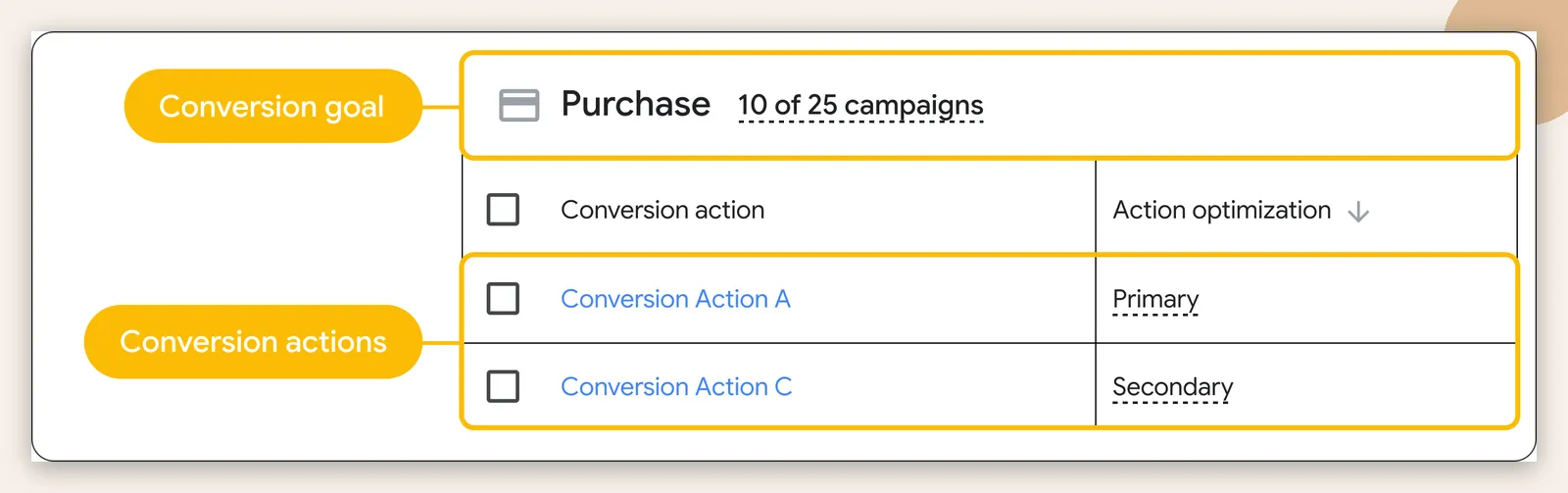
Start with a period old enough for your normal booking uploads to have finished. Give the office and the person managing your ads the same start and end dates. Confirm that both reports use the same time zone, especially if you serve customers across provincial boundaries or the totals differ on a Sunday night. Google Ads reports use the account’s chosen time zone.
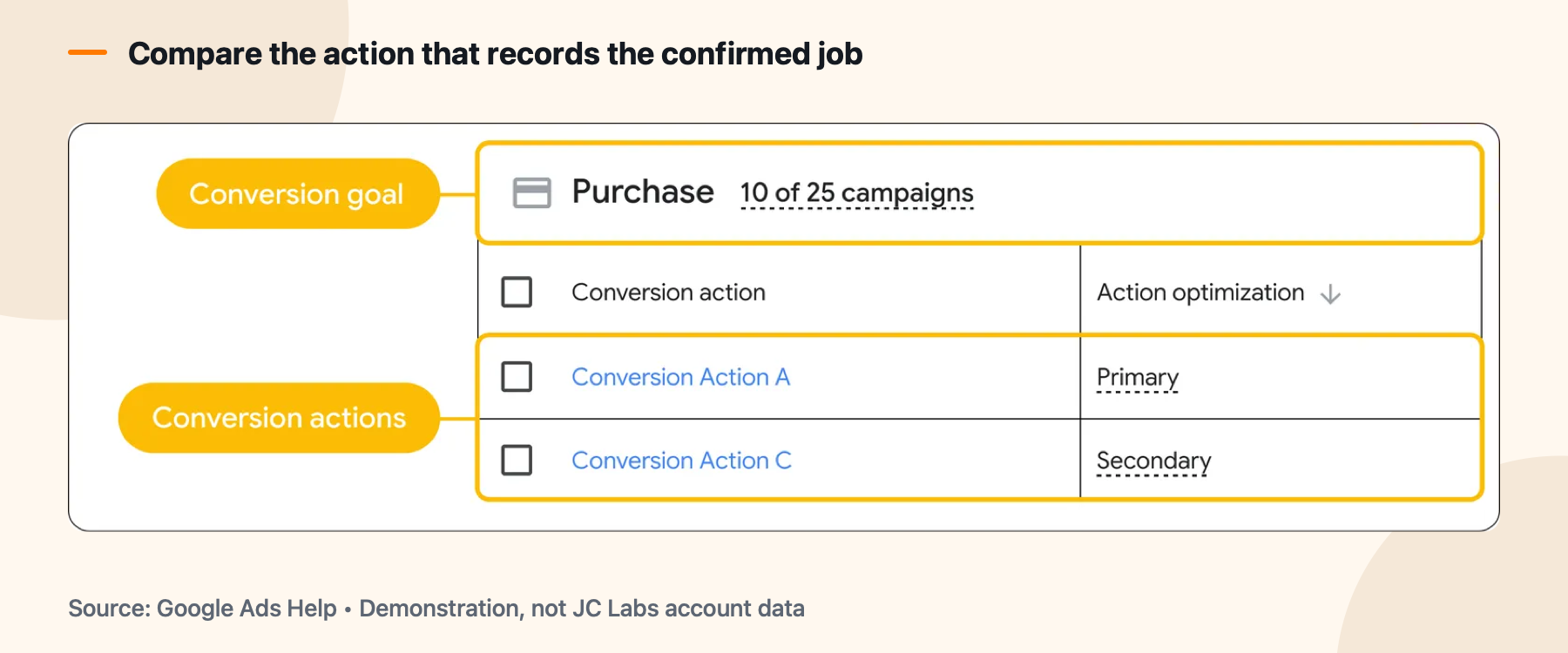
In the Google Ads Campaigns table, open Columns, choose Modify columns, and add All conv. (by conv. time). Use the conversion action segment where the table supports it. Find the action your account uses for a confirmed booking. Google recommends the conversion-time column when checking imported conversions.
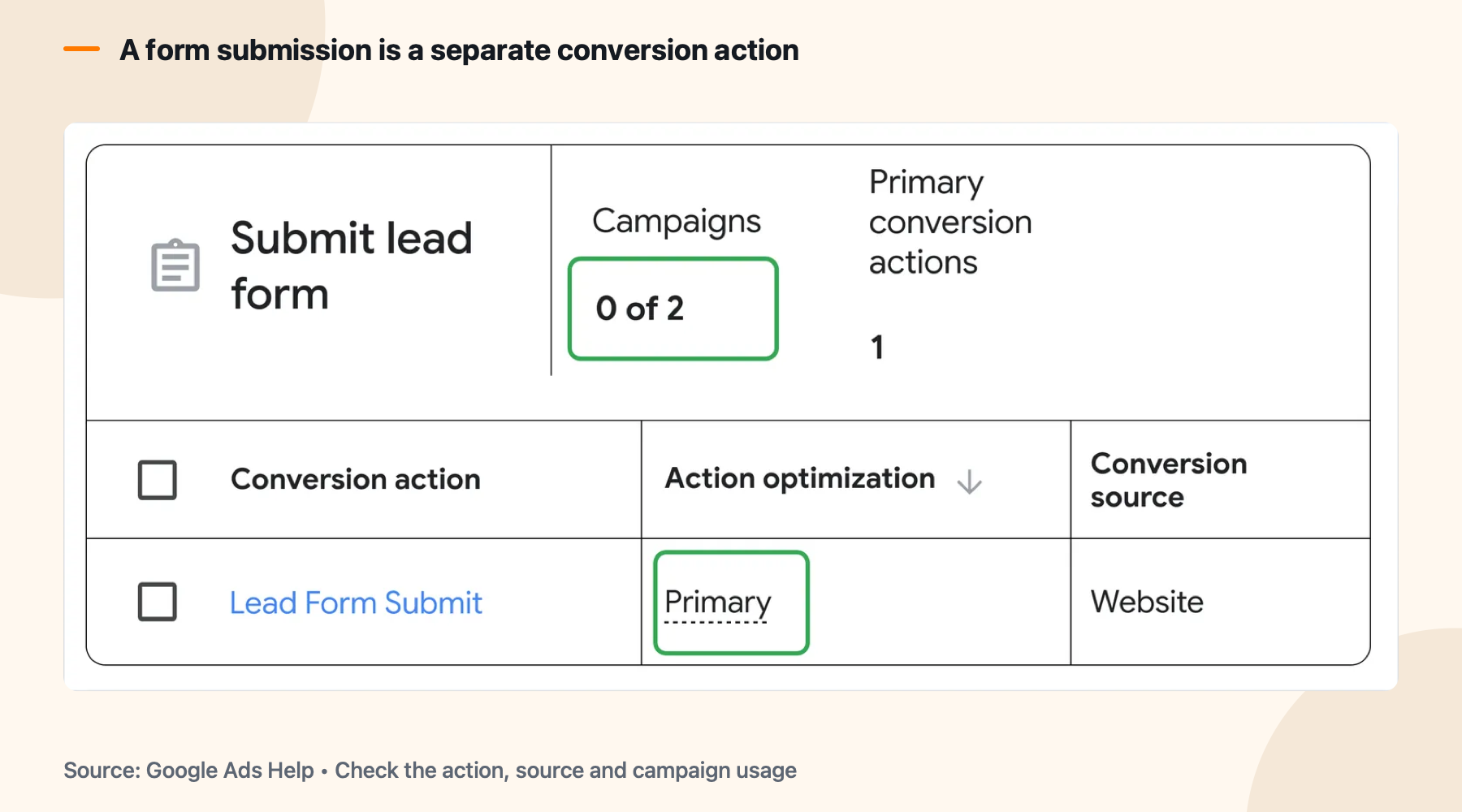
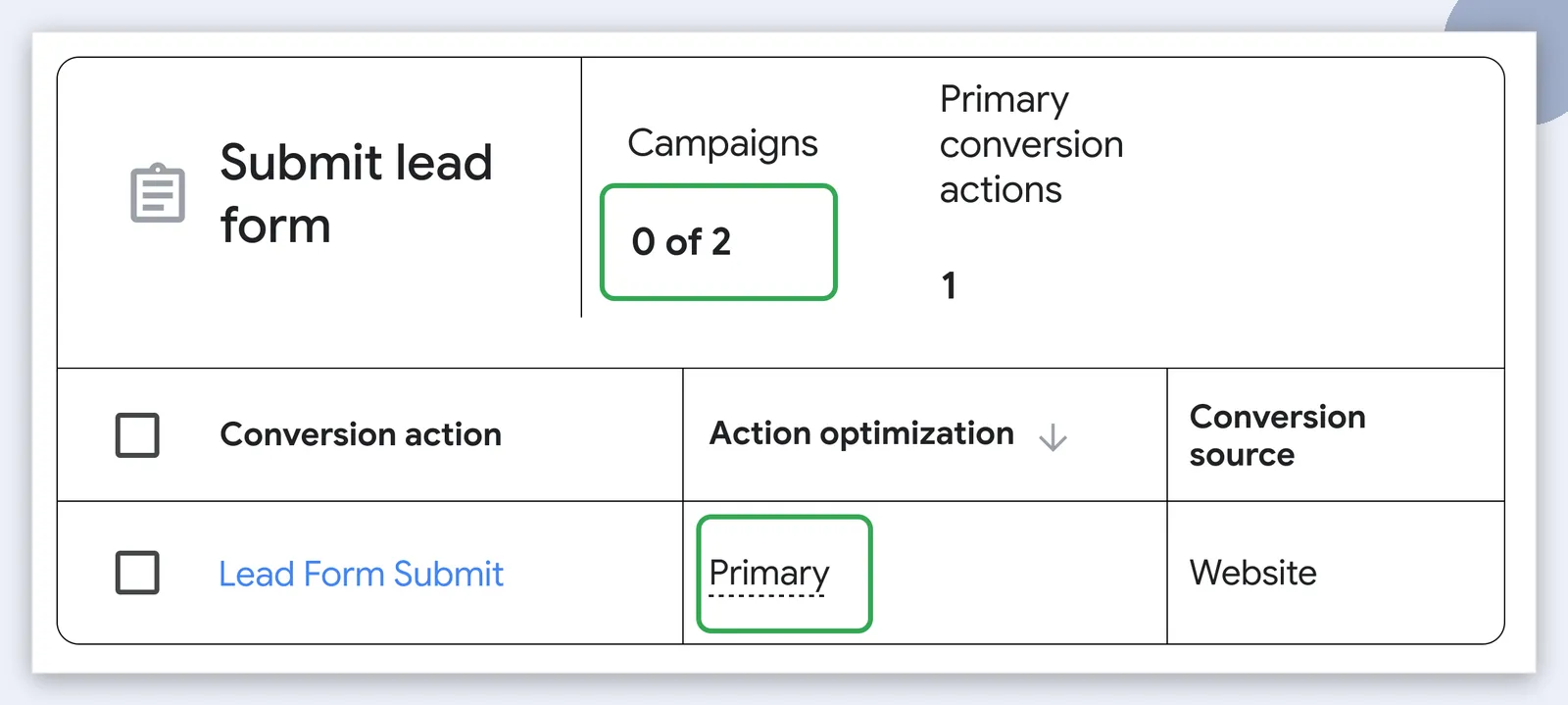
Read the name of the action with the person who owns the booking system. If a form submission is the only thing your campaign records, the report won't tell you how many jobs were booked. And if your office total includes referrals and repeat customers, isolate bookings eligible for your Google Ads import before you compare.
Check the import if the numbers still differ
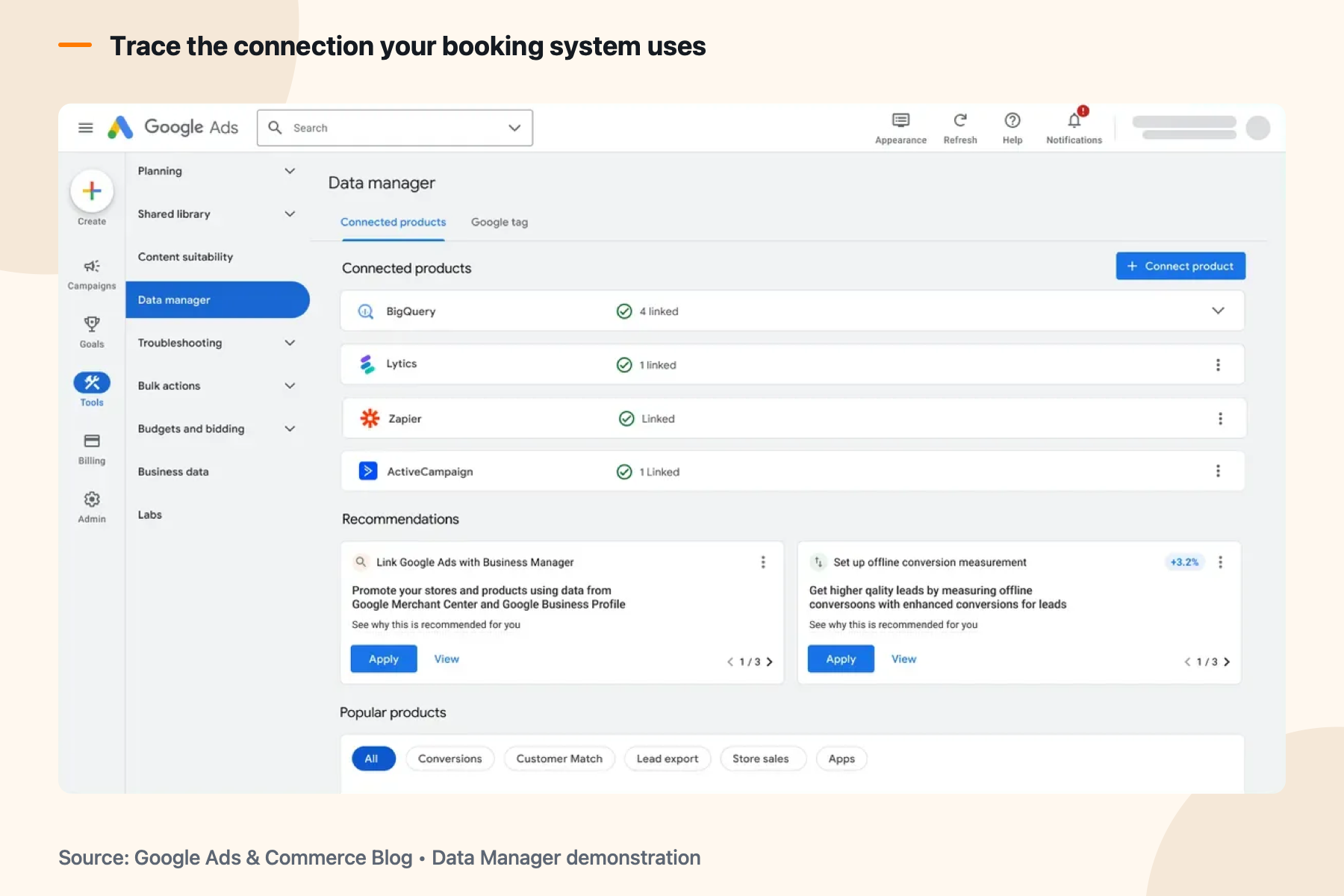
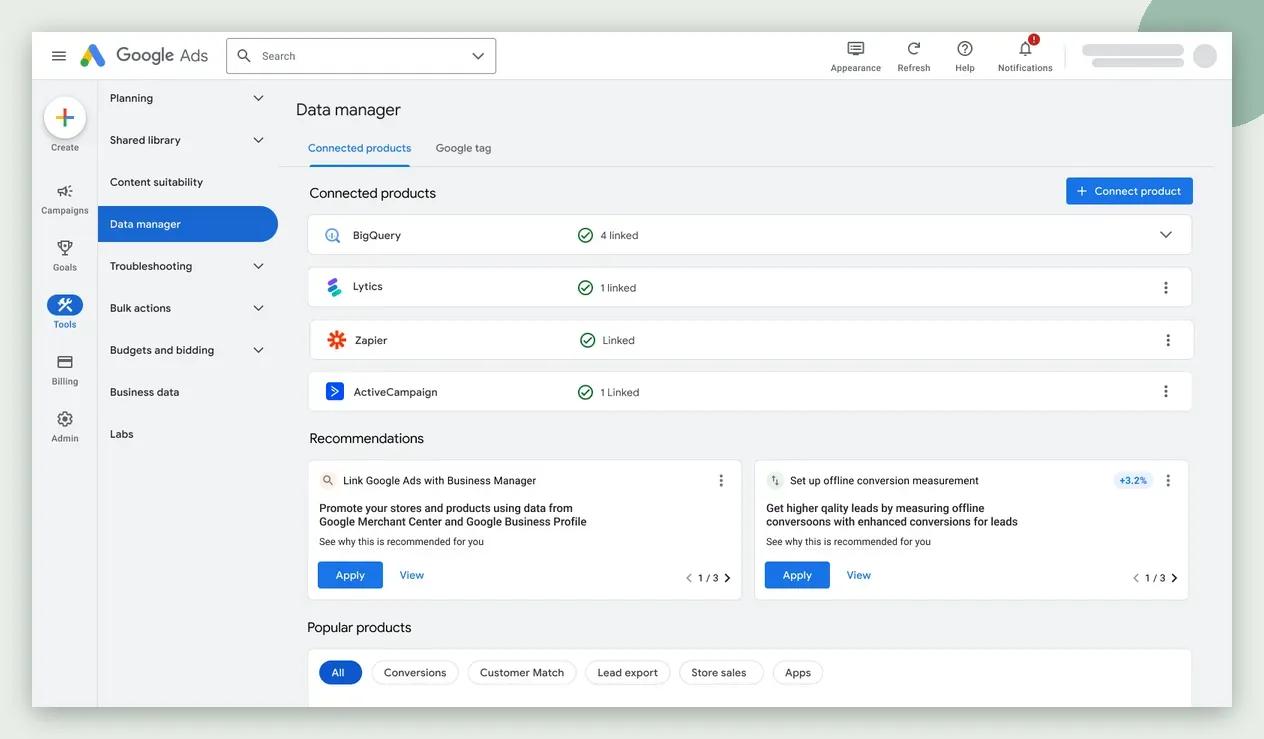
Pick a few bookings you expected to see and trace them from the office log to the upload or connection history. You can usually do that with your internal booking reference and timestamps.
If the booking never went out, check whether it reached the status your integration sends. If the upload shows an error, inspect the affected row and its status. In Google Ads, look for offline data diagnostics from the conversion summary or view the connection in Data manager. Google’s offline data diagnostics guide explains where to find import history and row errors.
If an import just ran, give the results time to appear before drawing a conclusion. A successful import also does not guarantee that Google gives a particular campaign a whole booking’s worth of credit. Google can split credit among ad interactions and display fractional values. The office should still count the actual job once. Google’s explanation of fractional conversion credit.
Use cost per booking to judge the clicks that led to the jobs
A booking-date view helps you reconcile what the office saw. For the campaign cost question, use the same group of ad interactions for both the spend and the booking credit. In the example above, pairing Monday’s ad spend with Monday’s booking would charge that job to the wrong group of clicks. If Google Ads doesn’t record bookings as a separate action, keep reporting cost per enquiry and use the office log to follow what happened afterwards.
When the two reports still disagree after the dates and booking action match, talk with Joseph about Google Ads management at JC Labs. We can review what your ads count, check the path from enquiry to confirmed job, and help you identify where the figures start to diverge.