
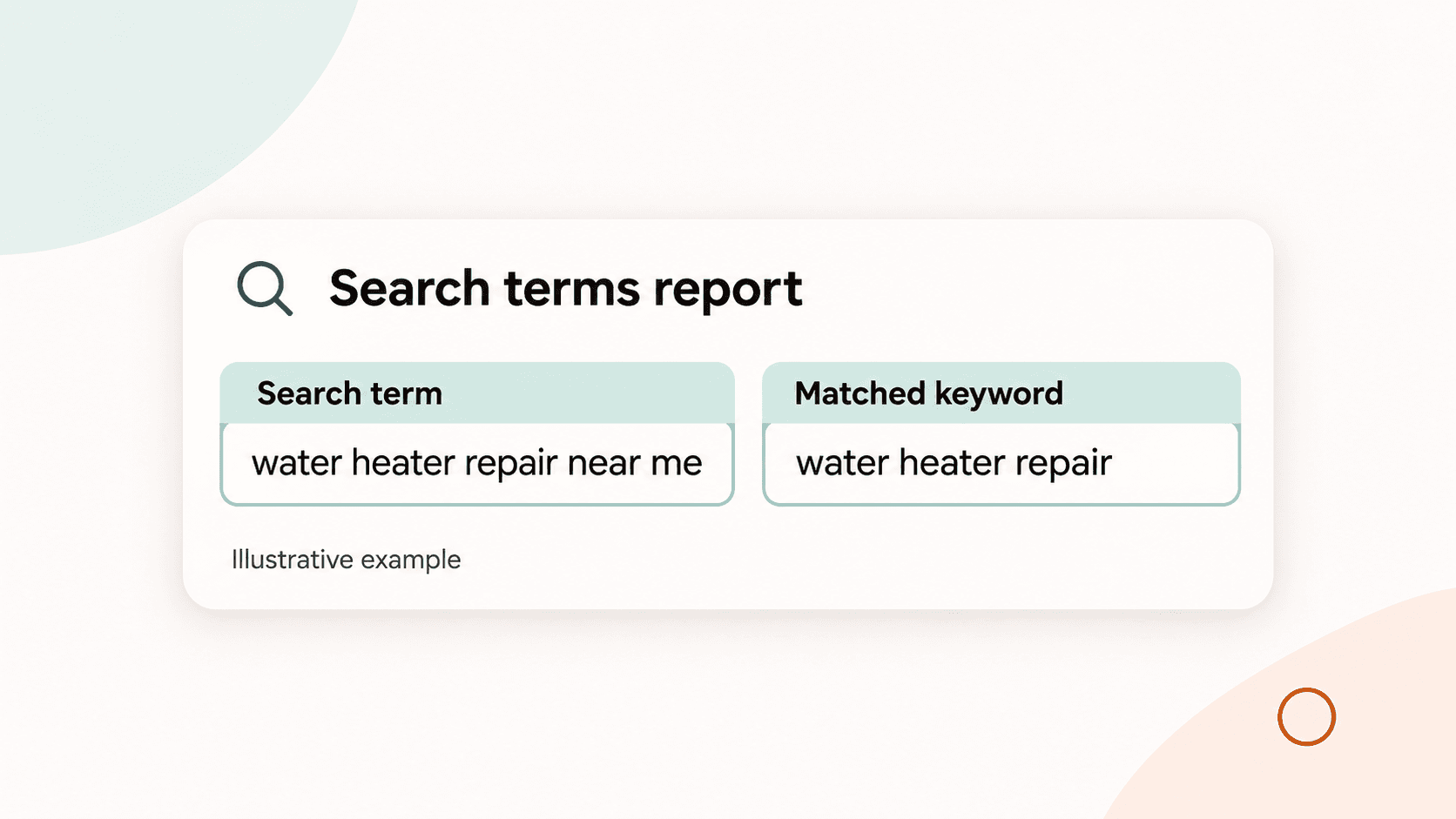
A click only helps your business if it comes from someone looking for work you can do. The Google Ads search terms report shows some of the actual searches that brought people to your ads, so you can check them against your services before changing your keywords.
Start with a useful question: Would we want an enquiry from someone who searched this? Then look at the matched keyword where one is shown, the cost and any enquiries you can verify. Keep a short list of searches to investigate before you make changes.
Start with the searches and the job you actually offer
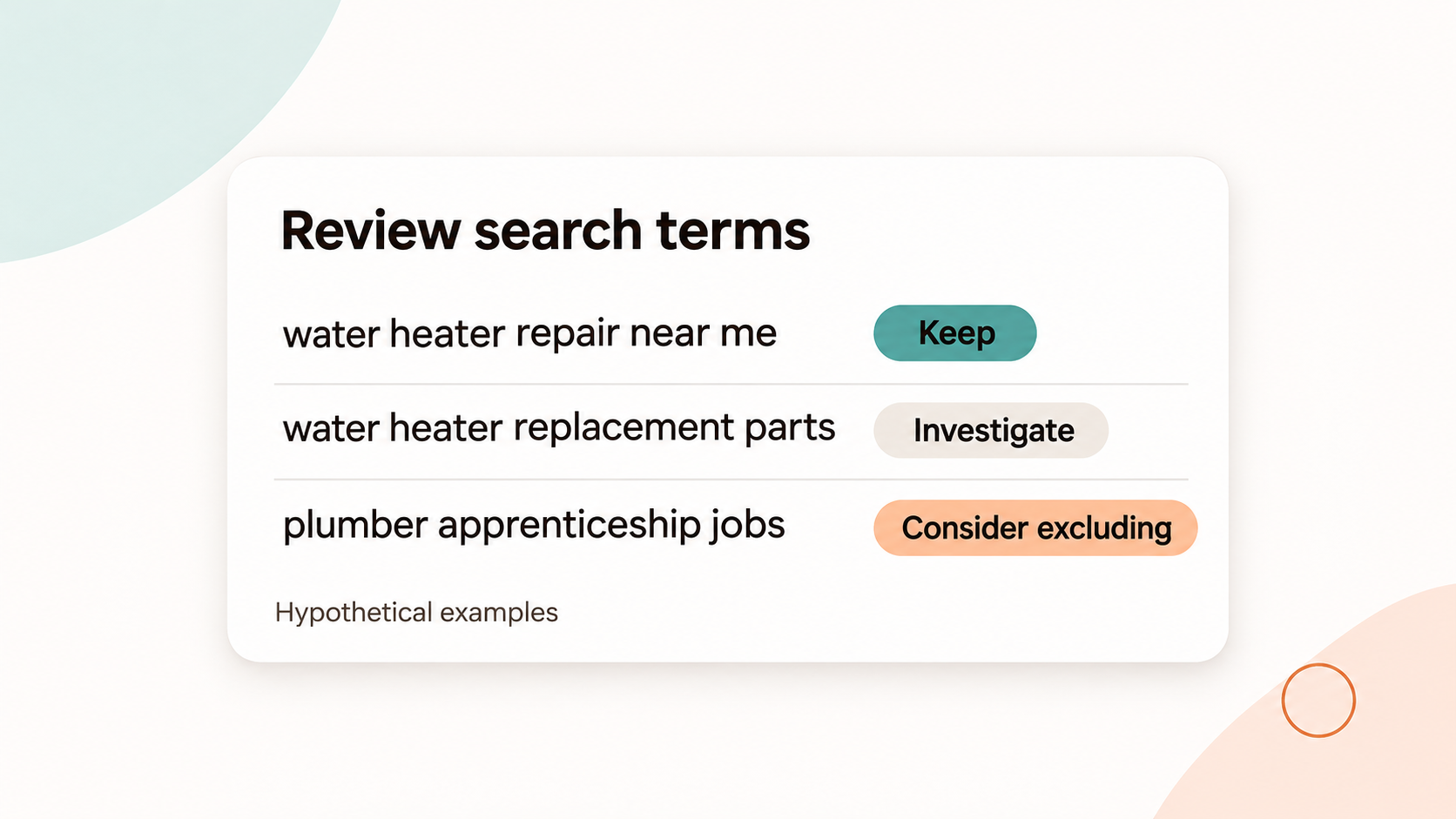
Picture a plumbing company that repairs and replaces water heaters but does not sell replacement parts. In this hypothetical example, a search for “water heater repair near me” may fit the service. “Water heater replacement parts” might need a closer look, while “plumber apprenticeship jobs” is probably looking for something else entirely.
The words alone are not a complete customer record. Someone searching for parts could still need a repair, and the report does not tell you whether a searcher became a good customer. Use what you know about your own work and service area before deciding what to change.
Search term, keyword and match type answer different questions
A search term is what someone typed. A keyword is a word or phrase you add to Google Ads to help your ad reach relevant searches. Google can match a keyword to searches with different wording or meaning, depending on its match type.
The report also has a Match type column. It describes how the search term related to the keyword that triggered the ad. That reported match type can differ from the match type you chose for the keyword. For example, Google says a broad-match keyword can appear as an exact match in the search terms report when the actual search matches it exactly. That does not mean your keyword setting changed.
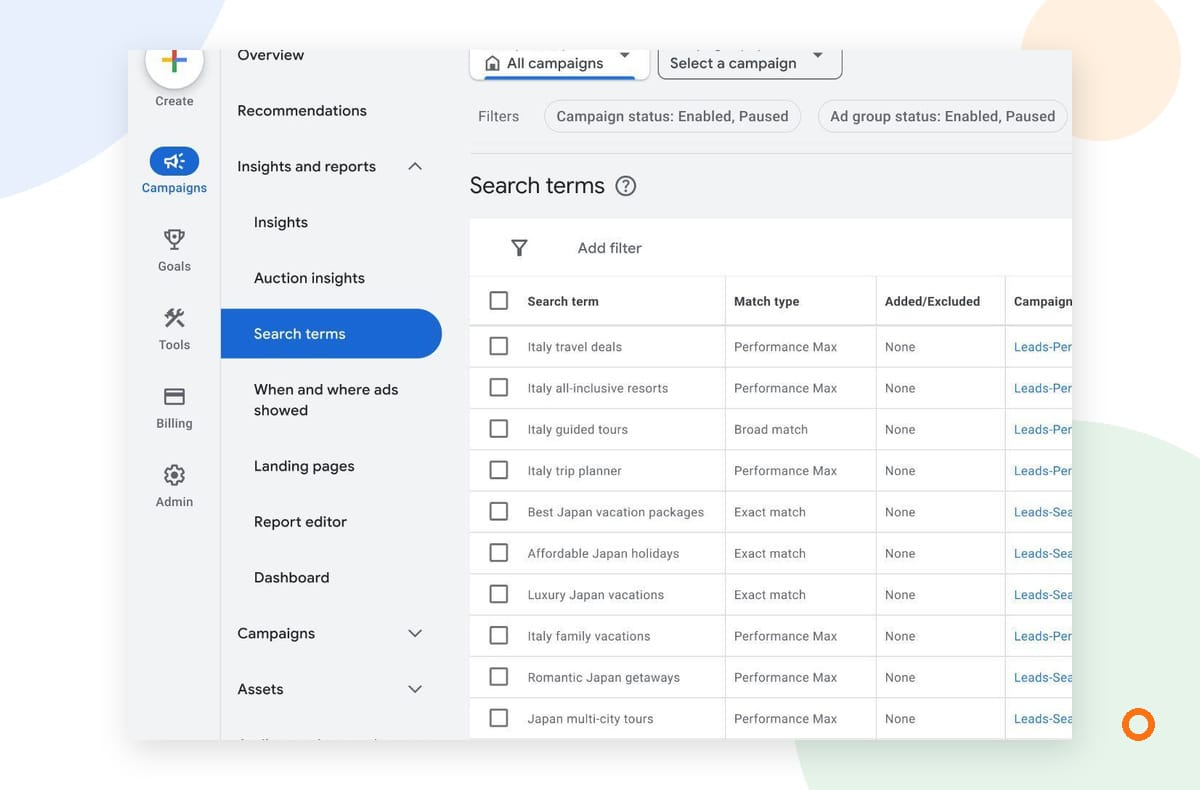
Open the report and add the fields you need
In Google Ads, open Campaigns, then Insights and reports, and choose Search terms. Choose a useful date range and check the campaigns you want to review. Google notes that the Keyword column is not shown by default. Select Columns, open Attributes, check Keyword and apply the change.
Look at each search term alongside the available performance columns and its matched keyword, where one is shown. Cost helps you see where to investigate first. If you track enquiries or calls, look at those too, but check what your account counts as a conversion before treating that number as a booked job.
Exporting the report can make it easier to review with the person who answers enquiries. Ask them which kinds of jobs your business wants, which calls are a poor fit and whether the team can serve the locations involved. Avoid adding customer names or other personal details to a shared worksheet when you do not need them.
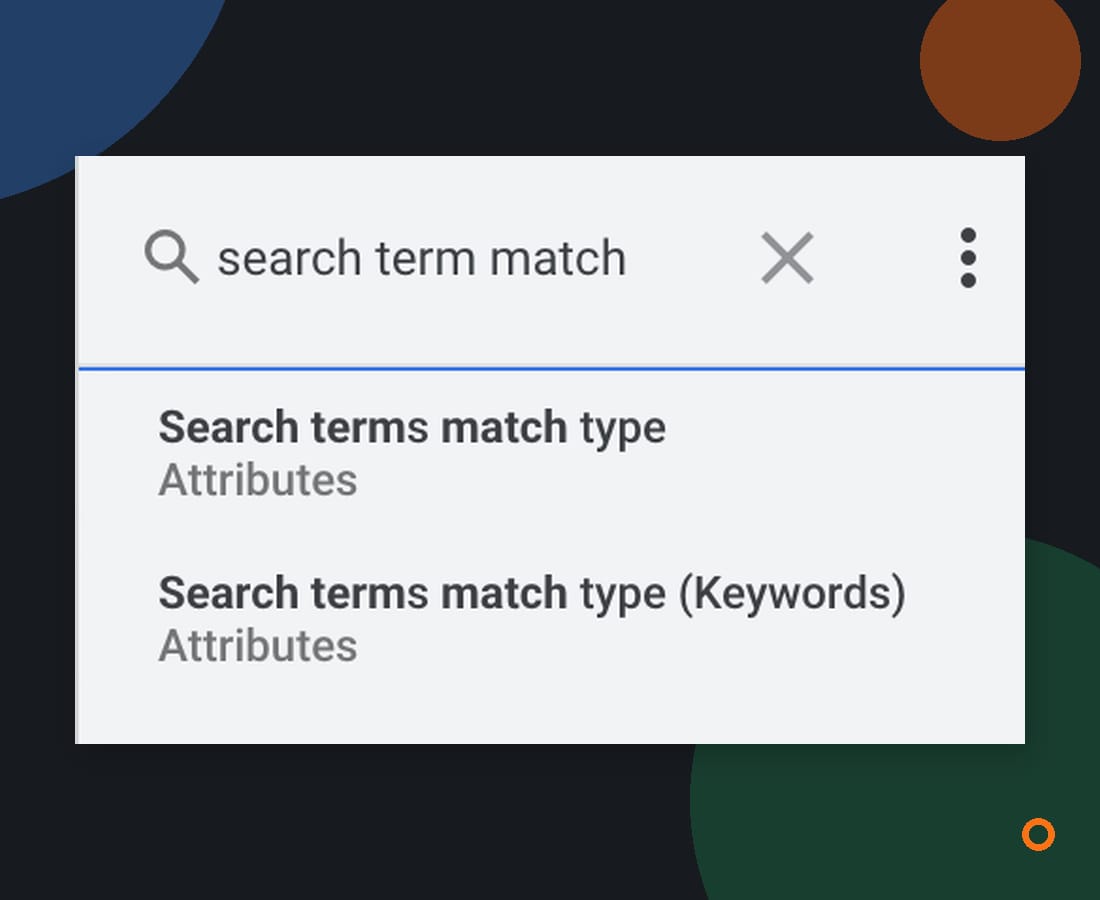
Why the two reporting fields can show different views
If you build a custom report, you may see both “Search terms match type” and “Search terms match type (Keywords).” Search Engine Roundtable reported a Google Ads liaison's explanation of the two fields on November 4, 2026. The Keywords version maps to the Search terms match type segmentation on the Keywords tab; the other maps to the Match type column on the Search terms tab.
The liaison also said that, at the time, a Report Editor report needed the Search term column included for “Search terms match type” to return all match types, including AI Max. Google was working on a follow-up fix for summary tables. Interfaces and availability can change, so check what your own account shows rather than assuming both fields cover the same data.
For a routine review, the regular Search terms report is a useful starting point. If a custom report does not match it, compare the fields, campaign scope and dates before drawing a conclusion. Google notes that you cannot add keywords or negative keywords directly from the predefined report in Report Editor.
Decide what to keep, investigate or exclude
Give each search a next step. A simple review can look like this:
| What you find | What to do next | Example for a plumber |
|---|---|---|
| A search that fits work you want | Check whether the ad and landing page help that customer take the next step. Keep monitoring enquiries. | A local customer searching for water heater repair. |
| A search that could fit, but needs context | Ask the person handling enquiries whether the business does that work. Check the search, matched keyword and landing page together. | Someone searching for water heater parts. |
| A search for work you do not offer | Consider a carefully scoped negative keyword after checking what else it might exclude. | Someone searching for plumbing apprenticeships. |
These examples are hypothetical. Your list should reflect the work and customers your business actually serves.
Negative keywords can stop ads from showing for certain searches, but they need care. Negative match types work differently from positive keyword match types. In Search campaigns, Google accounts for casing and misspellings. Add synonyms and singular or plural forms separately if you want to exclude them. A broad exclusion can also block useful searches. Check the wording, match type and scope before applying it, then review the report again later.
What a search terms report cannot tell you
The report is useful, but it is not a complete list of every search. Google omits some low-activity queries to protect privacy. A search that is missing from the table is not proof that nobody searched for it.
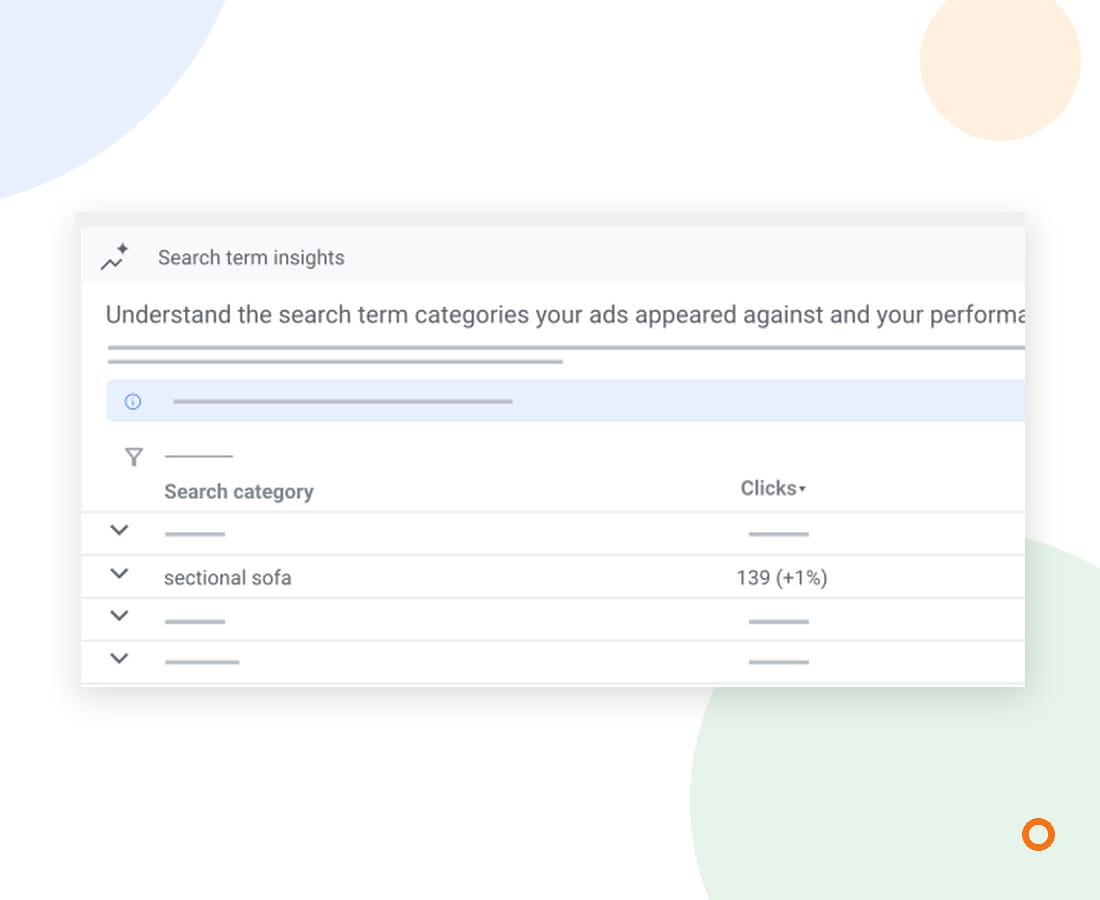
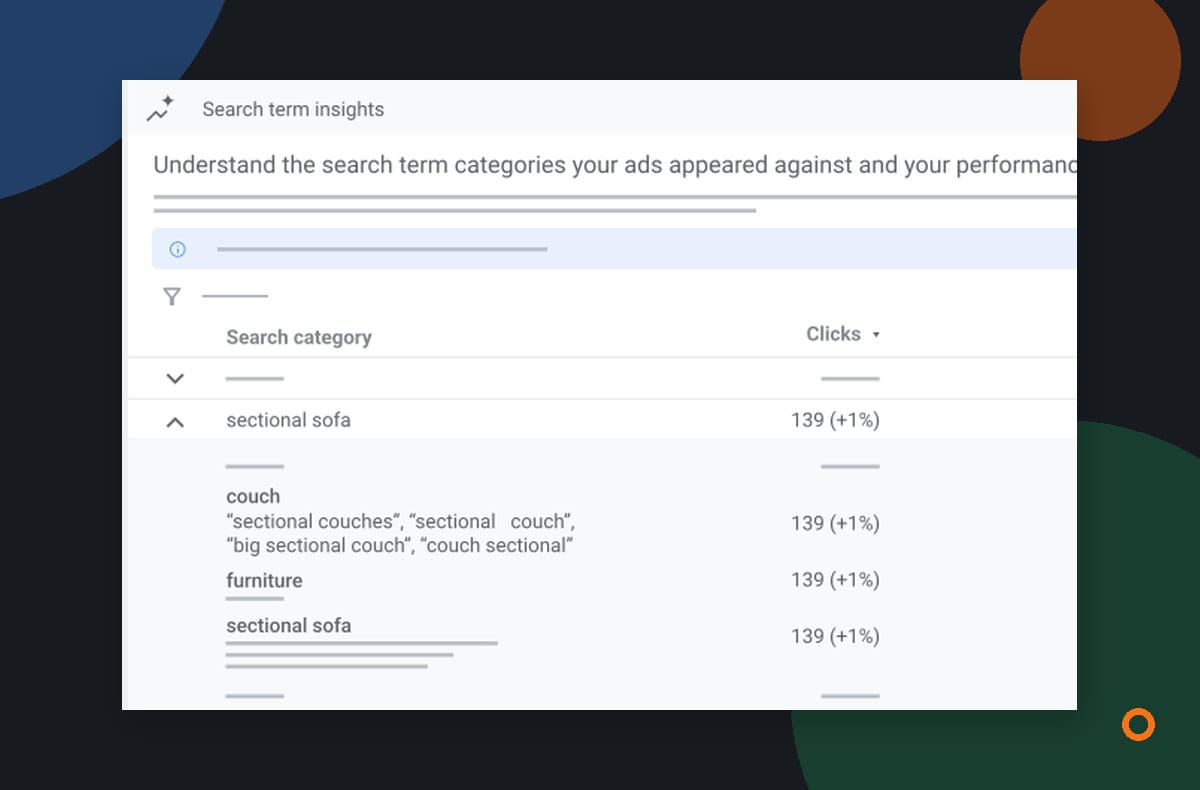
Google also offers Search terms insights, a separate view that groups searches into categories. Those groupings can include low-volume queries that are not shown individually in the search terms report. The two views are useful for different questions, so do not expect their figures to match exactly.
It also cannot tell you on its own whether a caller booked, paid or was a good fit. Compare the report with the enquiry and booking information you already collect, using the same dates where practical. A small number of clicks or recent changes may leave too little information for a confident decision.
Agree on the next change
After reviewing the report, choose a small number of changes you can explain. Record what you changed and why, then give the account time to collect useful information before making another decision. If a search fits your service but the enquiry goes to the wrong page or nobody follows up, fix that part of the journey too.
If you want help reviewing the searches and enquiries behind your campaigns, learn more about our Google Ads management or tell us what you would like to improve.
Sources: Google Ads Help: About the search terms report, Google Ads Help: About negative keywords, and Search Engine Roundtable: Google Ads explains search terms match type.