
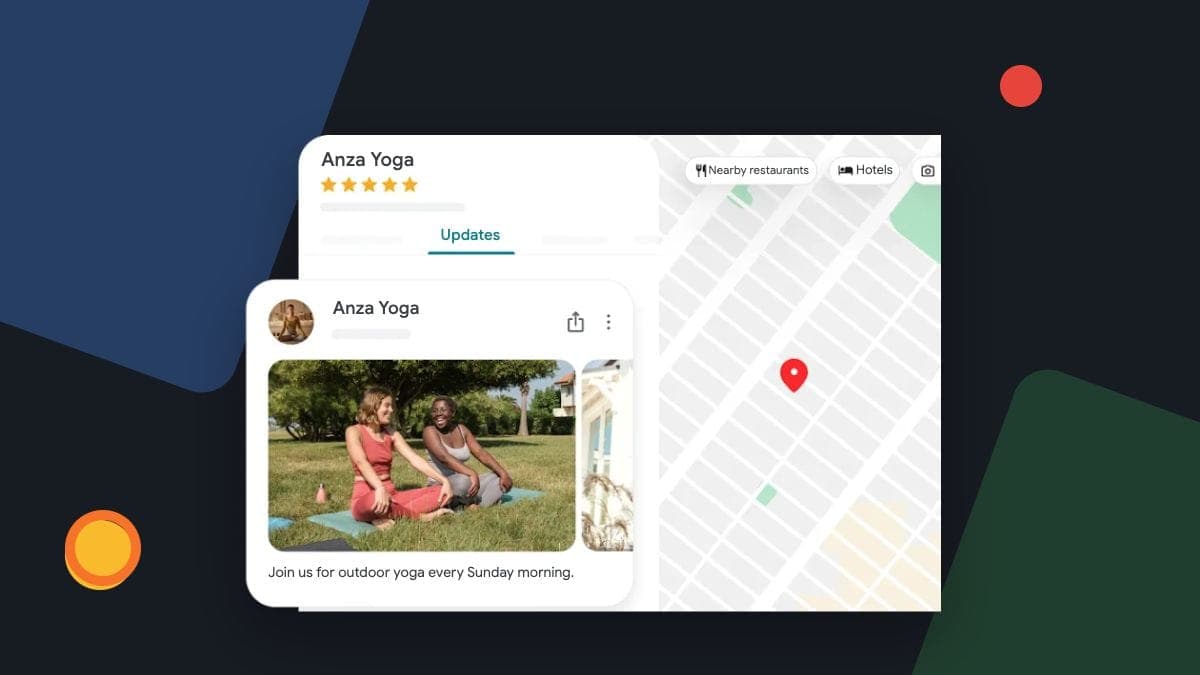
Start your Google Business Profile routine with the details a customer relies on: what you do, where you work, when you are available and how to contact you. Check for new reviews and business-information changes, then add photos or posts when you have something useful to share.
For a Canadian trades business, that is more useful than publishing to meet an activity quota. A current profile helps a customer assess your business. It does not guarantee a higher Maps position just because you touched it this week.
Accuracy comes before a posting schedule
Google's local-ranking guidance describes relevance, distance and prominence. It recommends complete, accurate business information. It does not establish a weekly posting frequency that every business must meet to avoid dropping in the rankings.
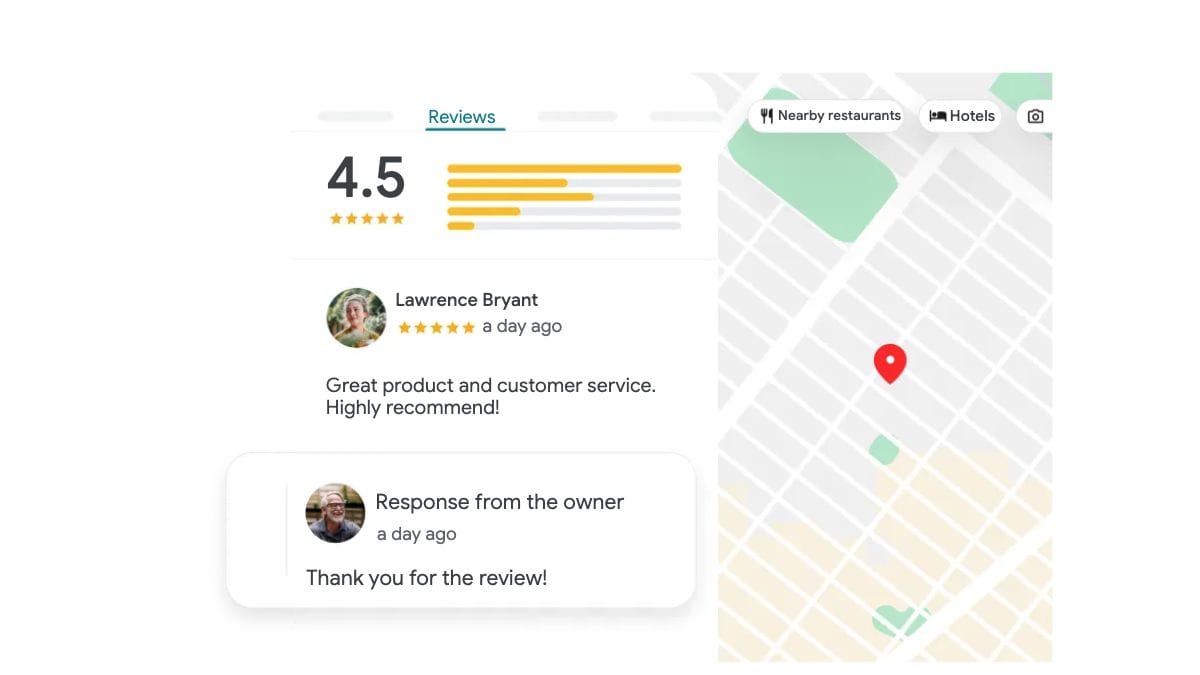
Our earlier article treated inactivity as a direct ranking penalty and regular updates as a guaranteed source of more calls. Those claims were too strong. The practical reason to maintain a profile is to keep the public information useful and deal with changes before they cause confusion.
Open the profile and follow its website link. Does the page describe the same service? Do the hours reflect the way the business actually handles customers? Could someone outside your service area reasonably mistake your offer?
Wrong hours and service areas can mislead a customer. Correct the fact and check the public version.
Use a routine that fits your business
The schedule below is a suggested starting point, not a Google requirement or a promised thirty-minute monthly task. Review more often when hours change, enquiries are frequent or someone else is editing the profile.
| When | What to check | Useful outcome |
|---|---|---|
| During your regular weekly check | New reviews, Google updates, website and contact links, urgent wrong information | A short action list with an owner for each item |
| When a business fact changes | Hours, services, service area and the matching website information | Correct public details, checked after submission |
| When you have suitable new material | Real work photos and a useful update or announcement | Content a customer can use to assess fit |
| Before a holiday or seasonal change | Special hours, actual availability and any dated offer | Fewer avoidable misunderstandings |
| At your monthly review | Unfinished changes, unanswered feedback and enquiry outcomes | A clear next task rather than another content quota |
Choose photos that answer a customer's question
A clear photo of completed work can show the kind of job you take on. An accurate team, vehicle or exterior photo can help someone recognise the business. Pick an image because it is useful, rather than because the upload counter is low.
Google's photo guidance asks for clear, well-lit images that represent reality. Avoid significant alterations or excessive filters and AI. A generated illustration is suitable for explaining an idea in an article; it is not evidence of a real customer job on your profile.
Check permission before sharing a customer's property or identifiable people. Remove visible private details such as a house number or vehicle plate where needed. Keep the original and a note of the agreed use in your own files.
Choose a photo that helps a customer understand your work, and check permission before making it public.
Publish a useful update when there is something to say
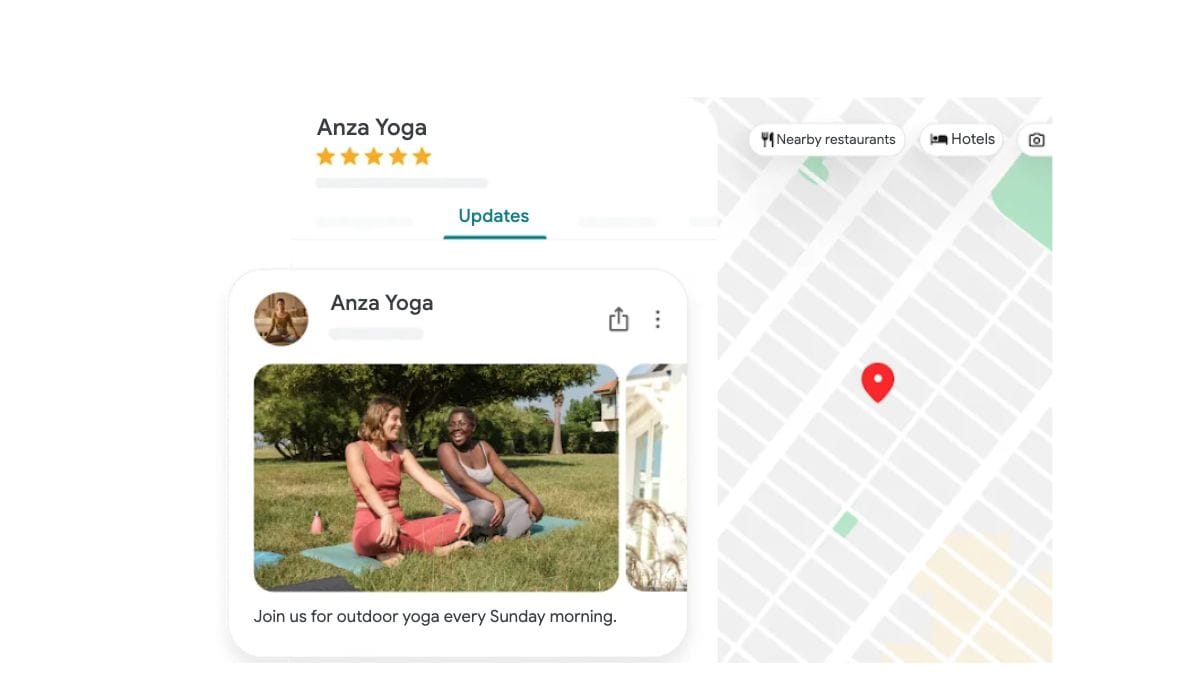
A post can explain a seasonal service, a genuine offer or a practical point from a recent job. Keep the claim specific. If an offer has conditions or an end date, make them clear and keep the linked page consistent.
Google's post guidance distinguishes Live, Pending and Not approved statuses. Check the public result rather than treating a submitted post as automatically visible. Use the controls available in your profile and review the reason if a post is not approved.
A hypothetical heating contractor might explain which heat-pump systems it services and link to the relevant service page. There is no need to invent a recent customer result or promise that the post will raise the profile's rank.
Build a review routine that treats customers fairly
Choose who checks new reviews and who handles a disputed service issue. Reply to the point the customer raised, verify any fact you add and move private job details to an appropriate contact route.
Invite genuine feedback consistently. Do not send a review request only to customers you expect to give five stars. Google's contribution policy prohibits incentives, selectively soliciting positive reviews and requests for specific review content. Avoid coaching people to include keywords or staff names.
A useful reply acknowledges the feedback raised. It does not need extra service names or promotional wording.
Set a response routine you can maintain and a backup for holidays. An accurate, considerate reply is more useful than meeting a self-imposed deadline with an invented explanation.
Give each information change an owner
Google can update profile information using other sources. Its Google updates guidance explains how to review changes and certain suggested edits. Check notifications promptly; some suggested edits have a four-day response window and may publish automatically if supported by public information.
Keep a simple record: the old detail, the verified new fact, who approved it and whether the public profile now shows it. When a change is unclear, investigate it before automatically reverting it.
Categories deserve the same care. Google's business guidelines say to use the fewest categories needed to describe the core business. Add services in the appropriate service fields. Do not add every category that resembles a keyword you would like to rank for.
A saved change and a correct public result are separate checkpoints. Keep an owner on the task until both are checked.
Frequently asked questions
Do we need to post every week?
Use a manageable schedule when you have relevant information. Google does not promise a ranking improvement for meeting a weekly quota. Correcting a wrong service or holiday hour should take priority over filling a publishing slot.
Should every profile field be filled?
Complete the fields that accurately apply to your business. Available services and attributes vary. Do not invent facilities, availability or locations just to make the profile look fuller.
What should we check after an edit?
Check the submitted status and the public profile. Follow the website or booking link and confirm the intended page still works. Keep an unresolved edit open in your task record.
Start with the next useful correction
At the next check, fix one wrong fact, identify any review that needs attention and decide whether you have a photo or update worth sharing. Keep unfinished work in a short list with a responsible person.
Learn more about Google Business Profile management if you would like help maintaining that routine. Tell us which services you offer and what is falling behind, so we can agree on useful work.