
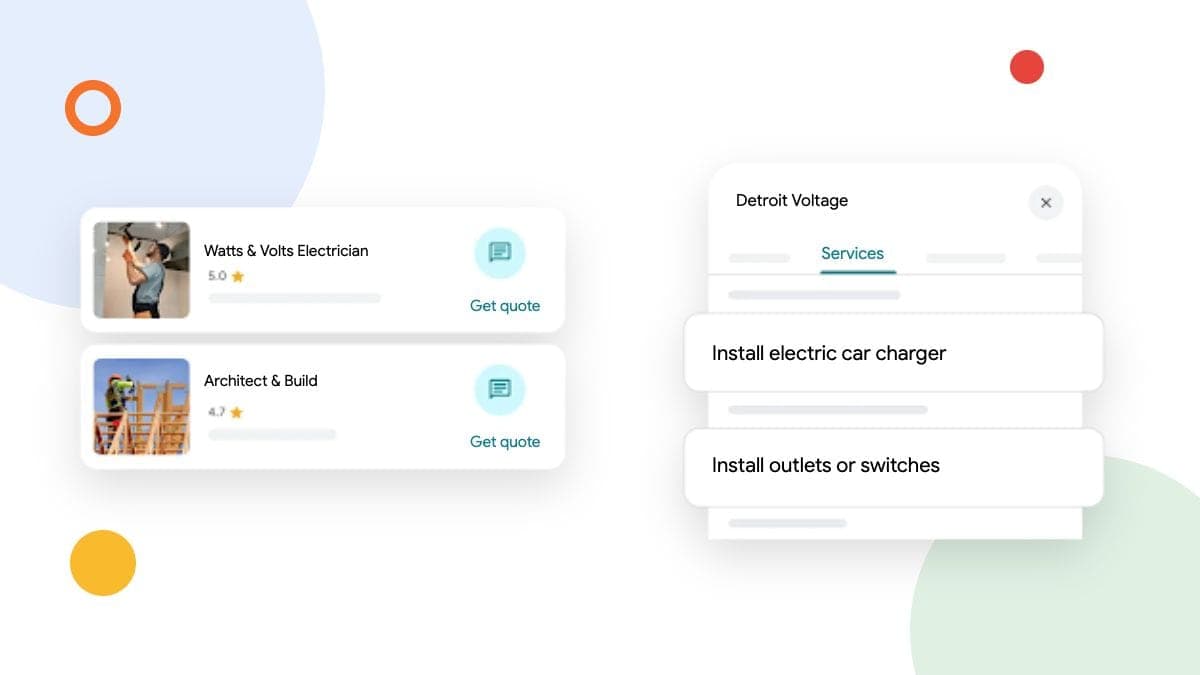
Updated October 22, 2026. This article now uses Google's current eligibility and setup guidance. We removed the earlier prediction that an AI messaging test meant a general launch was imminent.
Canadian businesses have several useful Google Business Profile tools to consider, but they solve different problems. Eligible profiles can add text or WhatsApp contact options. Google's Gemini connection has account restrictions. A Google Analytics link brings profile activity into reporting, rather than proving which enquiries became paying jobs.
We would start with the problem you need to solve. If customers cannot reach you, fix the contact route. If reporting is scattered, look at the Analytics link. If you want help drafting or reviewing profile work, check whether your account qualifies for Gemini before planning a workflow around it.
Text and WhatsApp are separate from the old Google chat
Google ended its old Business Profile chat and call-history features on July 31, 2024. That does not mean every messaging option is gone. Google's current contact guidance lets eligible verified profiles add a text-message number or WhatsApp link. Availability varies by region and profile.
Open your Business Profile, choose Edit profile, then Contact. If a Chat field is available, review the supported options and use a business channel someone actually monitors. Google says that if both text and WhatsApp are added, customers see the text option.
Before adding another contact route, decide who will answer it and during which hours. A message sent while you are on a job still needs a response. One monitored business inbox is more useful than several neglected channels.
Choose a contact option you can monitor. Test the public destination after saving it.
Test the customer experience on a phone. Confirm that the link opens the intended conversation, that the number is yours and that a clearly labelled internal message reaches the right person. A reported AI-agent test is not evidence that automated replies are available to your Canadian profile.
Check Gemini eligibility before relying on it
Google's Business Profile connection for the Gemini web app can help with profile information, review drafts, posts and performance questions. Its documented conditions include an adult user, a personal Google Account, Keep Activity enabled and access to only one verified Business Profile. Work or school accounts and accounts with more than one verified profile do not currently qualify. The release is gradual.
That is a meaningful distinction for an agency or an owner with several locations. Having access to Gemini itself does not establish access to this particular connection.
Review the current account requirements before connecting a tool. Do not move ownership or broaden access just to get a feature.
If you qualify and want to try it, read the connection screen and the data settings before approving access. Start with a request to show the current business details. For a proposed change, check the exact profile and the wording, then confirm the public result afterward.
We would keep judgement with someone who knows the business. A draft that sounds polished can still quote the wrong service area, promise an unavailable appointment or misunderstand a customer's review.
Bring profile activity into Google Analytics
Google documents a Business Profile link in Google Analytics. You need Editor or Administrator access to the Analytics property and Owner or Manager access to the profiles. In Analytics Admin, look under Product links for Google Business Profile links, then follow the link setup and review its data-sharing information.
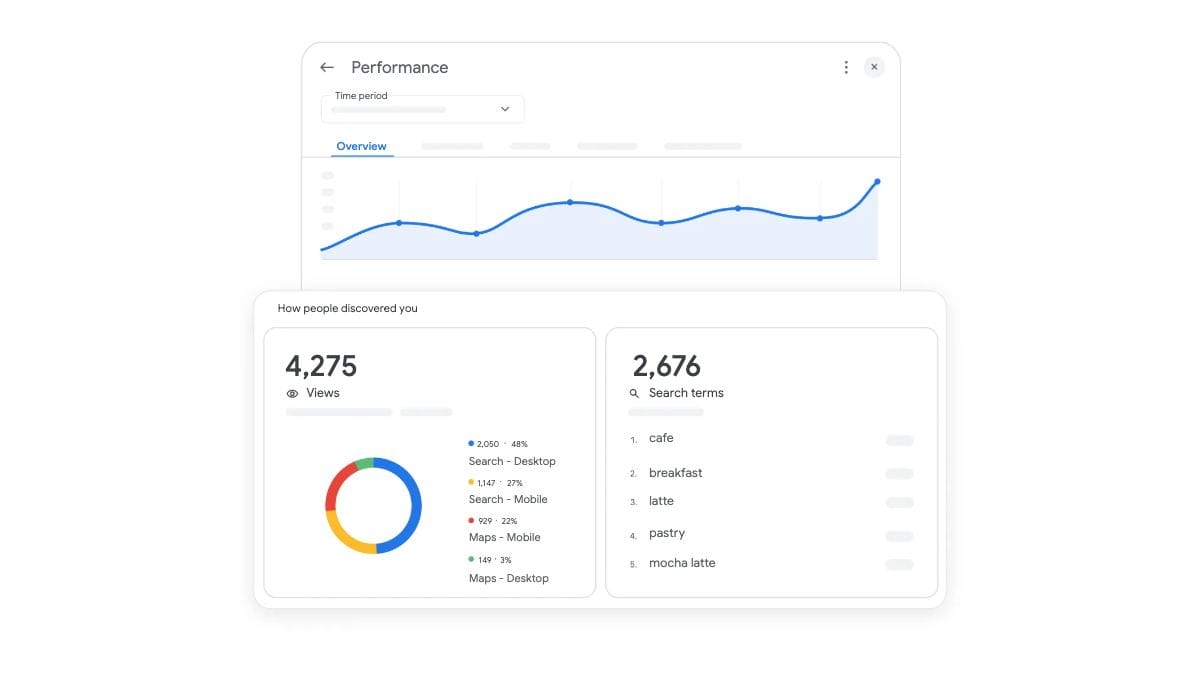
The reports include profile engagement metrics such as website clicks, calls and directions. Google documents a six-month reporting window. When several profiles are linked, their metrics are aggregated, with no individual-profile filtering in those reports. The profile metrics also have restrictions on explorations, comparisons and filters.
Use that view to understand activity. Keep a separate record of qualified enquiries and booked work. A call interaction on a profile does not establish that someone answered, that the job was suitable or that a sale followed.
Profile activity and booked work answer different questions. Keep both in your reporting.
For example, imagine a hypothetical contractor sees more profile website clicks but no increase in enquiries. We would check the mobile landing page and contact route before assuming the profile needs more features. If enquiries rise but jobs do not, review service fit, response time and the reasons customers decline.
That is a useful conversation with the person answering the enquiries. It is more specific than reporting a larger interaction total as a business result.
Review Google's collected information carefully
Google's profile-editing guidance describes a Collected info section for selected regions, languages and categories. Where available, it can show information collected through automated outreach, along with its source and date.
One detail matters: deleting a collected information record does not change other information already on the profile. If the public hours or contact details are wrong, check and correct the corresponding profile field as well. Google reviews profile edits before they appear.
Removing a collected record and correcting a published business detail are separate actions.
Record what you changed and check the public result. If an incorrect detail returns, that record gives you a useful starting point for investigating the source. Do not assume a disappearing record means the customer-facing problem is fixed.
A sensible order for a small business
We would make these checks in this order:
- Confirm your actual services, hours and service area. Correct errors customers can see.
- Open each contact link on a phone and confirm someone receives the enquiry.
- Review how you record enquiries, qualification and booked work.
- Consider the Analytics link if it would make profile activity easier to review.
- Try an eligible AI connection only when you have a clear task and a person responsible for checking its work.
You do not need every new button to run a useful profile. Choose the tools that make your existing customer journey clearer or reduce work you already do.
Common questions
Is the old Google Business Profile chat back?
Google's chat-change notice still distinguishes the retired chat service from eligible text and WhatsApp contact options. Check the current options on your profile rather than assuming an old dashboard guide applies.
Can a Canadian business use the Gemini profile connection?
Check Google's current account and availability requirements. Canada is not an automatic exemption from the personal-account, single-profile and gradual-release conditions described above.
Will linking Analytics count my booked jobs?
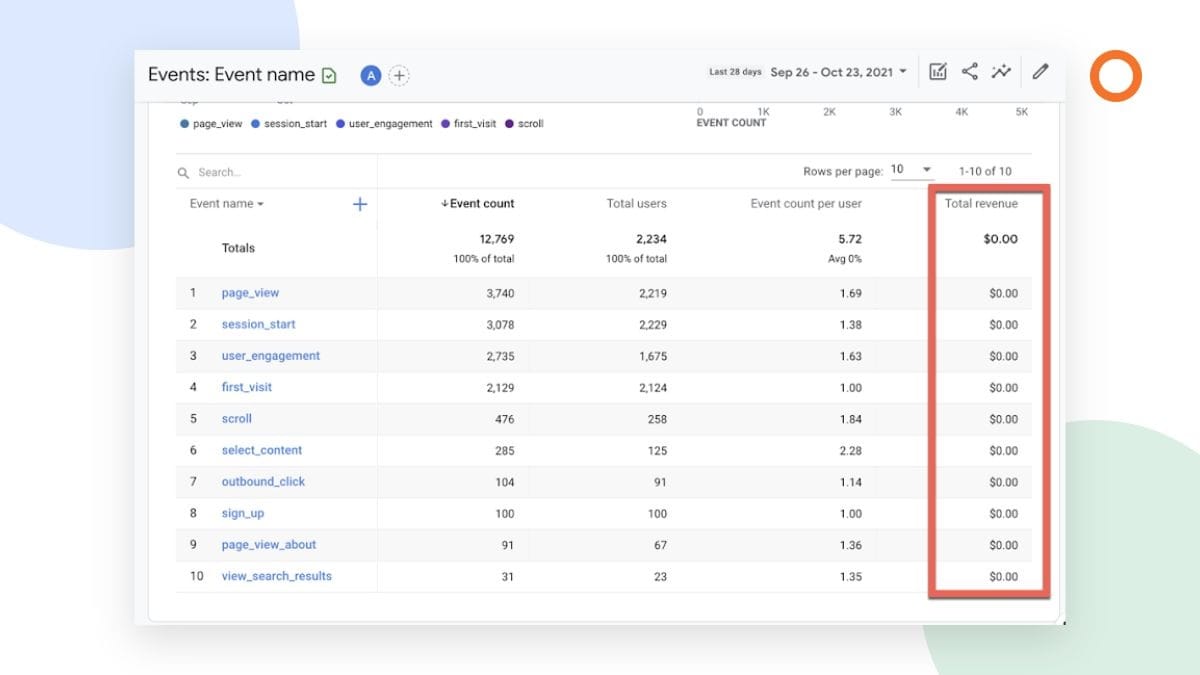
The documented link reports Business Profile activity. Confirmed jobs need their own reliable record and measurement setup. Do not relabel a click, direction request or call interaction as revenue.
Should I automate replies as soon as a tool offers it?
We would review a few drafts first and decide which requests need a person. Pricing, availability and complaints deserve an accuracy check before a response goes out.
If you want help choosing what to maintain yourself and what to hand over, learn more about our Google Business Profile services. Tell us where the profile work or enquiry handling gets stuck, and we can focus on that part first.