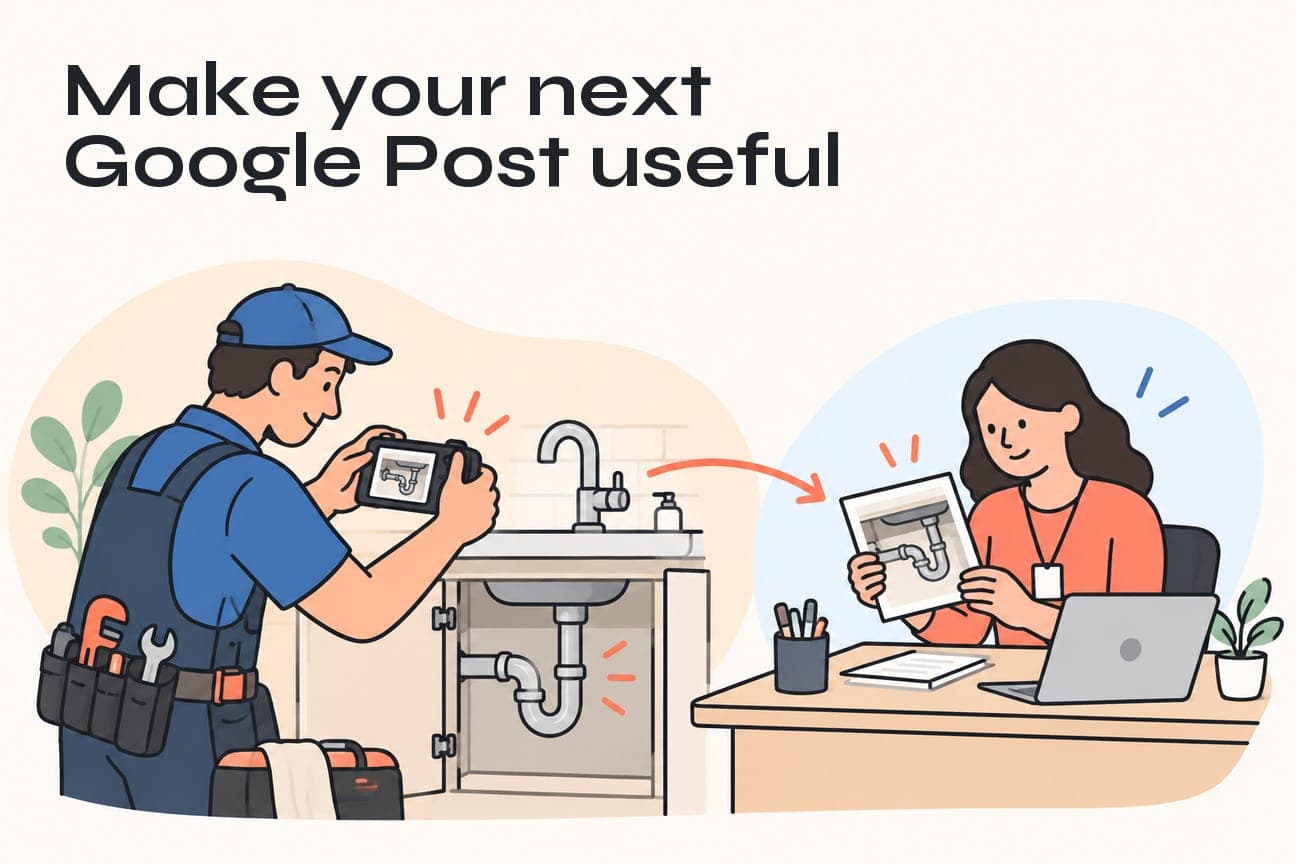
A useful Google Business Profile post answers one customer question, shows relevant work and offers a clear next step. We recommend starting with a real job photo, a confirmed detail about the service and a link that continues the same conversation. Then track genuine enquiries, rather than treating a post view or website visit as a booked job.
For a busy local business, the hardest part of posting is often deciding what is worth saying. You finish good work every week, but turning it into another “we’re here to help” announcement can feel like a chore. A better starting point is the question a potential customer would ask about that work.
That matters whether someone finds your update near the top of your profile or further down the page.
What changed in Google Posts, and what should you do?
On October 19, 2026, Search Engine Roundtable reported Google Posts appearing higher in some local panels. The report includes observations from Ben Fisher and Barry Schwartz. Fisher also described the placement moving up and down over several days.
Treat this as an observed interface test. It is not a confirmed permanent rollout, and it does not establish a ranking benefit from publishing more posts.
Our recommendation is simple: make your next update more useful before increasing your posting schedule. If Google gives a post more prominent placement, you want that space to help a customer understand your work and decide what to do next.
For a plumber, that could mean explaining a common reason someone requests a tap replacement. For an electrician, it could be showing the finished result of a lighting installation. For a cleaning company, it could be clarifying what a particular service includes.
The opportunity is to make your service easier to understand at the moment someone is considering you.
Start with one real job and one useful customer question
Before you write a caption, choose the question the post should answer. “What did we do today?” is useful internally. “Is this the kind of work you handle?” is usually more useful to a potential customer.
Try questions such as:
- Can you replace this type of fixture?
- What does this service include?
- What should I have ready when I ask for an estimate?
- What is the next step if I have the same problem?
Choose one. A short update becomes harder to follow when it tries to introduce your company, list every service, explain a job and promote an offer at once.
Collect a small brief while the job is still fresh
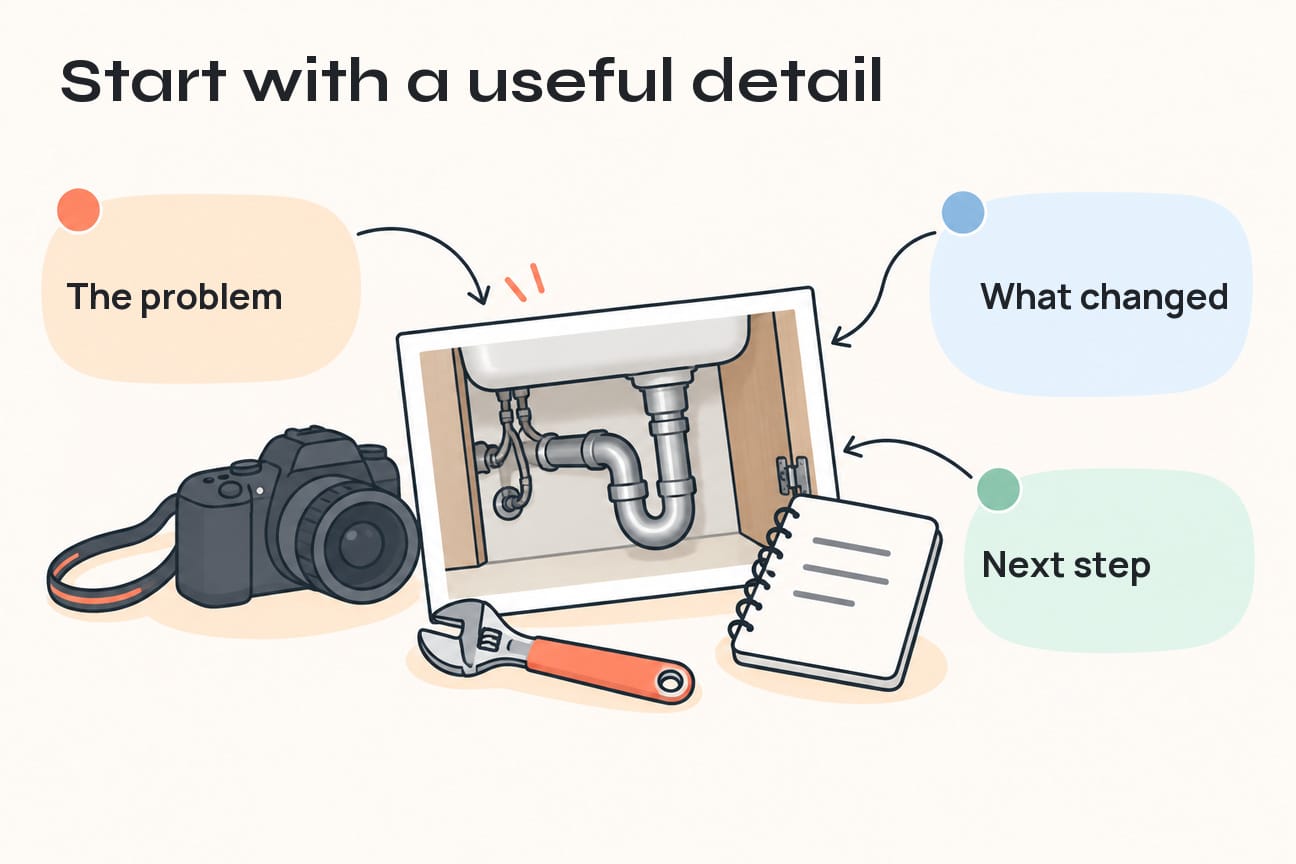
Ask the person who completed the work for three things: the service performed, one detail a customer would understand and a suitable photo. That is enough to begin a useful draft.
Keep customer permission and privacy part of the collection process. Avoid identifiable people, house numbers, documents, vehicle plates and security details unless you have an appropriate reason and permission to use them. A close view of the completed work is often more helpful than a wide photo of someone’s property.
The public post should contain the service story. Customer records and internal job notes belong in your business system.
Use a genuine photo that supports the message
A photo of a tidy finished installation can help someone recognise the work they need. A decorative stock image cannot show what happened on your job.
Make the subject easy to see, check that the image is clear on a phone and remove unnecessary clutter from the frame before taking the photo. If a before-and-after comparison helps, make sure both pictures actually show the same job and that the difference is understandable.
You do not need to turn every photo into an advertisement. The explanation beside it can do most of the work.
Write the update around the customer’s next decision
We use a three-part structure: explain the situation, show the relevant work and offer the next step. Keep each part connected to the same service.
Here is a hypothetical example for a plumbing business, using invented job details to demonstrate the structure:
Replacing a kitchen tap? A photo of the existing fixture can help us understand what you need before we discuss the work. This example shows a tap replacement with the finished work area left tidy. See our tap replacement service for what to send with your enquiry and how to request an estimate.
The example gives the reader a practical preparation step and a reason to visit the service page. Before using a version of it, replace the example details with facts about your own completed work and your actual enquiry process.
Compare that with “Another happy customer! Contact us for all your plumbing needs.” The general version gives the reader little help deciding whether you handle their particular request.
You can still sound friendly. Specific information is what makes the friendliness useful.
Match the button to what the customer expects
Google’s posting guidance explains that an Update can include a photo or video and an action button linked to a relevant destination. Choose the post type that fits the content: a normal service update should not be presented as an offer unless there is a real promotion with the required details.
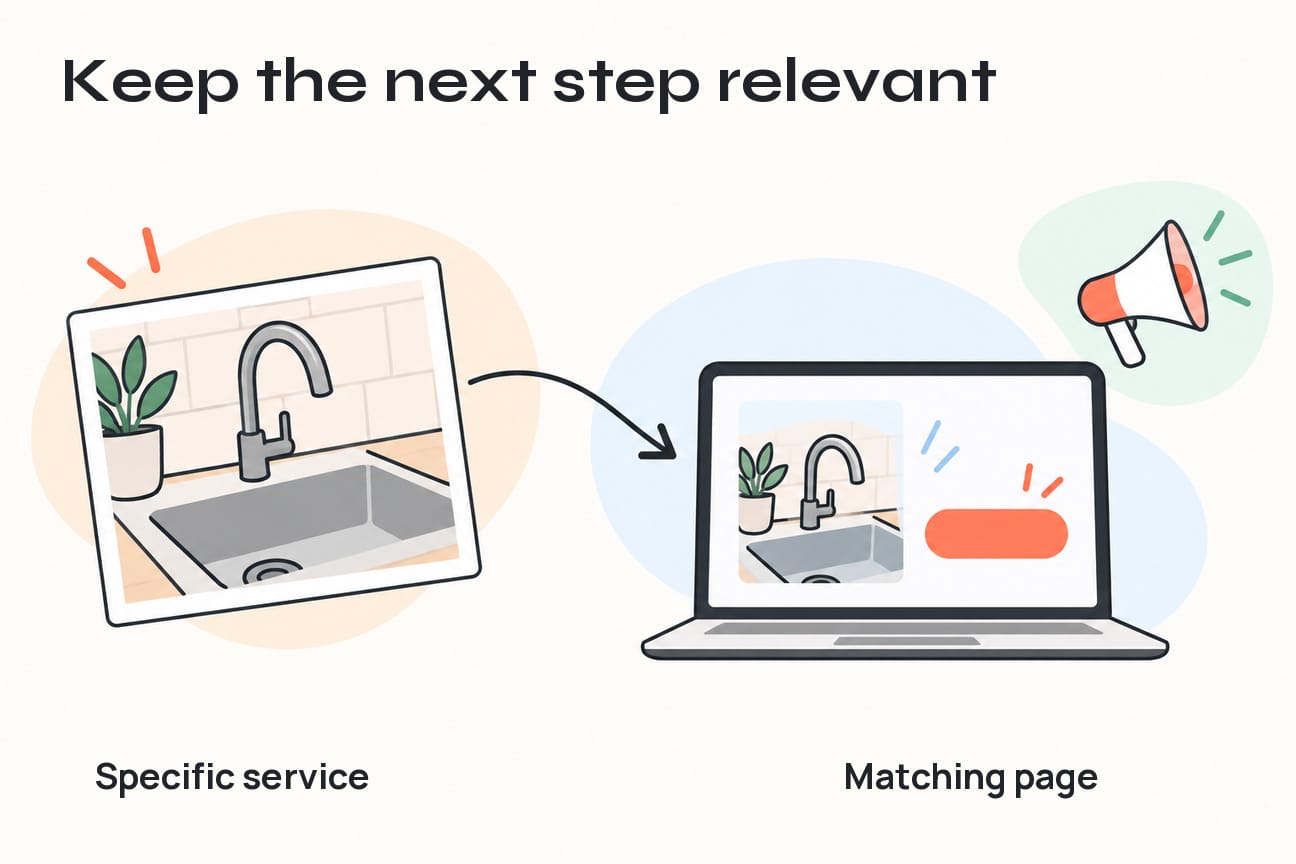
For a post about tap replacement, a matching service page is usually a stronger destination than a homepage covering every trade you offer. The page should continue the same conversation and explain how the person can enquire.
Before using the link, open it on your phone and check three things:
- The service in the post is easy to find on the page.
- The next step is visible and appropriate for that service.
- A submitted request actually reaches the person responsible for responding.
A “Learn more” invitation should lead to useful information. An invitation to request an estimate should explain what the customer needs to provide. If booking is appropriate, the booking page should make the service and appointment expectations clear.
Avoid promising a same-day visit, a fixed price or immediate availability unless your team can genuinely deliver it. That expectation follows the customer into the enquiry.
Build a repeatable workflow around completed work
For most small businesses, consistency becomes easier when posting starts from work already being done. We recommend a small queue of approved job material rather than asking the owner to invent a fresh topic whenever there is a spare moment.
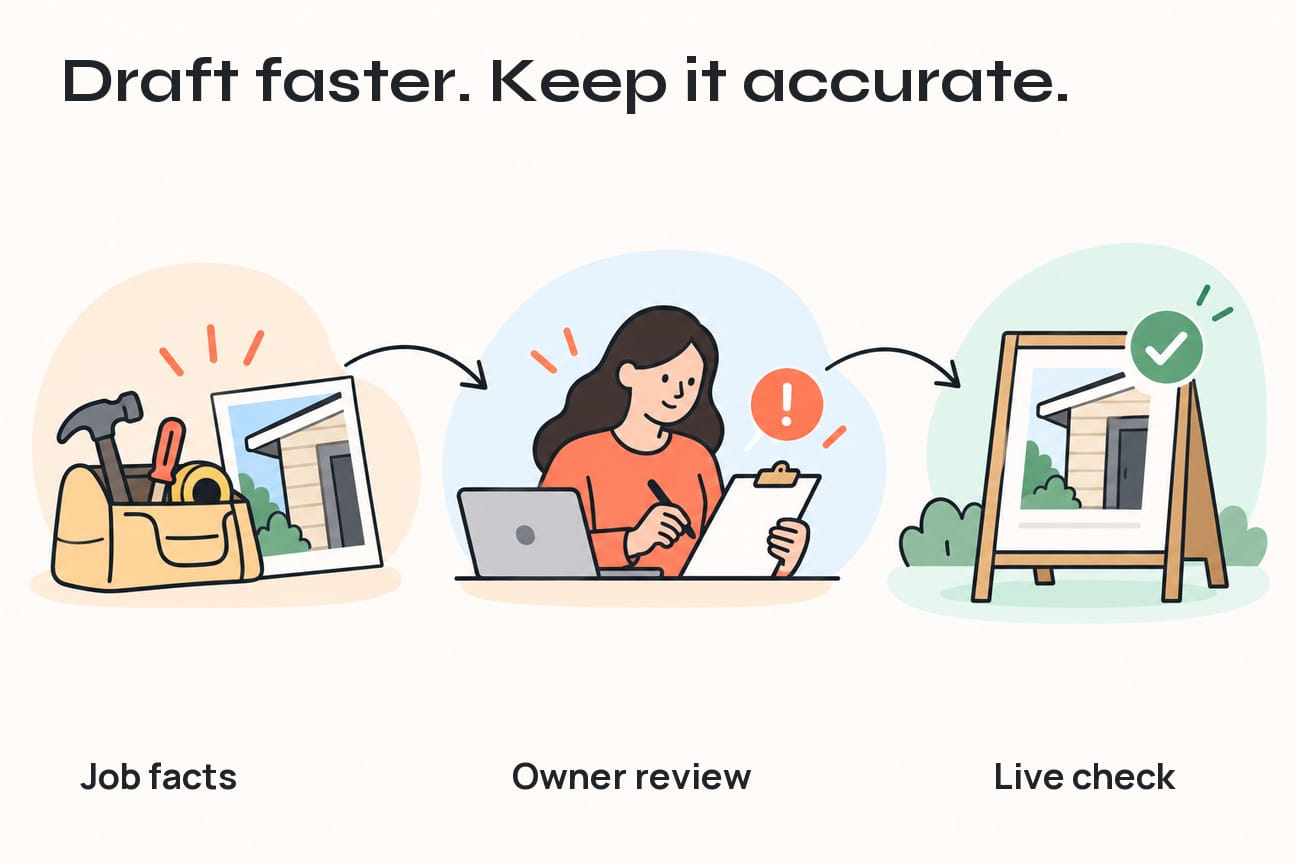
Use this brief as a shared note or a few fields in your existing job system:
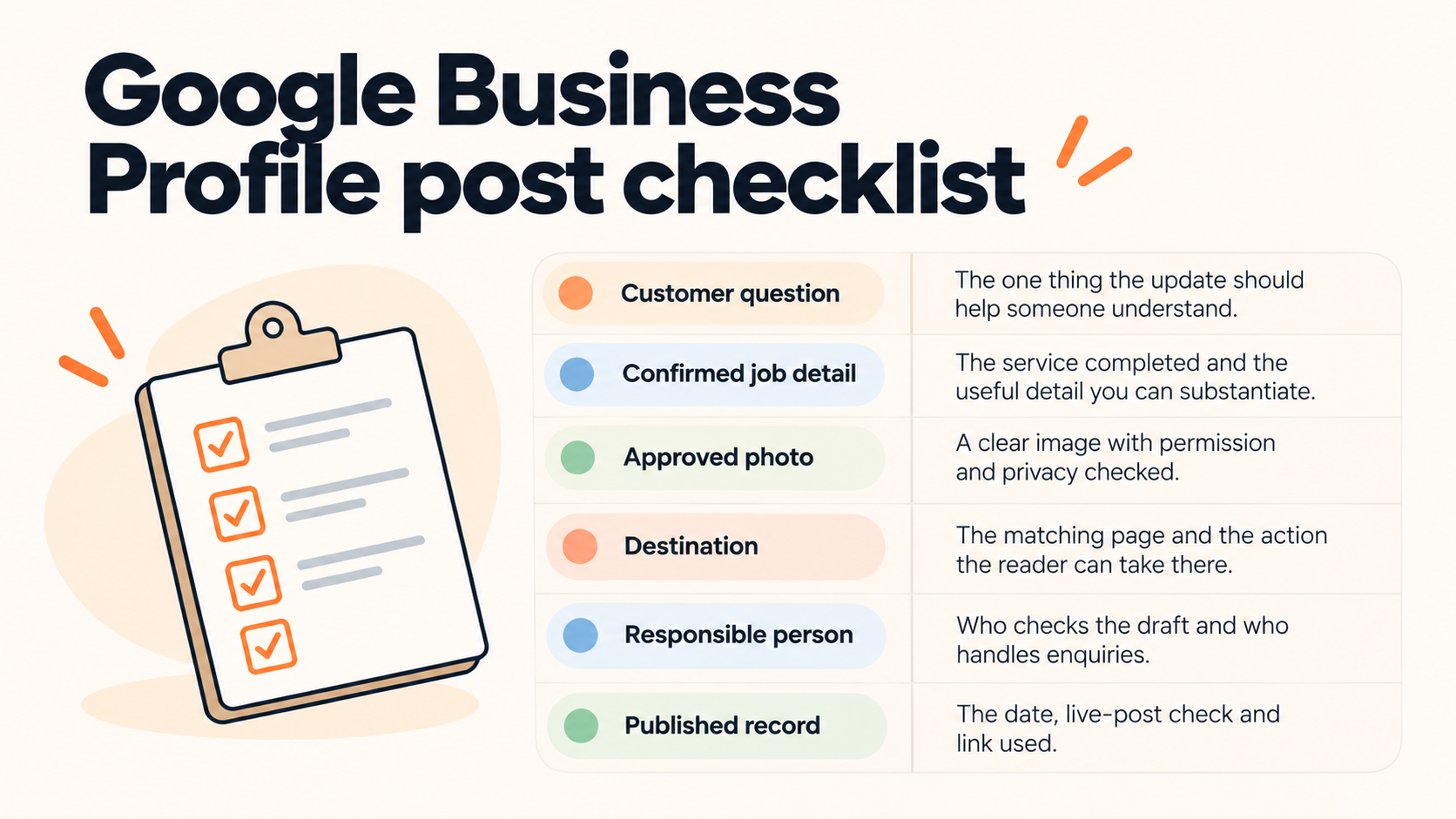
Let automation prepare the material
A recommended workflow can collect the brief when a job is marked complete, create a draft for review and remind the responsible person if it is waiting. An approved destination list can also reduce the chance of linking to an old offer or the wrong service page.
The owner or an assigned team member should still confirm the facts, photo and promise before release. If the brief is incomplete, send it back for a missing detail instead of filling the gap with a plausible claim.
Start manually with a few posts. Once your team knows which details are consistently useful, automate that repeatable preparation step. This keeps the workflow tied to real work and avoids producing a larger pile of generic drafts.
Check what customers can actually see
After posting, check the saved status and the link. Google distinguishes between Live, Pending and Not approved posts; a saved submission is not necessarily visible to customers. Review a rejected update against the stated reason before changing and resubmitting it.
Keep contact information consistent with Google’s current posts policy. For a phone call action, Google directs businesses to the Call now button using the verified profile number. There is little value in copying several contact details into every update when a clear supported action will do.
Measure the handoff, not just the attention
Decide what the post is meant to help someone do. A service explanation might aim to bring the right people to a relevant page. A timely announcement might simply answer a recurring question. Judge the post against that purpose.
For website links, a consistent UTM naming convention can help distinguish post traffic from other profile links. Google Analytics documents how tagged links appear in Traffic acquisition.
Here is an illustrative naming pattern, using an example domain:
Keep the names consistent and use a distinct content value for each post. Do not include customer names, email addresses or other personal information in the URL. If your business already has a working naming convention, use it rather than creating a second one.
Then separate the stages in your review:
- Website visit: someone followed the link.
- Genuine enquiry: a request was successfully received, or a conversation actually started.
- Suitable work: the request matched your service and coverage.
- Booked job: the customer agreed to the work or appointment.
A phone-button click is an expression of intent, not proof that a call connected. A form-button click is not a successful submission. Check the actual delivery before relying on the event in a report.
For a low-volume business, individual enquiries can be more useful than percentages. Ask what the person needed, whether the page helped and whether your team followed up. Keep “source unknown” available when the evidence is incomplete. A few visits or enquiries cannot prove that a different post position caused a change.
Use what you learn to improve the next update. If people arrive on the right service page but repeatedly ask the same basic question, make that answer clearer on the page and in the post.
Make your next post useful before making more posts
Choose one recent job, one customer question and one relevant next step. Build a short brief, review it and check the complete journey from the live post to the enquiry reaching your team.
This is how we recommend connecting profile activity to the rest of your lead-generation process. Our Google Business Profile management approach brings accurate profile information, useful updates and enquiry follow-through together. If you would like help deciding what to post or making that handoff easier, come talk with Joseph at JC Labs.
Frequently asked questions
Do Google Business Profile posts improve rankings?
Do not treat posting frequency as a ranking guarantee. Google’s local ranking guidance describes relevance, distance and prominence. We recommend posts for useful customer information and a clear next step, with outcomes measured separately.
How often should a small business post?
Choose a pace you can support with useful, accurate material. Start with a manageable routine and publish when there is something relevant to say. A schedule is there to help your team prepare, not to justify repeating the same generic message.
Can I use the same caption on every job photo?
A repeatable structure is helpful, but the detail should change with the work. Explain the service, answer a real question and use the appropriate destination. Replacing only a location name or a photograph rarely gives the customer much new information.
Should every post send people to my homepage?
Use the destination that best continues the message. A specific service page often fits a service-specific update. Check that the page works on mobile and gives the reader a clear way to ask about that work.
Can we automate the whole process?
We recommend automating collection, draft preparation and reminders first. Keep someone accountable for the final facts, image permissions, availability and destination. Test the process with real work before expanding it, and make incomplete briefs easy to return for correction.