
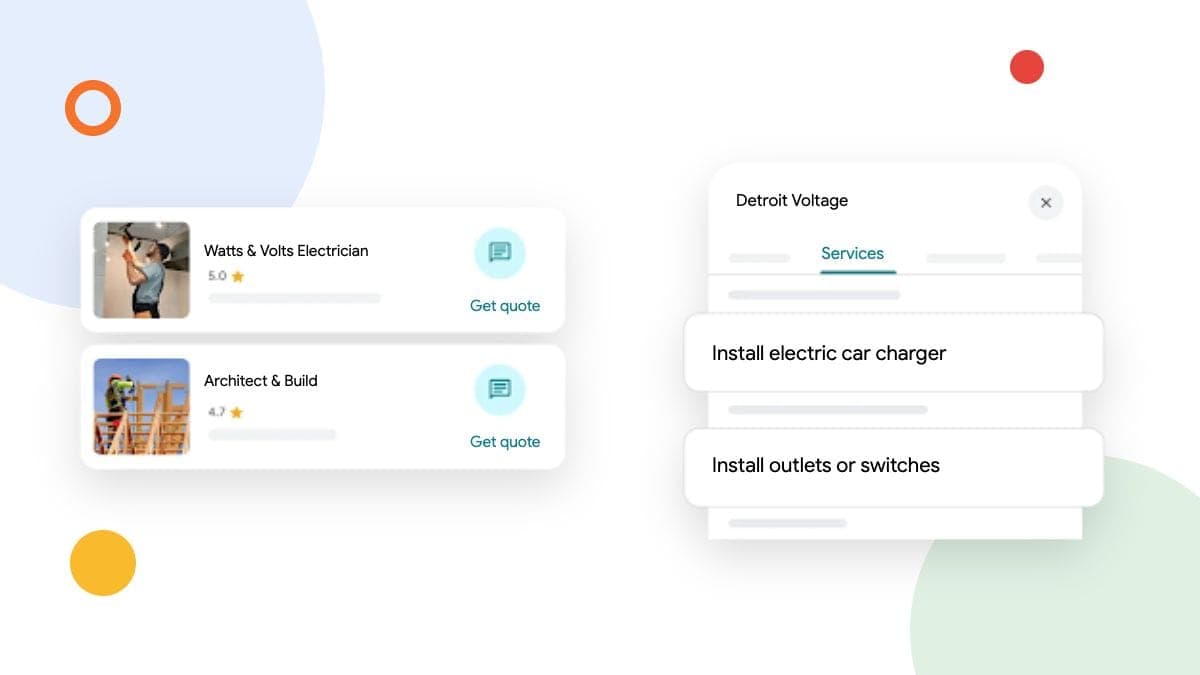
If you run a trades business from home in Canada and customers never come to that address, hide it on your Google Business Profile and list the areas you serve. A registered business address does not automatically make your home a customer-facing location.
Ask yourself: could a customer visit this address during your stated hours and be served there? That separates a mobile electrician from a repair shop that welcomes customers, even when both businesses send people out on jobs.
Decide whether customers can visit your location
Google's business representation guidelines tell service-area businesses to hide their address. They specifically use a plumber operating from a residential address as an example.
Work through your actual setup:
| Your setup | The appropriate profile approach |
|---|---|
| You dispatch from home and work at customers' properties | Hide the home address and list your service areas. |
| Customers visit your staffed, signed shop during its stated hours | A public storefront address may be appropriate. |
| Customers visit your eligible shop and you also travel to them | A hybrid profile can show the address and service areas. |
A hypothetical electrician who keeps supplies in a home garage but never receives customers there belongs in the first row. An auto repair business with a staffed garage, permanent signage and roadside service may fit the third.
Choose the setup that reflects how you operate. Keeping an address visible because it feels more established can send customers somewhere you cannot serve them.
Hide the address without deleting the profile
Google currently documents this path in its address instructions:
- Open the Business Profile you manage.
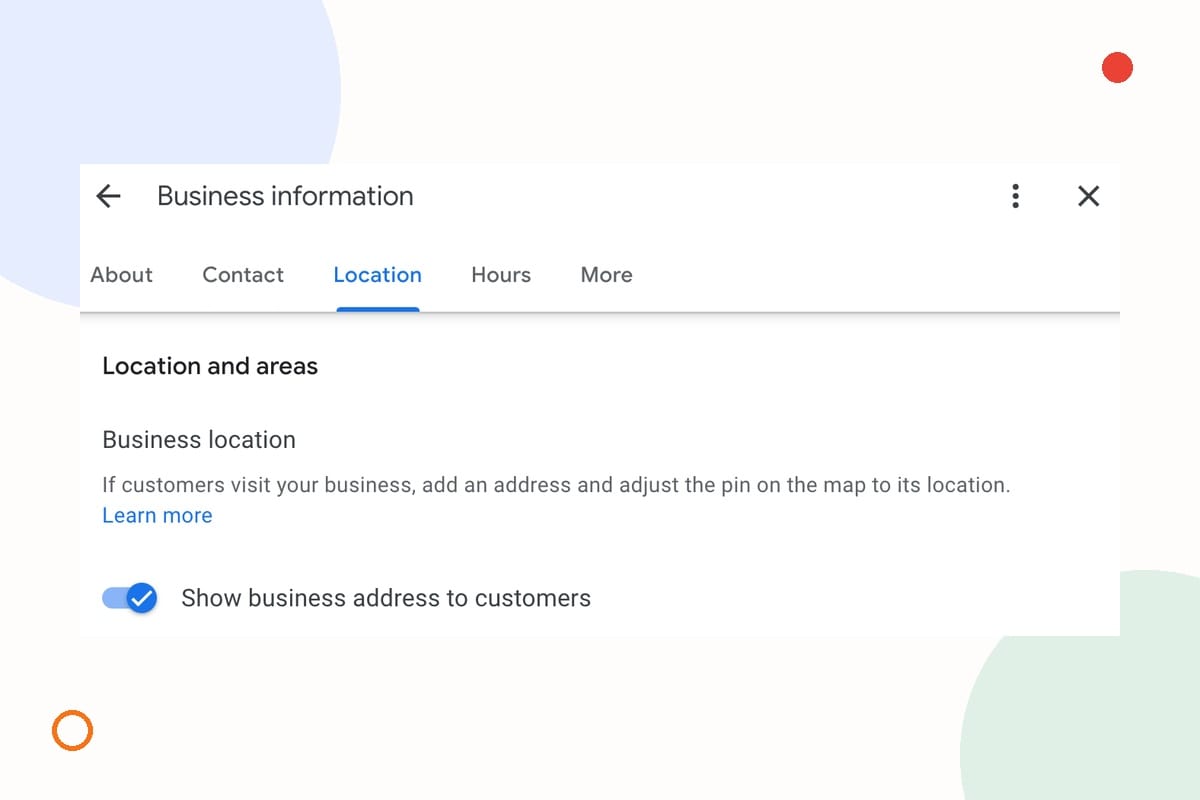
- Choose Edit profile, then Location.
- Beside Business location, choose the edit control.
- Turn off Show business address to customers.
- Save.
You are changing public address visibility. You do not need to delete the business or create a replacement profile to make this change.
The control is established, rather than a new launch. Search Engine Roundtable covered the toggle in July 2022; use Google's current instructions for the steps today.
Hiding the address also does not remove Google's verification requirements. Google may still need to establish where the business operates. Its verification guidance explains that available methods depend on the business and that updated details can trigger a request to verify again. Follow the options Google offers your profile.
Set service areas your business can actually cover
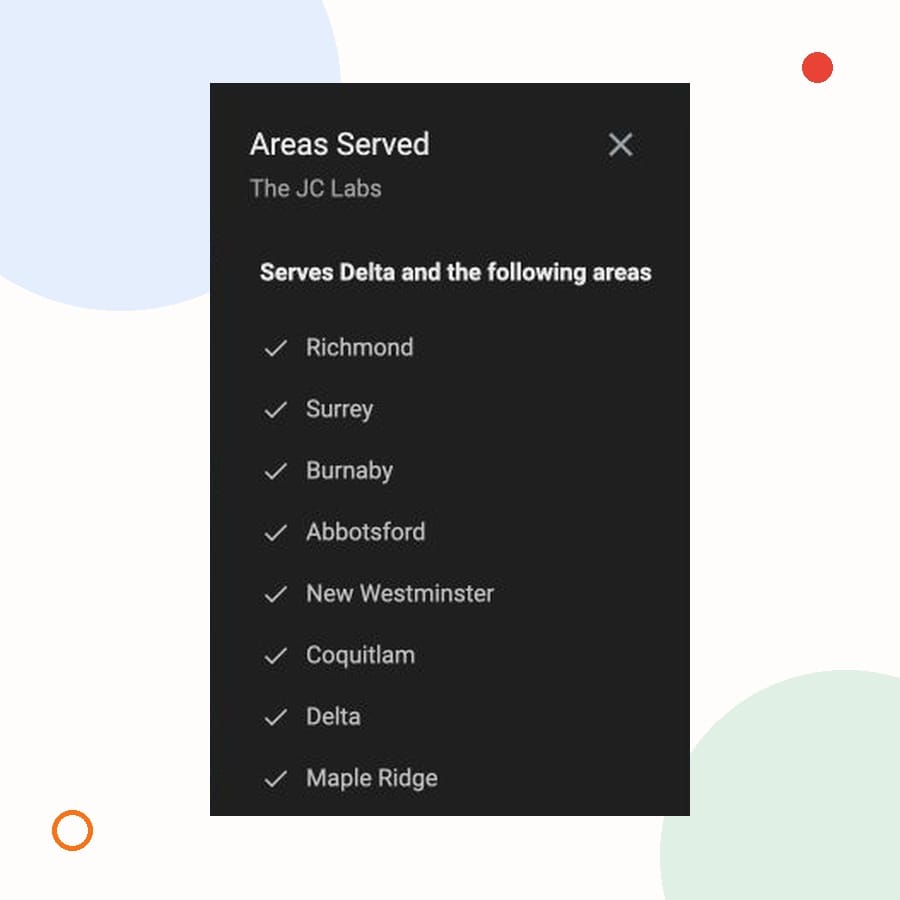
After hiding the address, check the Service area field under Edit profile → Location. Google's service-area guidance allows up to 20 areas, such as cities or postal codes. You choose named areas rather than drawing a radius. Google generally recommends an overall boundary within about two hours' driving time of your base.
Your practical boundary may need to be much tighter than Google’s limit.
For example, a hypothetical Delta electrician might accept planned work in several nearby municipalities but keep urgent callouts closer to base. Before adding a city, ask:
- Can we reach an ordinary job there within the time we tell customers?
- Does travel still leave enough of the day to complete the work?
- Will the person answering enquiries give the same answer about coverage?
Use those answers to set the areas and explain any service differences on your website. Adding a city to the profile should reflect work you can take on, rather than a place where you hope the listing will rank.
Check what customers see after the edit
Once the change is approved, open the public profile in Search and Maps. Check the address visibility and service areas, then follow the website link as a customer would. Your profile and website should give a consistent answer about where you work and whether visitors are welcome.
A short before-and-after note is enough:
| Check | What to confirm |
|---|---|
| Address | Customers are not being directed to a private home where you cannot serve them. |
| Service areas | The listed places match the jobs you currently accept. |
| Website | Coverage and contact instructions agree with the profile. |
| Edit status | The change is approved, pending, rejected or waiting for verification. |
Google says approved service-area edits can take up to 48 hours to appear; other profile edits can take longer. If the public view has not changed, check the edit status before making the same adjustment again.
This check concerns the Business Profile. If your home address is also displayed on a website or directory, review that separately. A Google profile setting is not a removal request for every other page that mentions your business.
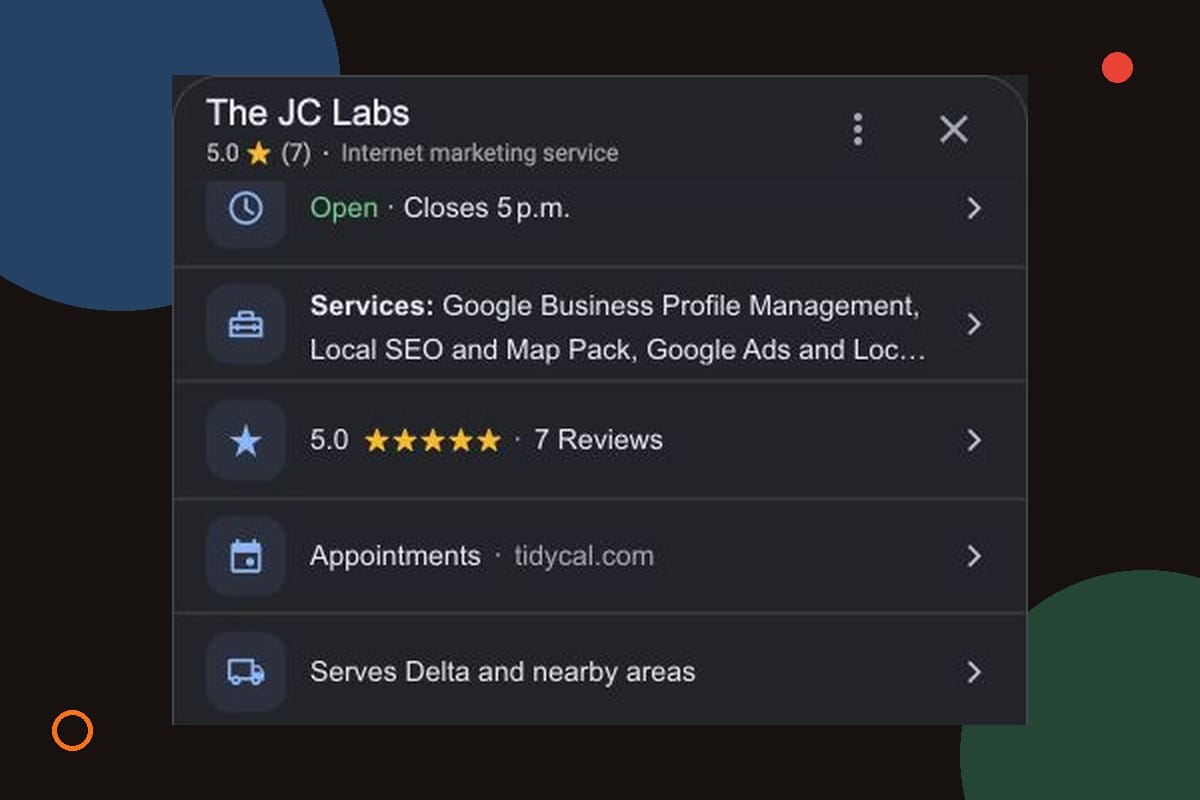
Questions before you change the address
Can I use a rented mailing address instead?
A rented address where you do not actually operate is not an eligible virtual-office workaround. Google also sets conditions for co-working locations, including clear signage, your own staff and customer access during business hours. A mailbox does not turn a mobile business into a storefront.
Will hiding my address hurt my rankings?
We would not promise an unchanged ranking or a ranking increase from this edit. Google's local ranking guidance describes relevance, distance and prominence as key factors. It does not offer a ranking guarantee for showing an address. Follow the eligibility rules for your business, then assess visibility and useful enquiries over time.
Start with the address decision, then the routine
Check whether customers can genuinely visit your location. If they cannot, hide the address, set realistic service areas and review the public result.
If you are unsure which setup fits, we can help with your Google Business Profile. Tell us how you serve customers and where you work so we can start with the right profile structure.