
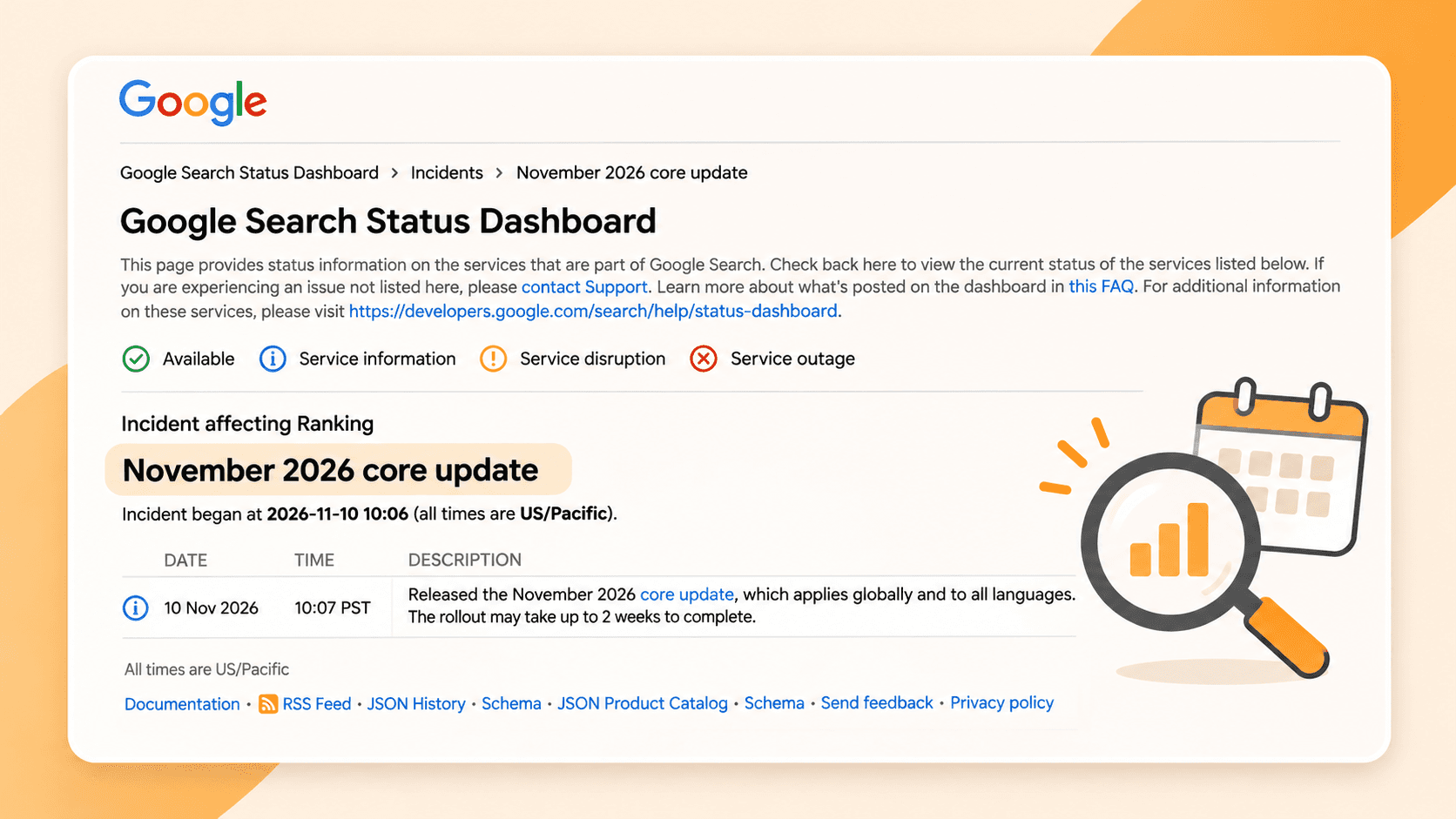
If your website traffic changes during Google’s November core update, start by recording what you see. Check for problems you can verify, such as a broken contact form, but hold off on a major rewrite just because a ranking moved. Once the update is complete, compare your Search Console data before deciding what needs attention.
Google began rolling out the update on November 10, 2026. It applies globally and across languages, including searches in Canada. Google says the rollout may take up to two weeks. As of November 11, its Search Status Dashboard has not announced completion.
Search results can move for many reasons, and a change during an update does not prove the update caused it. Here’s a practical way for a plumber, electrician, cleaner or other local business owner to check what is happening without turning one slow week into a website overhaul.
What to do today
First, save a starting point. In Google Search Console, note your website’s recent clicks and impressions, along with the pages and searches that bring people to your business. If someone manages your website, ask them for the report rather than trying to guess from a search on your own phone.
Then check the things a customer actually needs:
- Open your main service pages on a phone. Do they load and explain the work you do?
- Call the number shown on your website and check that the contact form works.
- Make sure your business hours, service areas and contact details are current.
- Look in Search Console for relevant indexing, security or manual action notices. Investigate any issue before assuming it is related to the update.
You do not have to wait for a rollout to end before fixing a broken form or another problem you can confirm. At the same time, avoid deleting pages or rewriting copy that is already useful simply because of a short-term movement. Google’s core update guidance recommends avoiding drastic changes to content that is performing well.
Keep your website and Business Profile checks separate
Search Console helps you understand how your website performs in Google Search. Your Google Business Profile has its own performance information, including interactions with the profile. They are useful together, but they do not measure the same thing.
For example, if your website receives fewer Search clicks but your profile interactions remain steady, that is a different situation from a fall in both. Look at each source before deciding what to investigate. Do not assume a change in Google Maps visibility was caused by this core update: Google’s announcement describes a broad Search ranking update, not a specific change to Business Profile or Maps rankings.
Keep your profile accurate while you investigate. Google says local results are mainly based on relevance, distance and prominence; an accurate profile helps Google understand your business, although it does not guarantee a particular position. See Google’s local ranking guidance.
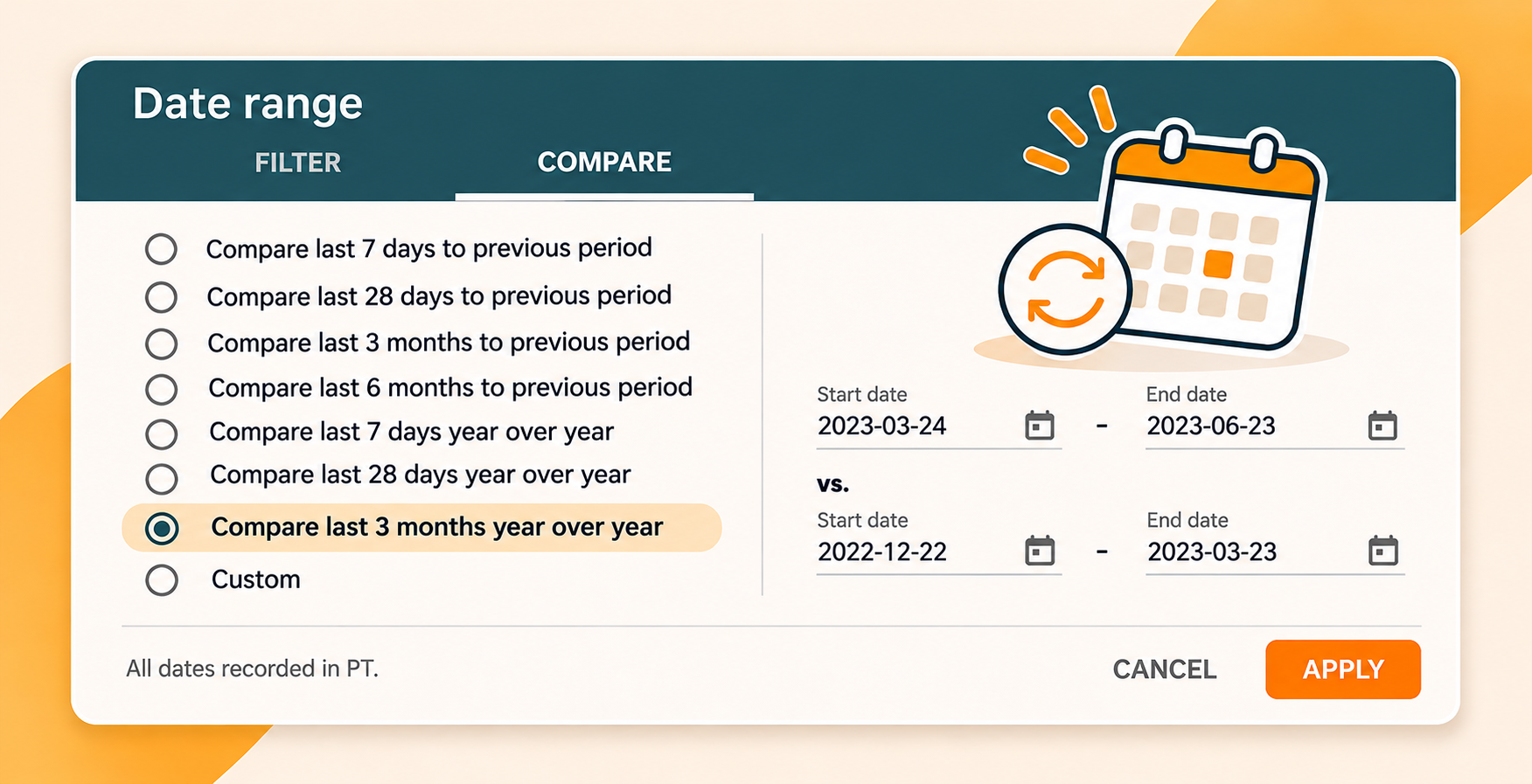
Compare the right periods after the rollout
Google recommends waiting at least a full week after the update finishes before analysing the impact in Search Console. Check the status dashboard for the completion date first; the original two-week estimate is not a confirmed finish date.
Once that week has passed:
- In Search Console, open the Performance report for your website and choose comparable date ranges: the week after that waiting period and a week before the update began.
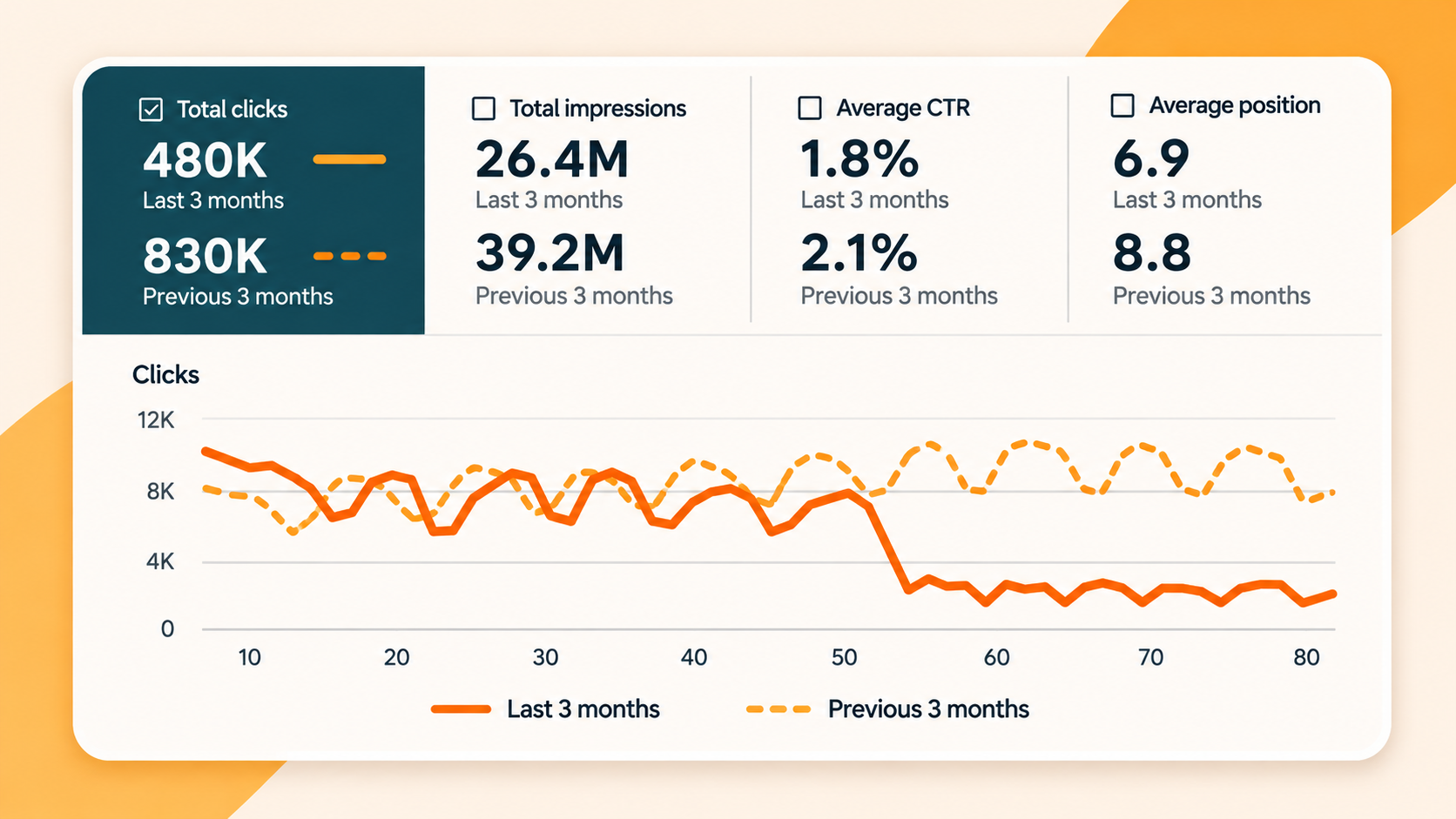
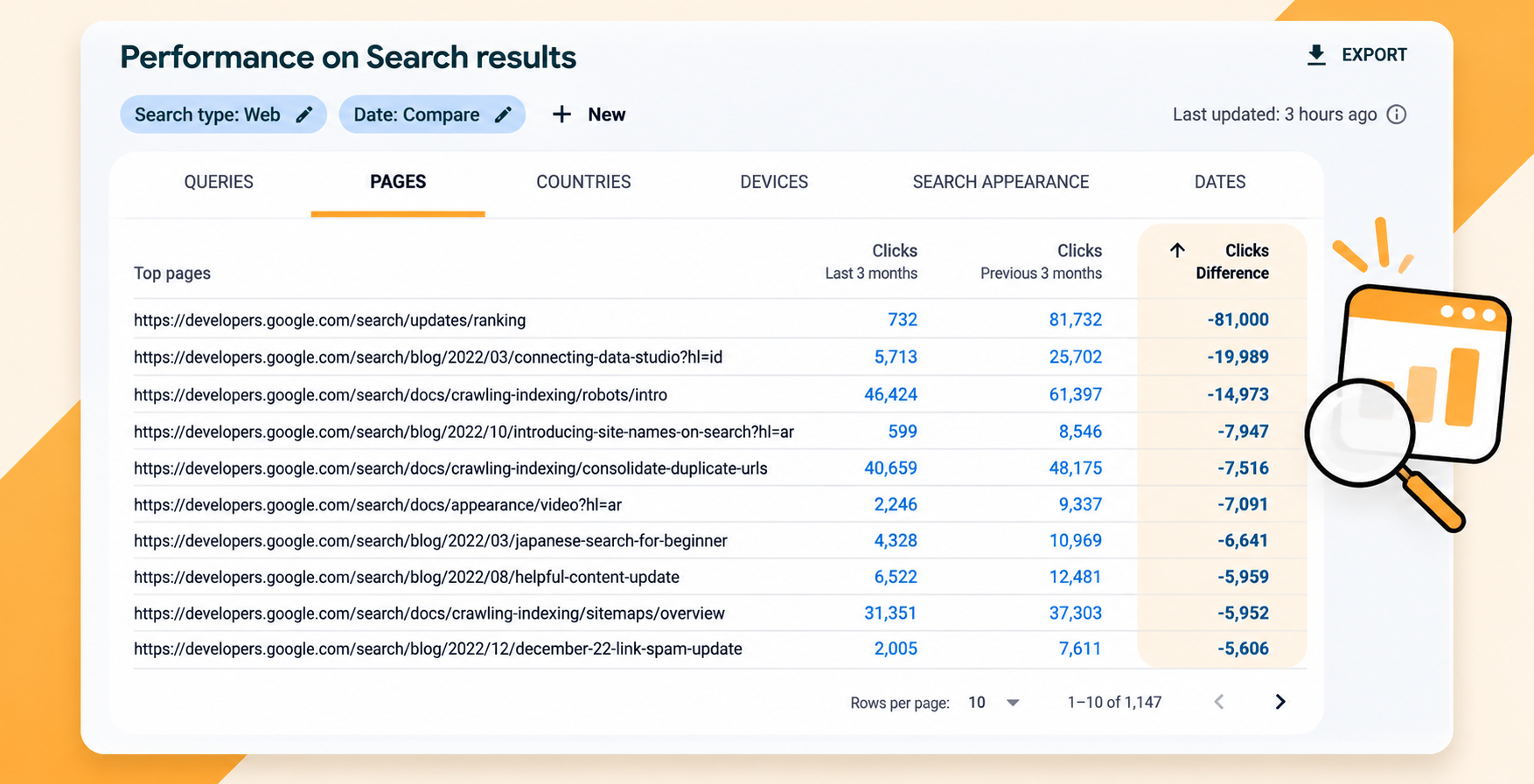
- Look at clicks and impressions, then review the pages and search terms with the largest meaningful changes. Separate Web Search from other search types where relevant.
- Check Canada and relevant devices if the report has enough data. A small number of clicks can make percentage changes look dramatic, so compare the actual counts too.
- Compare your enquiries over the same periods if you track them. Search clicks and customer enquiries are different measures; one does not tell you the other automatically.
Ask which page changed, for which searches, and whether that lines up with your enquiries. The comparison identifies where to look; it does not prove why traffic changed. Google’s traffic troubleshooting guide also points to technical problems, seasonality and changes in search demand as possible causes.
Check the page before changing it
Suppose a hypothetical HVAC company sees fewer clicks to its furnace repair page after the rollout. Instead of immediately rewriting every page, the owner could check whether that page still loads, whether customers can call from mobile, and which searches lost clicks. They could also compare the period with their booking records and consider whether seasonal demand changed.
If there is a real gap, improve the page for the customer. Explain the repair services offered, the areas actually served and how to request help. Correct outdated information. Avoid adding a long list of town names or repeating the same phrase just to chase a ranking.
A broad traffic decline may call for a wider review of the website and its content. Google notes that some improvements can take time to be reflected in Search, and recovery is not guaranteed. A core update is not a simple diagnosis of a business or proof that a page has broken a rule.
Keep a small record for the next check
You can use a note or spreadsheet. Record the following for each important service page:
| What to record | Why it helps |
|---|---|
| Page URL and service | Shows which part of the business you are reviewing |
| Comparison dates | Keeps the before-and-after periods clear |
| Search clicks and impressions | Shows whether visibility or visits changed |
| Relevant search terms | Helps identify what customers were looking for |
| Enquiries or bookings, if tracked | Connects the review to actual business activity |
| Confirmed issue and action taken | Separates a real problem from a theory |
Add the date you will review the page again and who is responsible. If the data is too thin to draw a useful conclusion, keep monitoring rather than forcing one.
When to get help
If you are unsure whether a change is affecting your website, your Business Profile or both, start with the evidence you have and the services you want customers to find. We can help you review your Google Business Profile and its information alongside your wider local visibility. There is no promised ranking or recovery date, but there should be a clear reason for each action you take.