
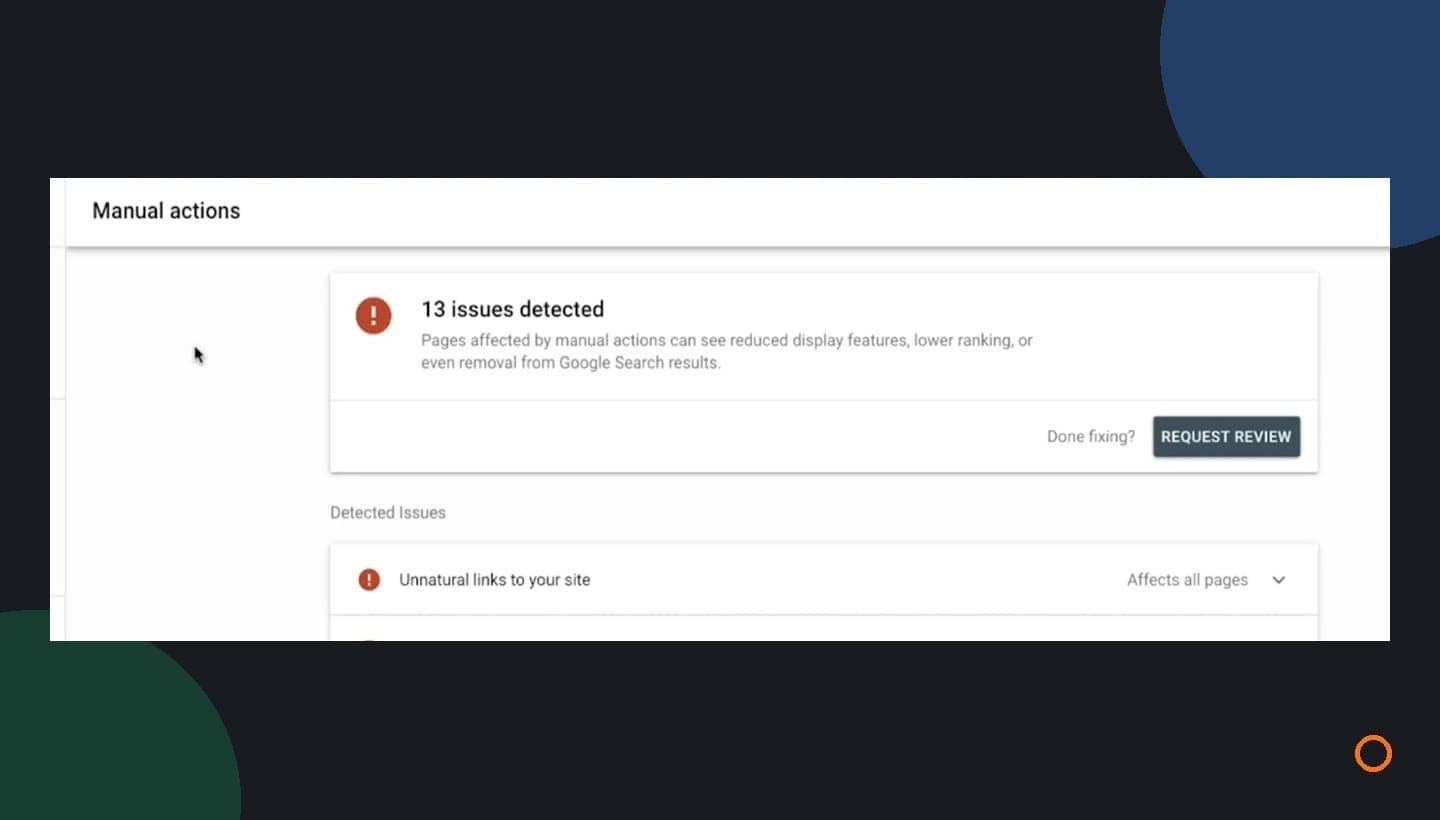
Usually, you do not need to disavow backlinks just because an SEO tool calls them toxic. Google says most sites do not need its disavow tool. Before approving cleanup, check for a relevant manual action in Search Console and find out whether anyone bought or built links to manipulate your rankings.
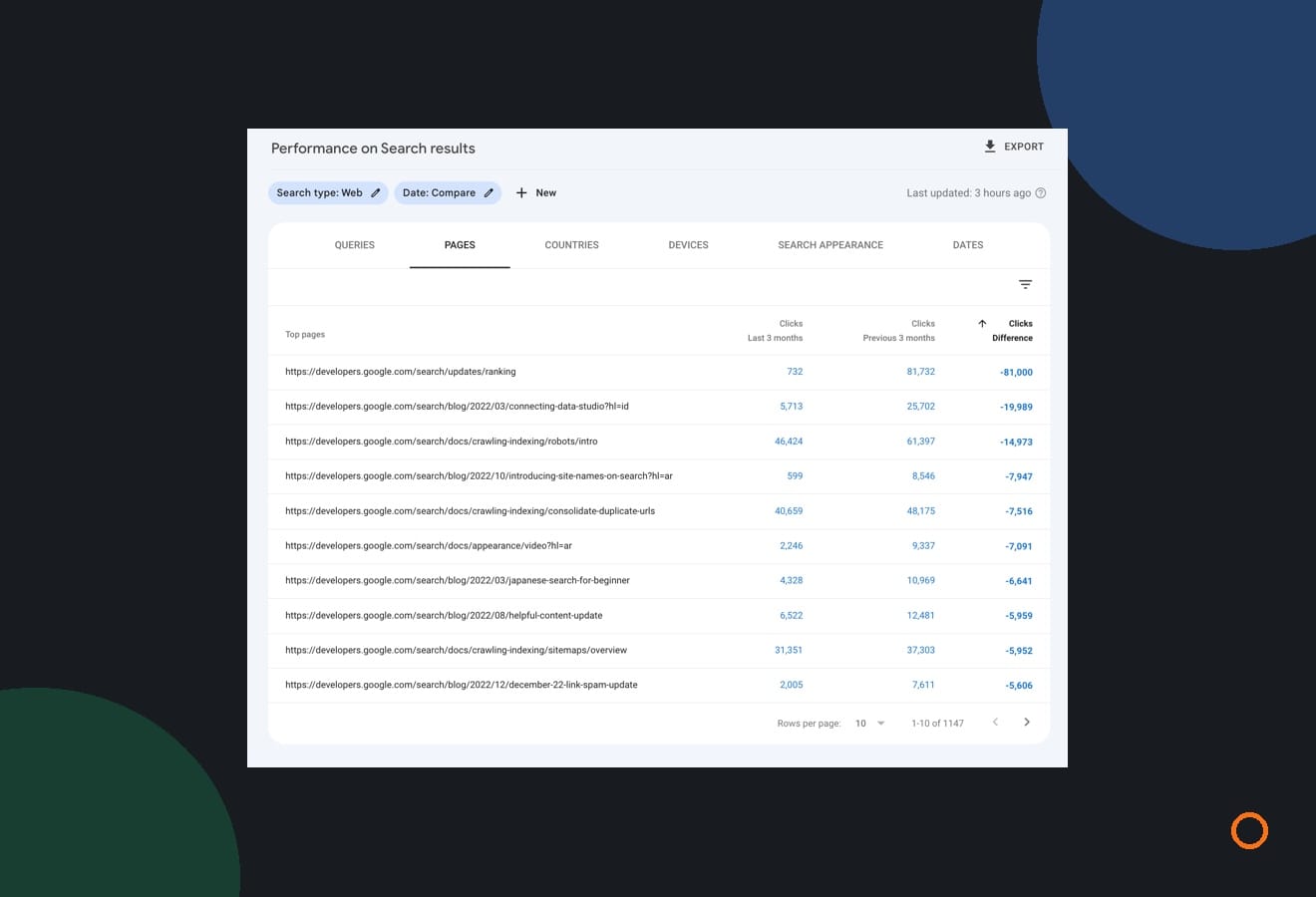
Cover image: Google Search Central’s 2020 training demonstration, not a finding about JC Labs or a client.
A backlink is a link from another website to yours. A local supplier mentioning your plumbing business and an unfamiliar site copying a list of businesses can both create one. Their appearance in a report does not tell you whether Google trusts them.
An October 29 Search Engine Roundtable report covered John Mueller’s explanation that Search Console does not show every link and that random spam links can generally be ignored.
For a Canadian local business, start with the evidence before approving changes.
Start with the actual Google warning
Open Search Console for the correct website property and check Manual actions. Google uses this report to notify owners when a human reviewer finds a Search spam-policy violation. Expand any issue to read its description and affected pages. A warning about unnatural links to your site needs a different response from an unrelated issue.
A third-party toxicity score is that provider’s assessment. It is not a manual action issued by Google. Ask whoever sent the warning to show you which kind of evidence they have.
If the report shows no manual actions, record that finding. It answers this particular check; it does not explain every possible traffic problem. Google’s Manual Actions guide explains the report and how to respond to a specific issue.
Why two backlink reports can disagree
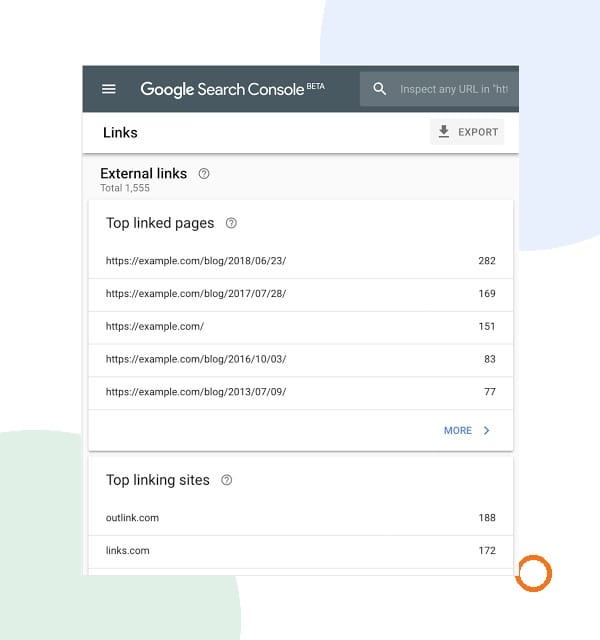
Search Console’s Links report is a sample. Google groups some URLs and combines duplicate links, and the report can retain links found in the past even after they disappear from the web. Another tool can collect a different set.
That makes “our crawler found more links than Google shows” a weak reason to approve a disavow file. The difference alone does not establish a penalty or a competitor attack.
Use the report to examine which sites link to which pages. Google’s Links report documentation describes its limits. Keep the source URL and your destination URL with any example you want someone to assess.
Use this threshold before approving link cleanup
Google’s disavow guidance sets two conditions: a considerable number of spammy, artificial or low-quality incoming links, and a manual action caused by those links or a likelihood of one. It also warns that incorrect use can harm Search performance.
A vendor score alone does not demonstrate both conditions. This is how we would separate the next steps:
| What you have | What to check next | Decision to avoid |
|---|---|---|
| Unsolicited links and a tool warning | The actual Google report and a few documented examples | Disavowing every domain flagged by the tool |
| Records of a past paid-link campaign | What was purchased, where it appeared and whether it passed ranking credit | Assuming an empty Manual Actions report makes the old campaign acceptable |
| A Google manual action for unnatural incoming links | The exact issue, affected scope and a documented removal or remediation plan | Uploading a generic list without addressing the reported problem |
For example, imagine an electrician receives an email claiming that 400 backlinks are toxic. That is a hypothetical warning, not a finding about a real account. Ask for the Google notice, representative source URLs and any history of link purchases before deciding what work is needed. The number in the email does not settle the question.
Paid links deserve a careful distinction. Paying for a legitimate advertisement is different from buying a link to manipulate organic rankings. Google’s link-spam policy covers ranking manipulation and explains how paid advertising links can be qualified with rel="sponsored" or rel="nofollow". A local sponsorship does not automatically belong on a removal list.
If enquiries dropped, check where the drop happened
A frightening email can arrive in the same week that calls slow down. That timing is worth recording, but it does not establish the cause.
Start by separating the channels. Search Console describes your website’s Google Search performance. A change in Business Profile calls or paid-ad enquiries needs its own records. Search clicks also do not tell you how many jobs were booked.
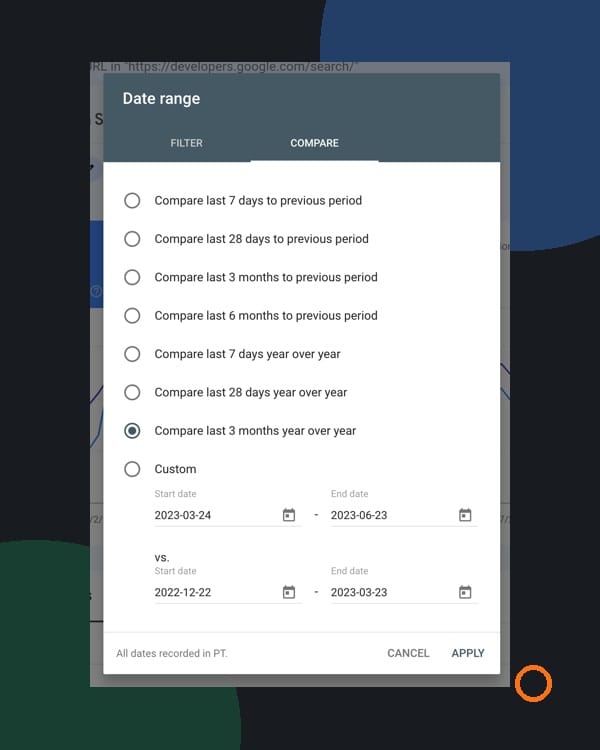
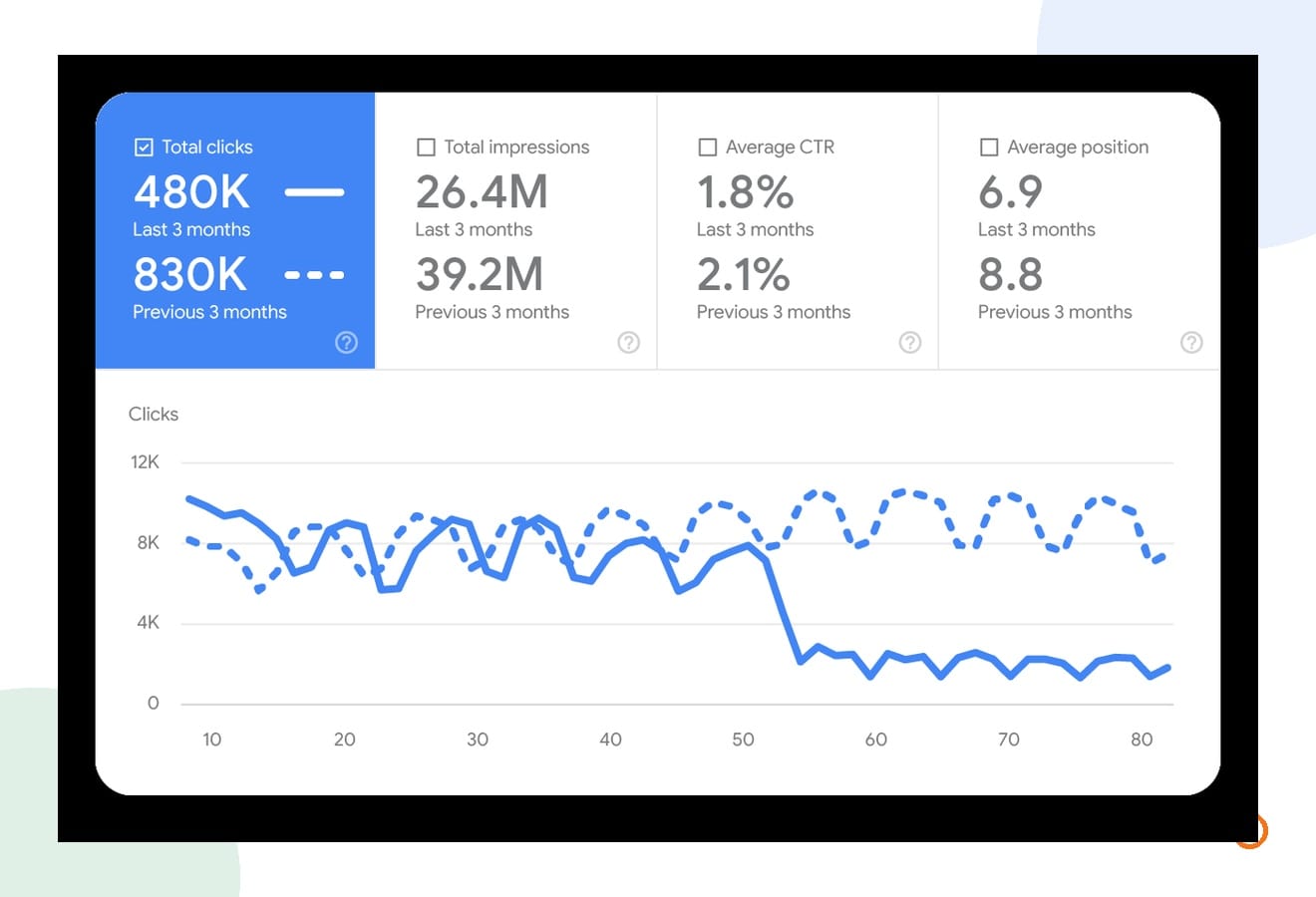
For website Search traffic, compare suitable periods and look at the pages and queries that lost clicks. Check Canadian traffic separately when that is your market. Look for changes to those pages, indexing problems and seasonal demand before assigning a cause.
Google’s traffic-drop guide shows how to use these comparisons. For a heating contractor, for example, comparing different seasons without considering demand could lead to the wrong conclusion. A useful investigation should identify what changed and where, then test a plausible explanation.
Ask for a recommendation you can review
You do not need to become a link analyst to ask for a clear recommendation. Before approving work, ask for these details:
- The warning: Is it a Google manual action, a tool score or someone’s interpretation?
- The examples: Which source pages link to which pages on your website?
- The history: Did you or a previous provider buy links or commission a link-building campaign?
- The proposed change: Why does each action fit the evidence, and who will approve it?
- The records: What existing files and campaign records will be preserved?
If disavow is justified, have the person doing the work review the existing list and property carefully. A new upload replaces the previous list for that property, and the tool does not support Domain properties. This is a reason for a considered change, not a routine export-and-upload exercise.
Keep paid advertising decisions separate, too. Organic backlink cleanup is not part of diagnosing every ad problem. If you want help with campaign targeting and enquiry tracking, our Google Ads management page explains that work. Tell Joseph what changed and which channel lost enquiries so we can start with the right problem.
Two questions before you close the warning
Will disavowed links disappear from Search Console?
No. Google says they can remain in the Links report. Their continued appearance is not evidence that an upload failed, and removing them from the report should not be the goal.
Does “no manual actions” mean the website has no SEO problems?
No. It means that report is not showing a manual action. Technical problems, changes in demand and other Search-performance issues need their own investigation. Keep any separate traffic problem assigned to someone who can investigate it.