
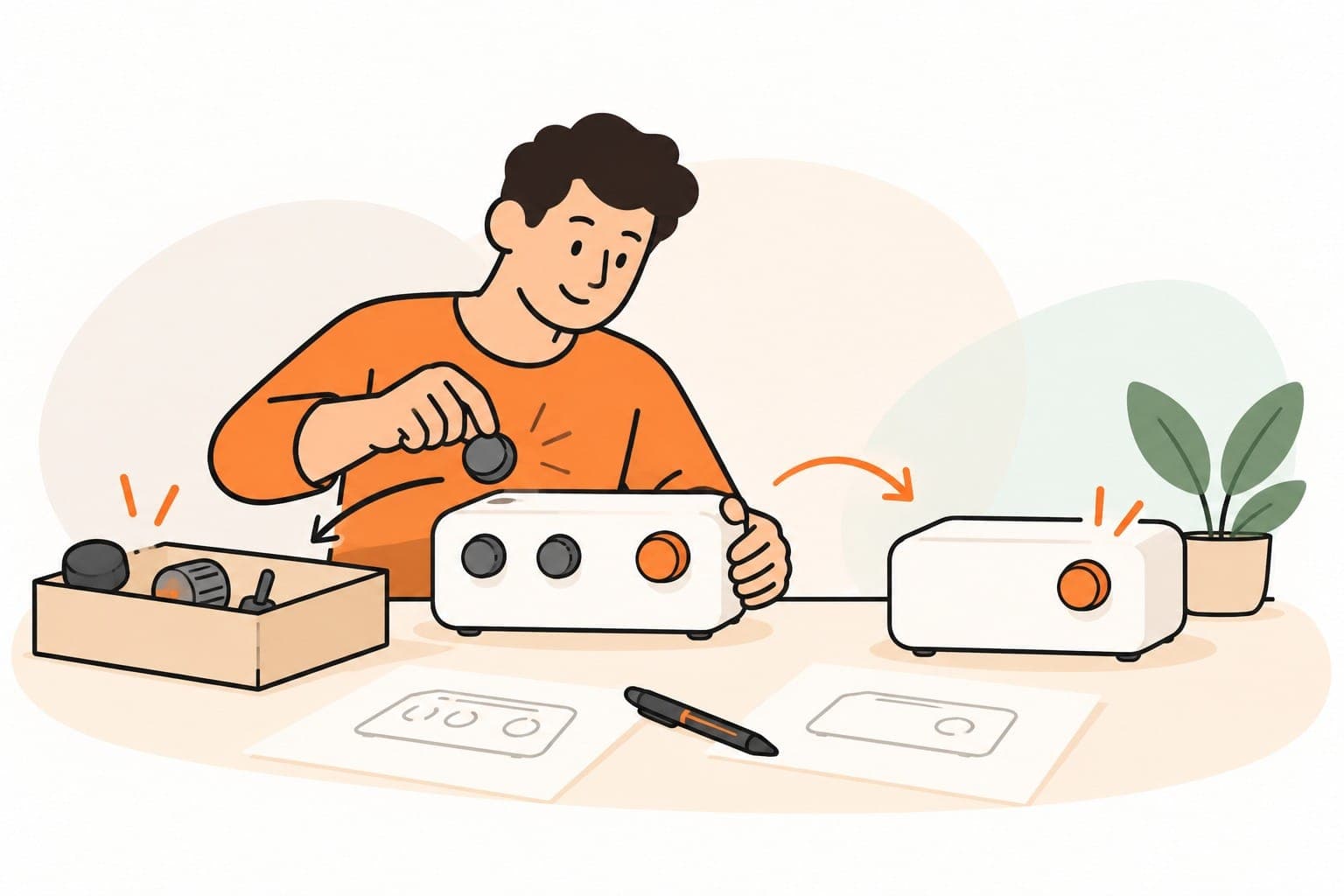
A feature can be quick to build and still be expensive to keep. Someone needs to explain it, test it, support it and notice when it stops working.
When an AI tool makes another option look easy to add, pause long enough to ask what problem the option solves. The cost of producing a first version is only part of the decision.
This applies to a customer product, a website feature or a small internal tool. Keep the person using it close to the plan.
Describe the task before the feature
Write down what the user is trying to do and what currently gets in the way. Use a recent example if you have one.
For a hypothetical plumbing business, the office may need a dependable way to see which enquiries are waiting for a reply. That task does not automatically require a new dashboard. A shared view in an existing system might solve it.
Ask how people handle the task now, where it becomes difficult and what they have already tried. Listen for the work behind a feature request. “We need a dashboard” may mean “we cannot find the requests that need attention.”
Test the uncertain part
A working prototype can answer whether someone can use an interface. It may not tell you whether they need the service, will return to it or will pay for it.
Choose a test that matches the uncertainty. You might show a simple mock-up, observe an existing process or offer a carefully bounded manual version before building a larger workflow.
Tell participants what is a demonstration and what is actually available. Do not imply a connection, live data feed or automated capability that the prototype does not have.
Record what people did as well as what they said. A compliment is encouraging, but it is different from someone completing the intended task or choosing to use the result again.
Count the work the addition creates
Before approving a feature, consider the instructions, settings and support it adds. What new permissions or information would it require? Who maintains it? What happens when it fails?
A feature that saves one person's time may create a new checking task for someone else. Include those people in the review.
Check whether the addition strengthens the main purpose or introduces a different audience and workflow. A useful adjacent idea can remain on a later list without becoming part of this release.
Use a short decision brief
Before building, answer:
- Who needs this, and what observed problem are we addressing?
- What is the simplest useful version?
- What would count as evidence that it helped?
- What effort, access and maintenance does it require?
- What would we postpone or remove to make room?
- When will we decide whether to continue?
If the answers are guesses, label them as guesses and choose a way to test them. That is more useful than turning uncertainty into a detailed development plan.
Build enough to answer the next important question. Add more when the evidence and the business case justify it.
If a website or workflow keeps expanding without becoming easier to use, tell us which customer task it is meant to support. We can help you bring the scope back to that task.