
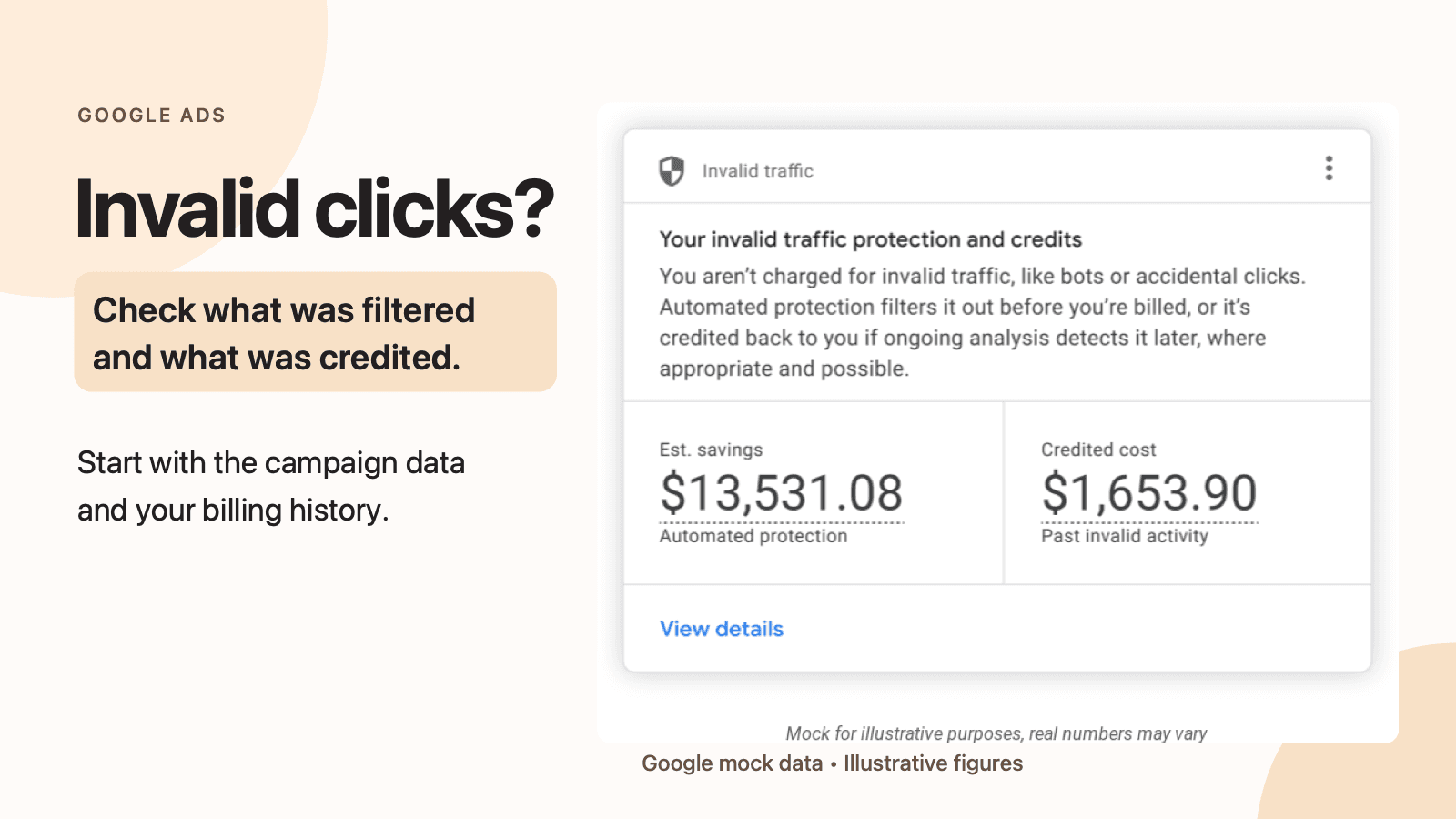
If your Google Ads spend looks unusual or you're worried about repeated clicks, start with the campaign data and your billing history. Check what Google has already filtered, look for any credit, then document the activity that still concerns you. If the pattern needs further review, you can ask Google to investigate.
At JC Labs, we can help you work through that review, make sense of the reports and look at the campaign settings and enquiries around it. The goal is a clear next step for your business, whether that means gathering evidence for Google or improving how the campaign reaches potential customers.
Google is rolling out an Invalid traffic card that brings estimated savings and credited cost together on the Overview page. Search Engine Roundtable reported the change on November 12. The rollout is global and gradual, so a Canadian account may not show the card yet. You can still check the Invalid clicks column and billing adjustments.
For a trades business watching its ad budget, the useful question is what was filtered, what was credited and what still needs a closer look.
What invalid clicks mean for your bill
Google describes invalid traffic as activity that does not represent genuine interest in your business. Its examples include automated clicks and accidental clicks. Some activity may be deliberate, but an invalid-click count alone does not tell you who caused it or prove a competitor is clicking your ads.
According to Google's invalid traffic guidance, activity identified before the end of the billing cycle is filtered from billing and campaign metrics. You do not pay for those filtered interactions.
When Google finds qualifying invalid activity after billing, it says it issues a credit where appropriate and possible. That can appear as an invalid-activity adjustment. Those are separate stages, so a large filtered-click count and a small credit are not automatically inconsistent. We can help you compare those figures with the periods and campaigns you are concerned about.
Find the Invalid traffic card or use existing reports
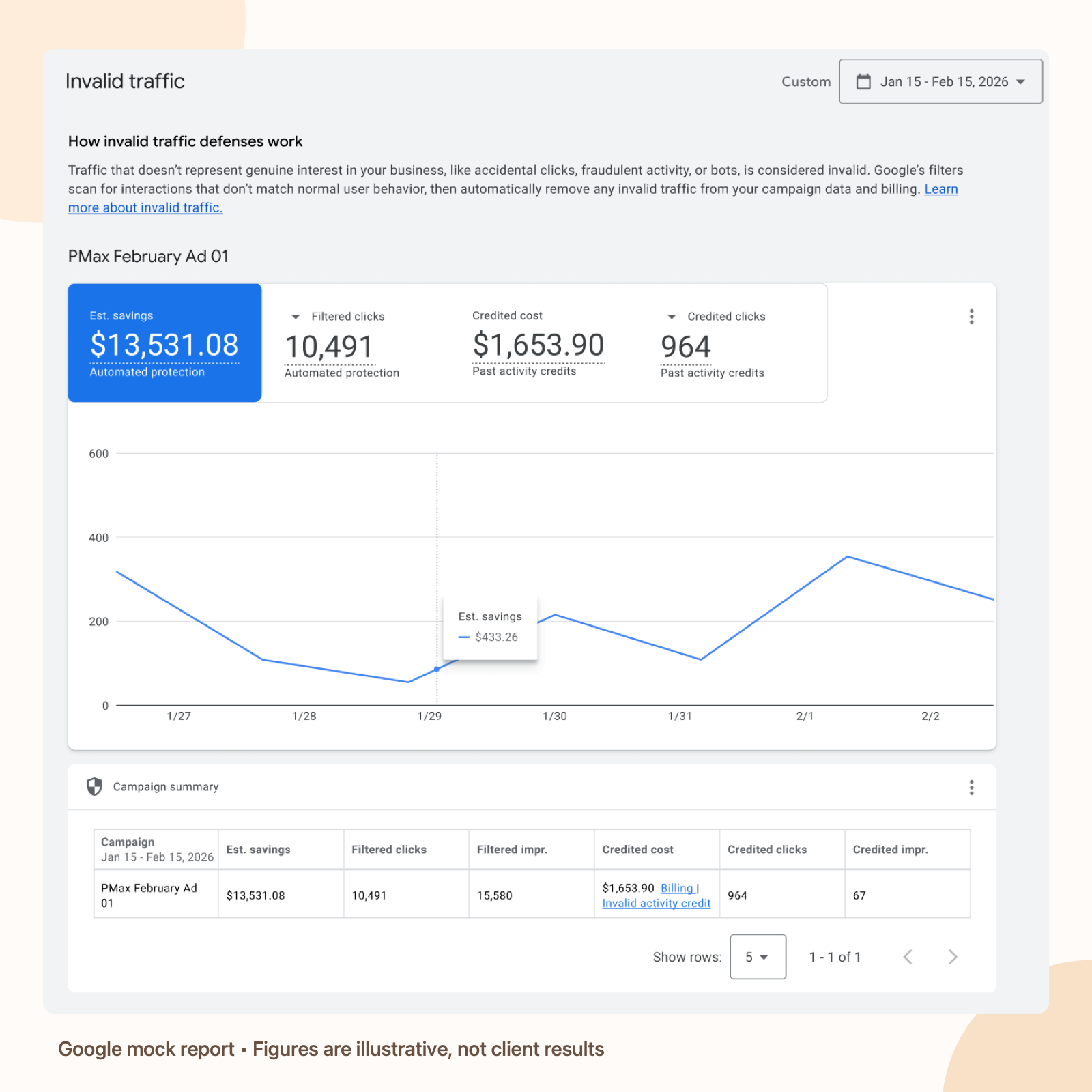
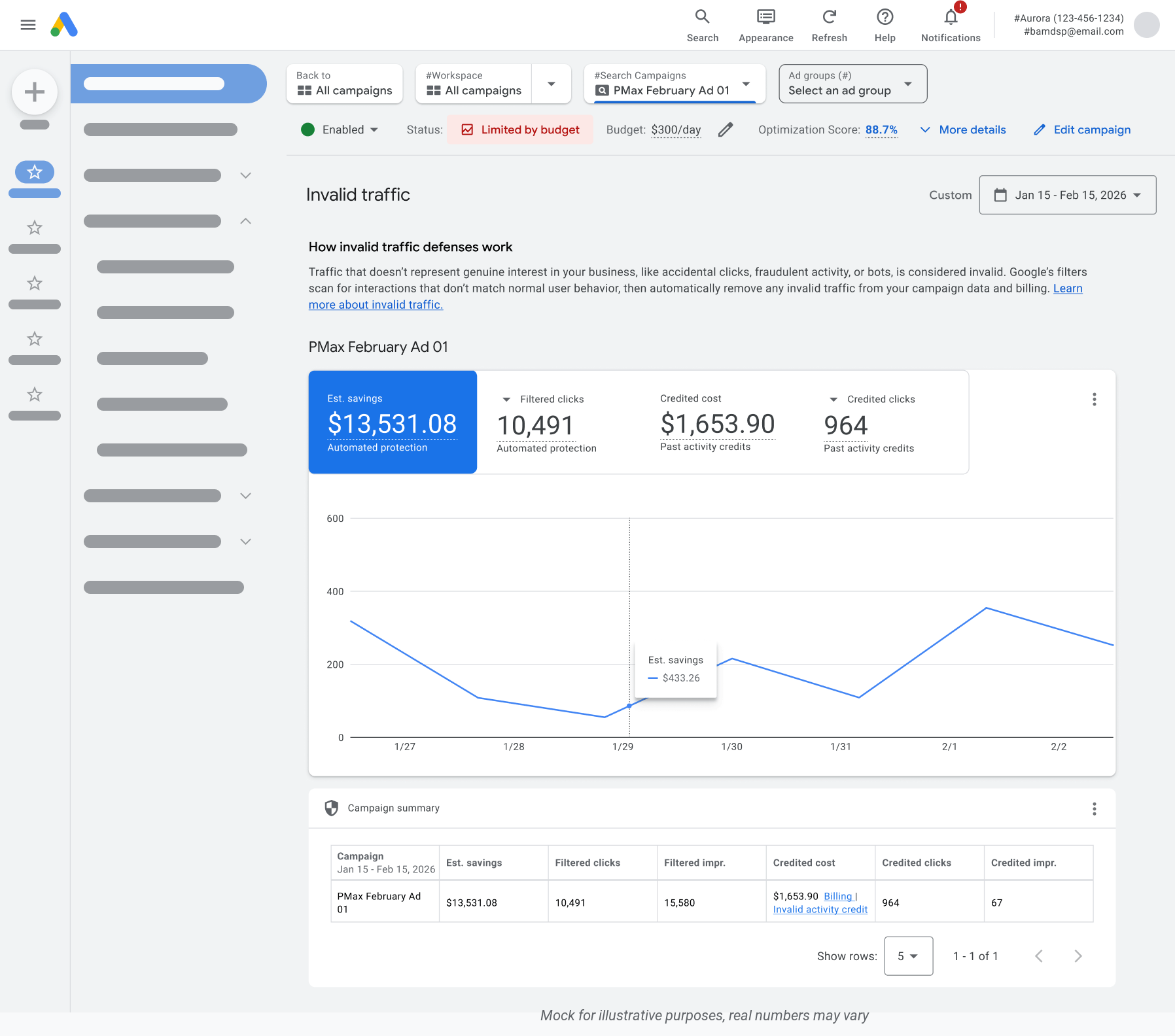
In Google Ads, open Campaigns, then Overview, and look for the Invalid traffic card. If it is available, choose the date range you want to review. The card shows estimated savings and credited cost; View details opens a breakdown by day and campaign, with links to relevant invoices.
Google's Ads Liaison says the card is rolling out globally. Google also says it is arriving gradually, so don't assume something is wrong if your account does not show it yet.
You can still review filtered clicks in the campaign table. Open Campaigns, use Columns, search for Invalid clicks, and apply the column. Compare the same date range across the campaigns you want to inspect. A rise in filtered clicks shows that Google's systems identified more invalid activity; it does not, by itself, establish that your bill is wrong. If we are reviewing your account, we'll look at the campaign and dates with you rather than treating the count alone as a diagnosis.
Read estimated savings and credited cost
The card's estimated savings is Google's estimate of the cost avoided when its protections caught invalid traffic before billing. Credited cost is money credited for past invalid activity detected after the billing period closed.
Imagine a hypothetical plumbing business sees $45 in estimated savings and $12 in credited cost for the selected dates. The $45 is not an extra refund to expect: it represents an estimate of charges avoided. The $12 is the credited amount to investigate in the account's billing records. These figures are only an illustration, not results from a JC Labs client.
Keep the selected dates and the billing period in view. Google says later credits can appear on invoices without retroactively changing the campaign metrics frozen at month end. Its Invalid Activity Credit Report provides adjusted metrics for reviewing credited activity in Search and Performance Max campaigns. A click and its later credit can fall in different months, so check the relevant invoice periods before calling a difference an error.
Check the invoice and decide what to do next
To find billing adjustments, Google directs advertisers to Billing, then Summary, and to the Adjustments dropdown in the relevant month. Look for Invalid activity. Record the month, affected campaigns and credit you can see before comparing it with the card or a report.
If you suspect invalid traffic was not filtered, gather the affected dates, campaign and ad-group names, and the evidence Google requests before submitting an investigation. Google says requests cover activity within the past 60 days. We can help you organise the account details and review Google's investigation instructions with you. Share logs or other sensitive information only through the appropriate Google support process. Google determines whether an investigation leads to a credit.
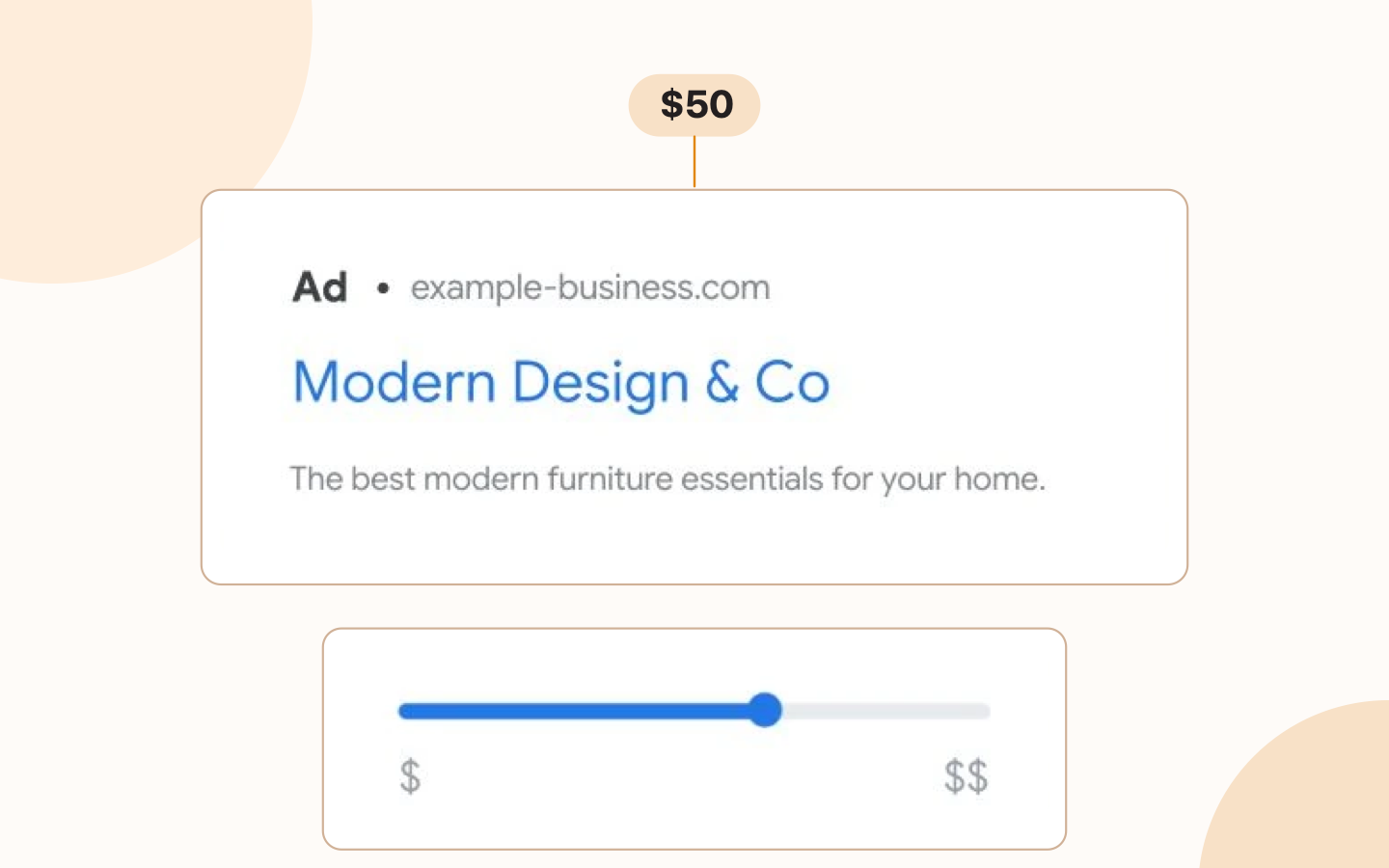
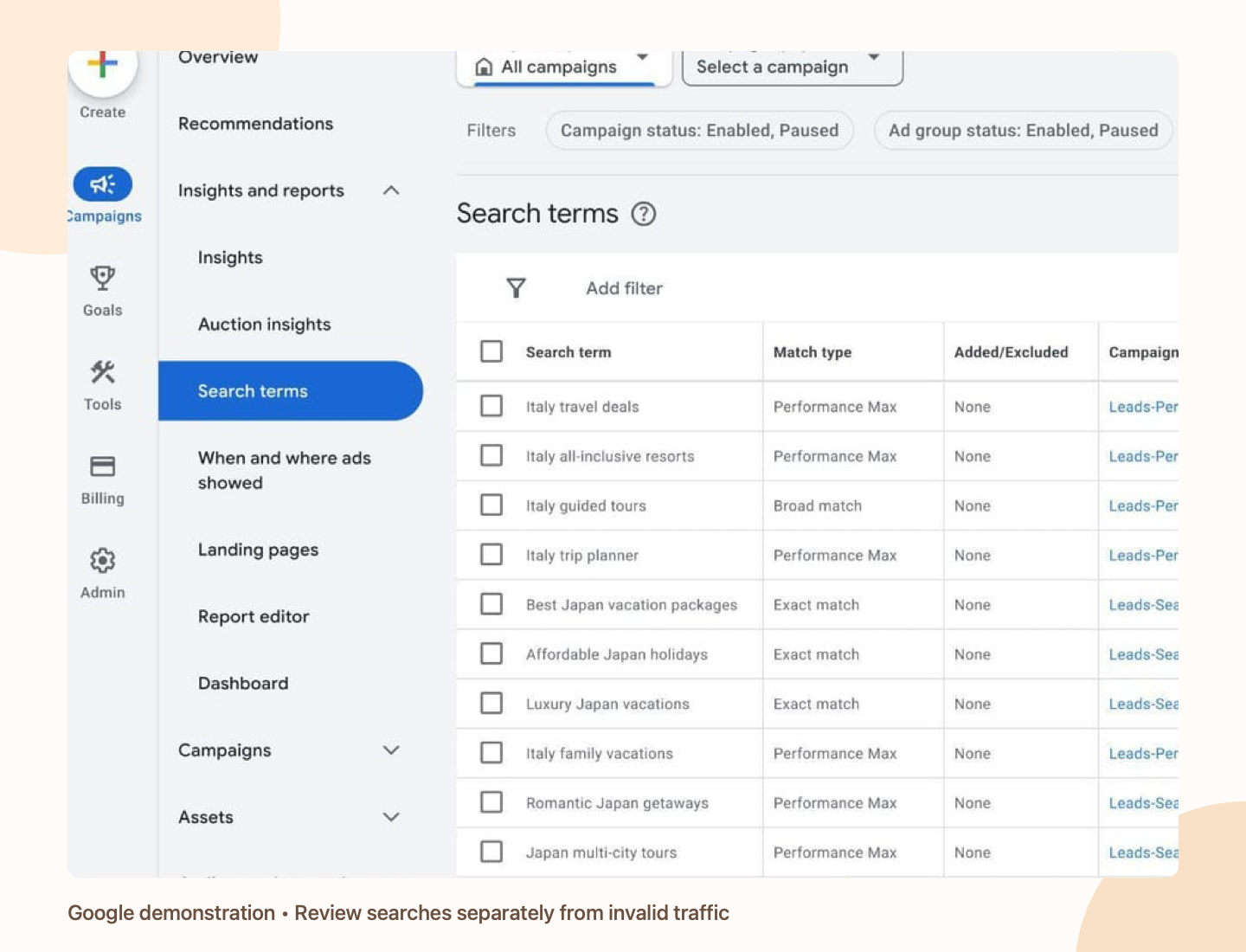
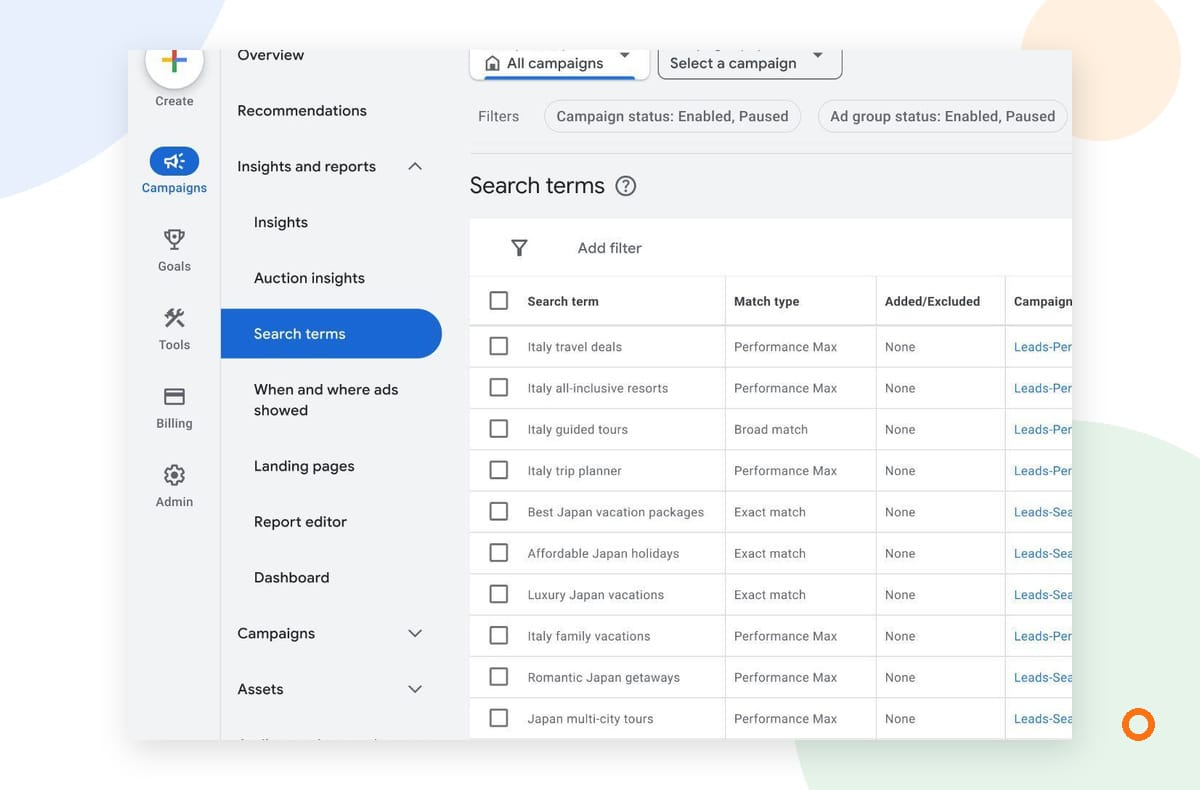
Also separate invalid clicks from enquiries that simply aren't a fit. A real person can click an ad and submit a poor lead. Review the search terms, locations and form submissions alongside your campaign settings, but don't label a customer or competitor fraudulent without evidence. Google notes that its ad-traffic filters cannot control everything visitors do after reaching your website.
This is another place we can help. If a plumbing company keeps receiving enquiries for work it doesn't offer, we can review the searches, service areas and campaign settings against the jobs it does want. We can also check how calls and forms are tracked and use the team's feedback on which enquiries become suitable jobs. Those checks address campaign fit and measurement; they don't prove that a particular click was invalid or guarantee that unwanted traffic will stop.
Make the check part of a useful monthly review
Set aside time after each billing cycle to:
- Review the same date range in the Invalid traffic card, if it is available.
- Check the Invalid clicks column for changes across your active campaigns.
- Compare any credited cost with the relevant billing adjustment and period.
- Record unusual patterns and the evidence behind them before requesting an investigation.
- Review enquiry quality separately with the person who follows up on leads.
You don't need to diagnose every change in a filtered-click count. The aim is to know what Google has already removed, what has actually been credited and which unresolved pattern deserves a closer look. Keep notes on the changes you make, then compare the quality of enquiries over time with the person answering them.
If you'd like help, talk with us about Google Ads management. Tell us what you advertise, where you work and what looks unusual. We can discuss an account review separately from the free local rank audit, then agree on the next steps for your campaign.